Introduction
Ever tried typing a text with sausage fingers or drawing a masterpiece only to end up with a blurry mess? Meet the stylus—a pocket-sized wizard that turns your touchscreen into a precision tool! Let’s explore how this tiny pen works, why it’s a game-changer, and how to pick the perfect one for your device.
What is a Stylus?
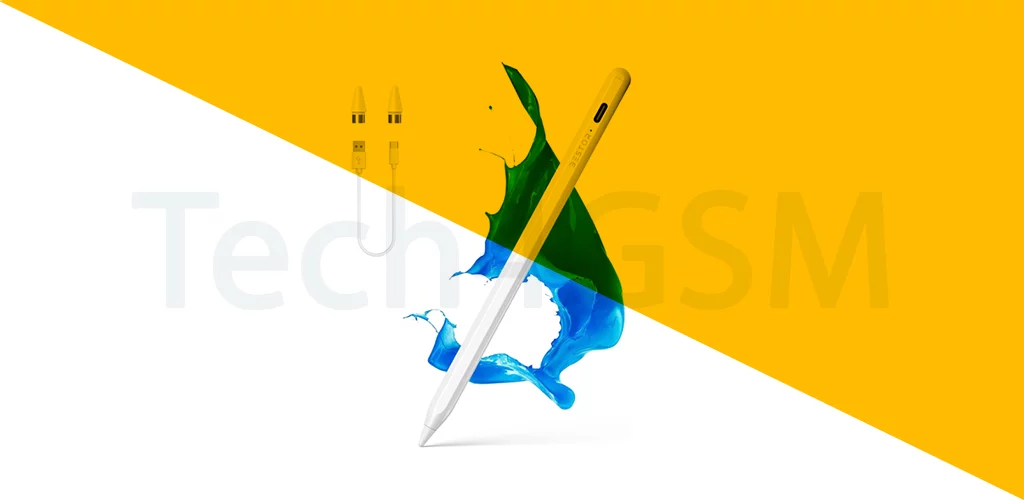
A stylus is a pen-shaped tool designed to interact with touchscreens. Made of plastic, metal, or conductive materials, it has a soft tip to glide smoothly without scratching your screen. Think of it as a digital pencil that turns taps into art, notes, or precise clicks!
Why Use a Stylus?
| Feature | Stylus | Finger |
|---|---|---|
| Precision | Pinpoint accuracy for tiny buttons | Chunky taps, accidental clicks |
| Handwriting | Neat, natural notes | Messy scribbles |
| Artistry | Detailed drawings, shading | Finger-paint vibes |
| Cleanliness | No fingerprints or smudges | Greasy screen guaranteed |
Winner: Stylus, every time!
How a Stylus Works
- Basic Stylus: Uses a soft, conductive tip to mimic finger touches (works on any touchscreen).
- Active Stylus: Fancy versions (like Apple Pencil) connect via Bluetooth for pressure sensitivity and palm rejection.
- Specialized Tips: Rubber, mesh, or disc tips for different feels (like pen vs. brush).
Who Needs a Stylus?
- Artists & Designers: Sketch, shade, and create digital masterpieces.
- Students: Take lecture notes or annotate PDFs without printing.
- Professionals: Sign documents, mark up presentations, or navigate spreadsheets.
- Anyone Who Hates Smudges: Keep your screen sparkling!
Types of Styluses
- Passive Stylus:
- Pros: Cheap, works on any screen.
- Cons: No extra features.
- Best For: Casual users.
- Active Stylus:
- Pros: Pressure sensitivity, shortcuts, palm rejection.
- Cons: Pricier, device-specific (e.g., Apple Pencil for iPad).
- Best For: Artists, note-takers.
Stylus Hacks for Better Use
- Adjust Grip: Hold it like a pen for natural writing.
- Use Screen Protectors: Matte ones reduce glare and add paper-like texture.
- Customize Buttons: Map shortcuts (undo, erase) on active styluses.
- Charge Smartly: Keep Bluetooth styluses charged for spontaneity.
Stylus Limitations
- Cost: Active styluses can cost more than your phone case.
- Loss Risk: Tiny pens love to hide in couch cushions.
- Learning Curve: Pressure sensitivity takes practice.
The Future of Styluses
- Eco-Friendly Materials: Recycled or biodegradable options.
- AI Integration: Auto-correct shaky lines or convert scribbles to text.
- Haptic Feedback: Feel “clicks” or textures as you draw.
Wrapping Up
A stylus isn’t just a tool—it’s your ticket to unlocking your touchscreen’s full potential. Whether you’re doodling, working, or just avoiding fingerprint chaos, this digital pen is a must-have. Ready to upgrade? Find your perfect match and start creating with precision!