Why Choose MBWhatsApp 2025?
MBWhatsApp (MBiOS) transforms your Android into an iPhone experience. Unlike standard WhatsApp, this mod offers advanced customization, privacy tools, and iOS-style aesthetics. Always install the latest 2025 version for security and new features.
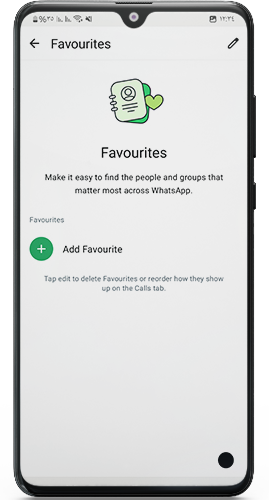
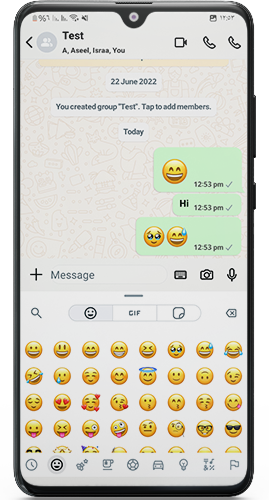
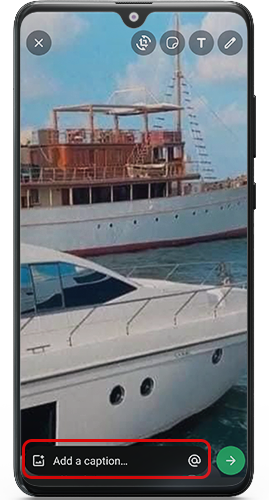
Key Features Explained Simply
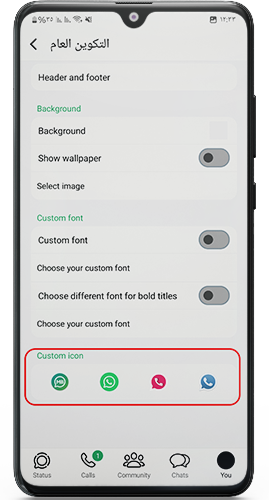
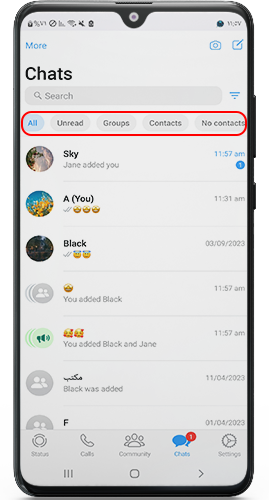
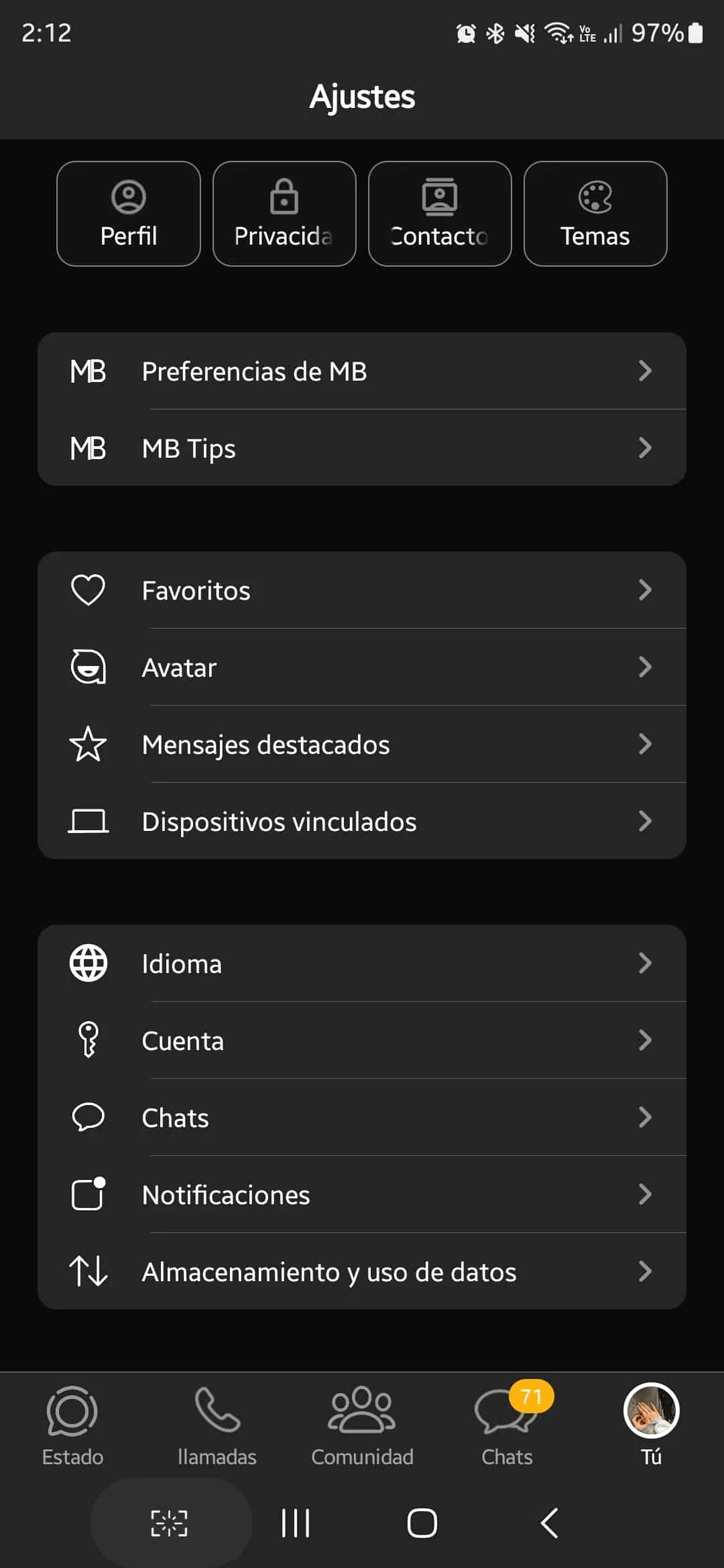
iOS Themes
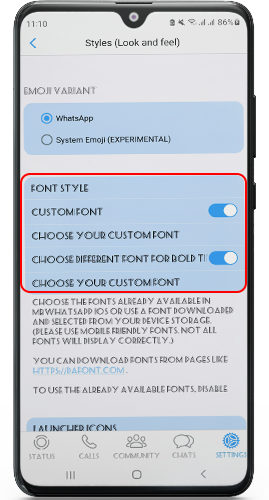
Enjoy iPhone-like visuals instantly! Switch between Dark or Light themes or apply third-party themes. Your chats look sleek and modern.Dual Accounts
Use two WhatsApp accounts on one device. Install MBiOS (package:com.mbwa) alongside official WhatsApp or Fouad iOS. No more carrying two phones!Sticker Manager
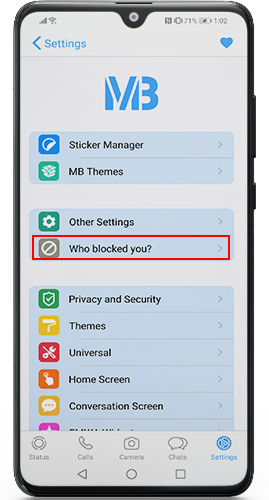
Third-party sticker apps often fail with mods. MBWhatsApp’s built-in manager lets you download stickers directly from settings. No extra installs needed!Who Blocked You?
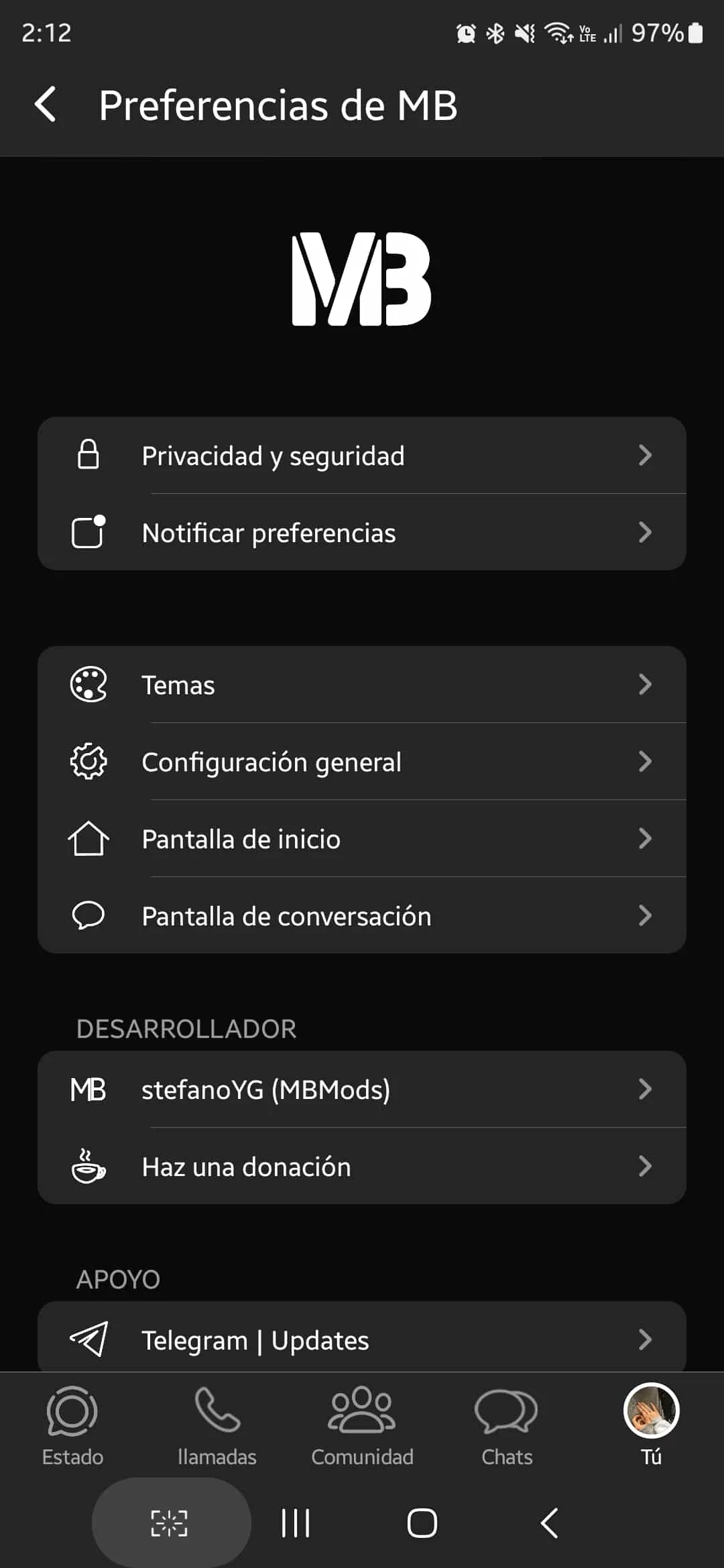
Discover hidden blockers. Go to Settings > MB Preferences to see contacts who blocked you. No more guessing games.Notify Preferences
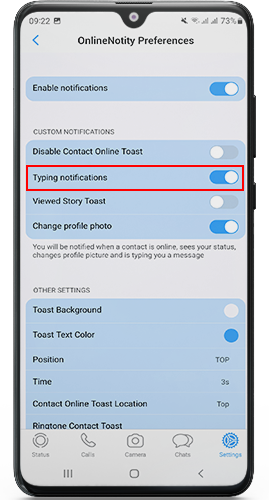
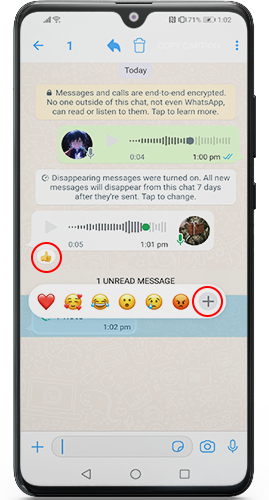
Get alerts when contacts are online, typing, reading your messages, viewing your status, or changing profile pictures. Customize which alerts you receive.Hide Contact/Group Info
Safely share screenshots without revealing private details. Long-press a chat icon to hide names and info instantly.Message Scheduler
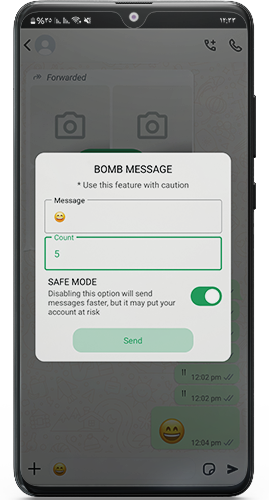
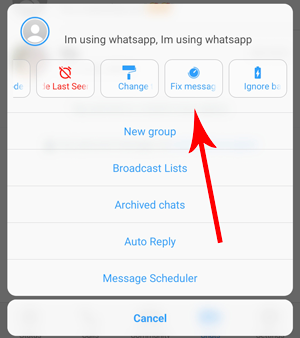
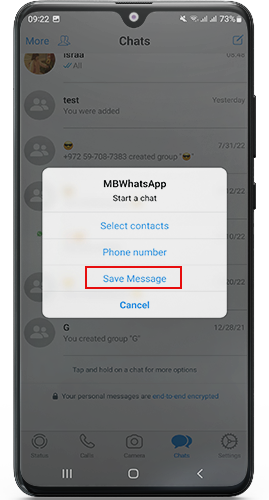
Automate birthday wishes or reminders! Set messages to send at specific times/dates. Broadcast one message to multiple contacts effortlessly.Aeroplane Mode
Stay invisible while online. This cuts MBWhatsApp’s internet connection so friends won’t see you’re active. Perfect for avoiding distractions.Hide Chats
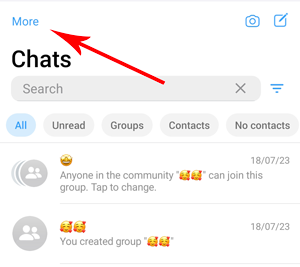
Lock private chats with PIN/pattern/fingerprint. Long-press a chat > 3-dots menu > “Hide Chat.” Access them via the Chats tab. No notifications show unless enabled in settings.Hide Last Seen
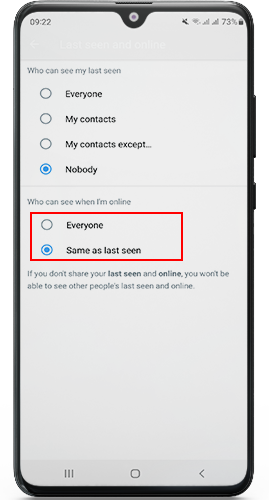
Keep your activity private. No one sees when you were last online. Your privacy stays intact.Backup
Manually back up chats daily since Google Drive isn’t supported. Automatic local backups ensure you never lose data.Hide Media from Gallery
Photos, videos, and audio from MBWhatsApp won’t appear in your Android gallery. Keep personal media completely hidden.Auto Reply
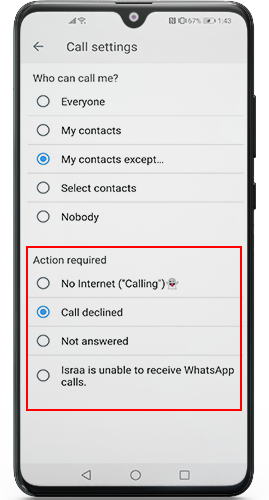
Send automatic responses to missed messages. Customize replies for specific contacts or unknown numbers. Great for busy users!Anti-Ban Protection
The 2025 update uses advanced anti-ban tech from Fouad Mods. Regular updates minimize ban risks. Always stay updated!Timely Updates
New features arrive weekly after Fouad Mods releases them. Updating ensures peak performance and security.
How to Install MBWhatsApp 2025 Safely
- Backup Chats: Save your data via Settings > Chats > Chat Backup.
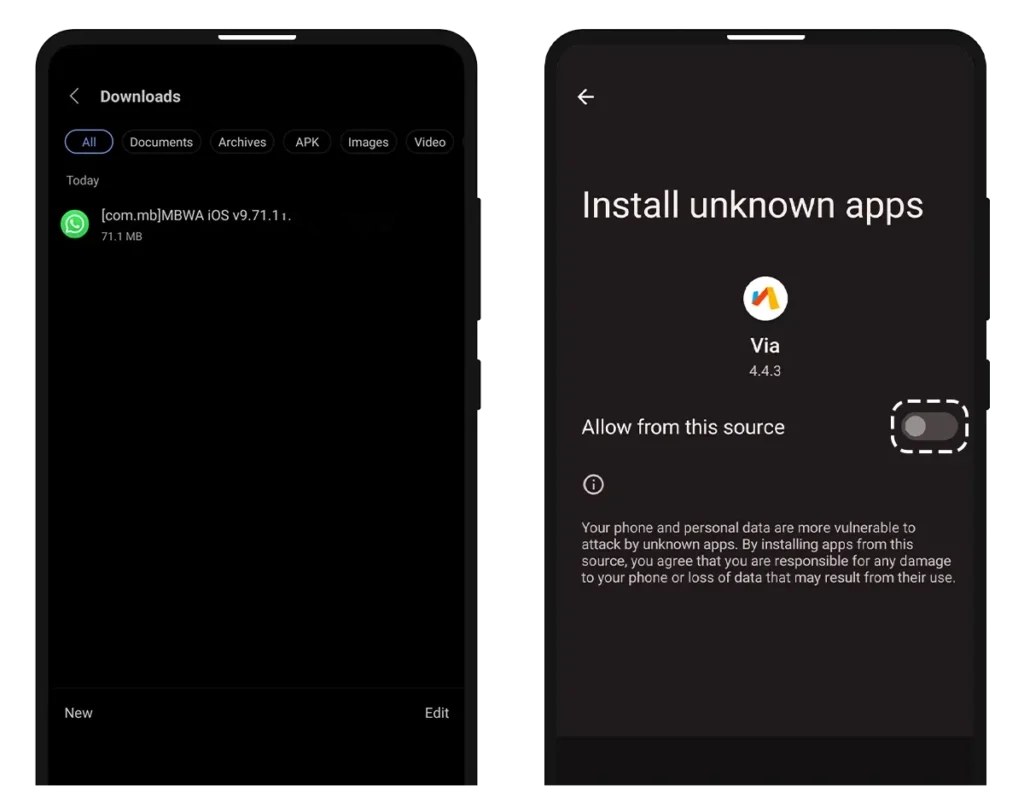
- Download: Get the APK from Tech4GSM (avoid third-party sites).
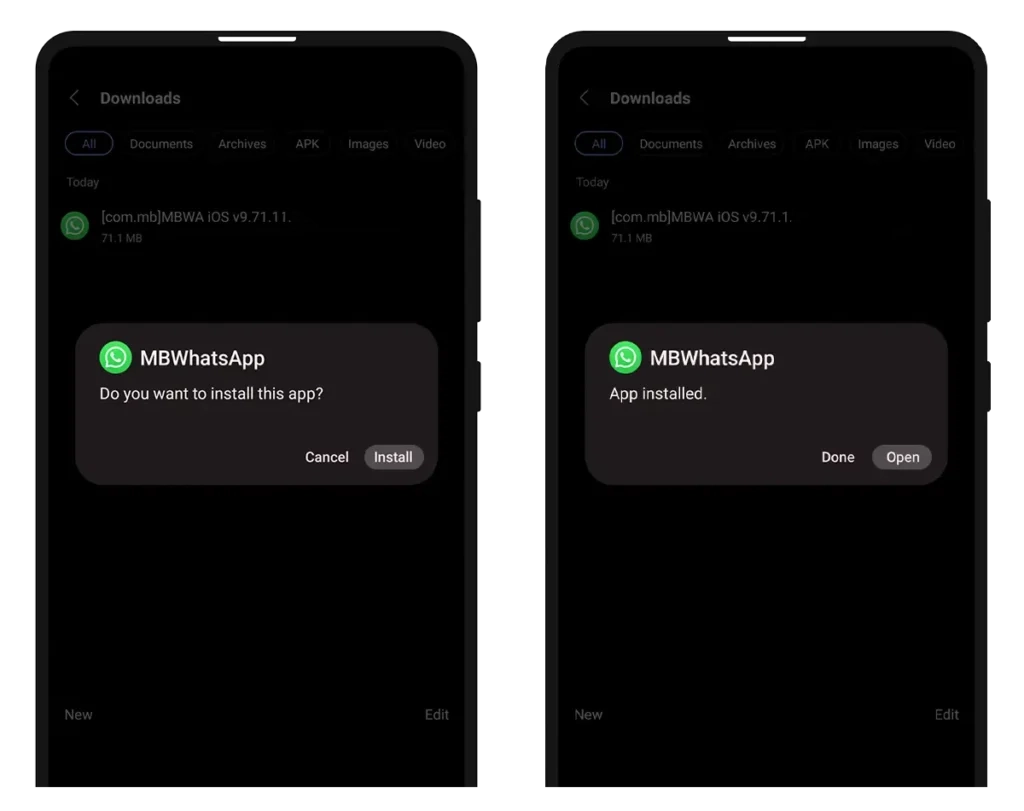
- Enable Installations: Go to Phone Settings > Security > Enable “Unknown Sources.”
- Install: Open the APK file and follow prompts.
- Verify Number: Enter your phone number. Restore backups if needed.
⚠️ Caution: Only download from Tech4GSM to avoid malware. Uninstall older mods first!
Why Update in 2025?
This year’s version focuses on:
- Enhanced anti-ban algorithms
- Smoother iOS theme integration
- Faster message scheduling
- Reduced battery consumption
Pro Tip: Update every 3-6 months to avoid security gaps.
Troubleshooting Tips
- Crashing? Clear app cache in phone settings.
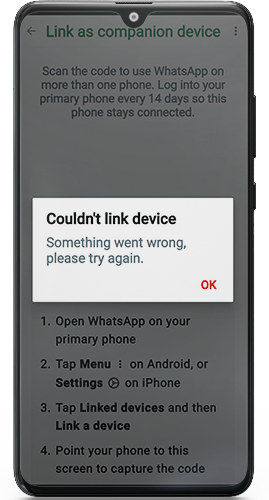
- Verification issues? Use SMS instead of call verification.
- Backup failed? Ensure you have 500MB+ free storage.
MBWhatsApp vs Official WhatsApp 2025
| Feature Category | MBWhatsApp (iOS) | Official WhatsApp 2025 |
|---|---|---|
| iOS Interface & Themes | ✅ iOS-like themes with dark/light modes + third-party support | ❌ Standard interface only |
| Dual Accounts | ✅ Works alongside official app (separate package) | ❌ Single account per device |
| Advanced Privacy | ✅ Block list visibility ✅ Hide online status/typing indicators ✅ View deleted messages/statuses ✅ Bypass “view once” media ✅ Hide media from gallery | ❌ No block list ❌ Limited status controls ❌ Deleted content inaccessible ❌ “View once” enforced ❌ Media always visible |
| Messaging Tools | ✅ Message scheduler ✅ Auto-reply function ✅ Hide forwarded tags | ❌ No scheduling ❌ No auto-replies ❌ Forward tags always visible |
| App Security | ✅ Built-in app lock (PIN/pattern/fingerprint) ✅ Hidden chat vault | ⚠️ Basic chat lock only ❌ No hidden chat feature |
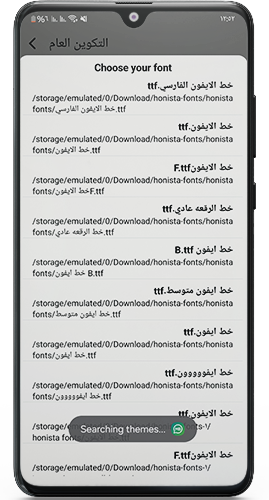
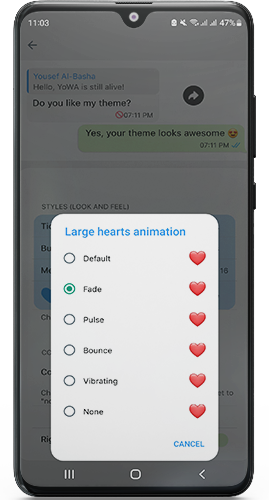
| Customization | ✅ Home/conversation screen customization ✅ Bubble color/tick customization ✅ Sticker manager | ❌ Minimal customization ❌ No bubble editing ❌ Limited sticker options |
| Connectivity Control | ✅ In-app airplane mode (disables only WhatsApp) | ❌ Requires system-wide airplane mode |
| Backup & Updates | ✅ Local backups only ⚠️ Updates via third-party | ✅ Cloud backup (Google Drive/iCloud) ✅ Official auto-updates |
| Ban Protection | ⚠️ “Anti-ban” claims (unofficial mod) | ✅ No ban risk (official app) |
Key Explanations:
- Privacy Advantage: MBWhatsApp provides superior stealth features like hiding online activity, viewing deleted content, and media concealment.
- Customization Edge: Full UI personalization unavailable in the official app.
- Security Trade-off: While MBWhatsApp offers app locking, it lacks official cloud backups and carries mod security risks.
- Core Limitations: Official WhatsApp supports seamless cloud sync but restricts advanced controls like message scheduling.
- Stability Note: MBWhatsApp’s “anti-ban” isn’t foolproof – unofficial mods risk account suspension.
Final Thoughts
MBWhatsApp 2025 merges iOS elegance with Android flexibility. Its privacy tools, dual accounts, and anti-ban shield make it a top mod choice. Download responsibly from Tech4GSM, update regularly, and enjoy a smarter messaging experience!
📌 Remember: Mods aren’t Play Store-approved. Use a secondary number for added safety.