Introduction
Think calculators are just for boring math homework? Think again! That humble app on your phone or the gadget in your drawer is a shape-shifting tool that’s evolved far beyond “2+2.” Let’s decode the magic behind calculators—from splitting dinner bills to solving rocket science!
Calculator Basics: The ABCs of Number Crunching
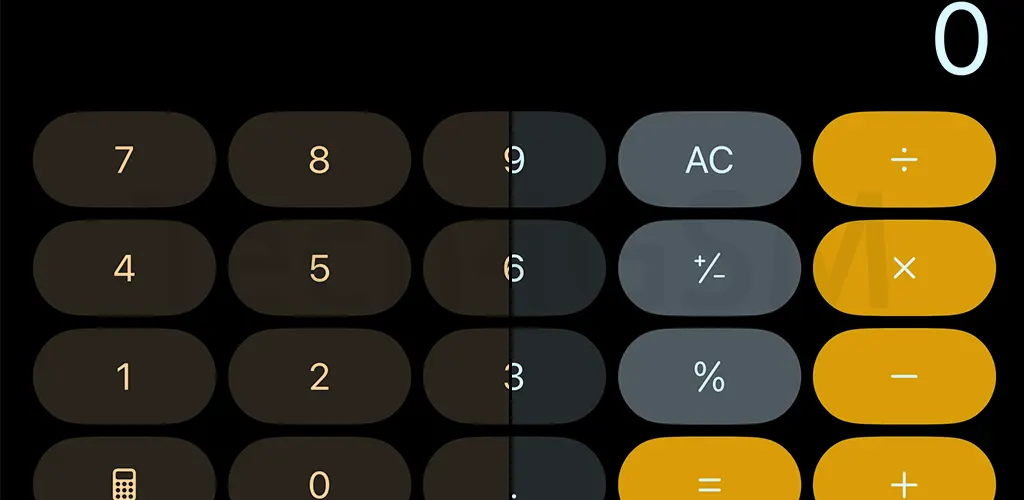
Every calculator, whether it’s a $1 pocket model or your smartphone app, handles the big four:
- + (Addition)
- – (Subtraction)
- × (Multiplication)
- ÷ (Division)
These are the bread and butter of everyday math—perfect for splitting pizza costs or calculating discounts during sales. But wait, there’s more under the hood!
Advanced Calculators: Math’s Swiss Army Knife
Need to calculate the angle of a roof or the square root of 1,024? High-school and professional calculators pack tools like:
- √ (Square roots)
- sin/cos/tan (Trigonometric functions for angles)
- Logarithms (For growth rates or pH levels)
Students, engineers, and DIYers love these features. They turn complex equations into quick clicks.
Hidden Gems: Your Calculator’s Secret Powers
Modern calculators aren’t just for numbers. Many double as life-hack machines:
- Currency Converter: Traveling? Instantly swap USD to Euros or Yen.
- Mortgage Calculator: Dreaming of a home? Estimate monthly payments with interest rates.
- Tip Splitter: Dinner with friends? Divide the bill fairly in seconds.
Your phone’s calculator app might already do this—swipe sideways or tap a menu to discover!
Why Do Calculators Have So Many Functions?
- Students: Trigonometry for geometry class.
- Professionals: Engineers use logs; builders calculate angles.
- Everyday Heroes: Budgeting, cooking measurements, or converting miles to kilometers.
Fun Fact: The first electronic calculator (1961) weighed 55 pounds and could only add, subtract, multiply, and divide. Your phone’s 100x smarter!
“Why Does My Calculator Look Different on Phones?”
Budget vs. premium devices often vary:
- Basic Phones: Simple calculators with just the big four.
- Smartphones: Apps like Calculator++ or built-in tools offer graphs, unit converters, and even QR code scanners.
Pro Tip: If your calculator feels limited, download a free advanced app or visit tech4gsm.com for hacks to unlock hidden features!
Future of Calculators: AI, Voice Commands, and Beyond
Imagine saying, “Hey Calculator, what’s 15% of $80?” and getting an instant answer. Or snapping a photo of a math problem for an automatic solve. With AI integration, calculators are becoming smarter assistants—not just number pads.
Final Takeaway
Next time you grab your calculator, remember: it’s not just a tool, it’s a gateway to solving life’s big and small puzzles. Whether you’re balancing a budget, building a shed, or baking a cake, this unassuming hero has your back.
Want to master your device’s hidden tools? Dive into guides, reviews, and DIY tips at tech4gsm.com. Because even calculators deserve a little spotlight! 🧮✨