Introduction
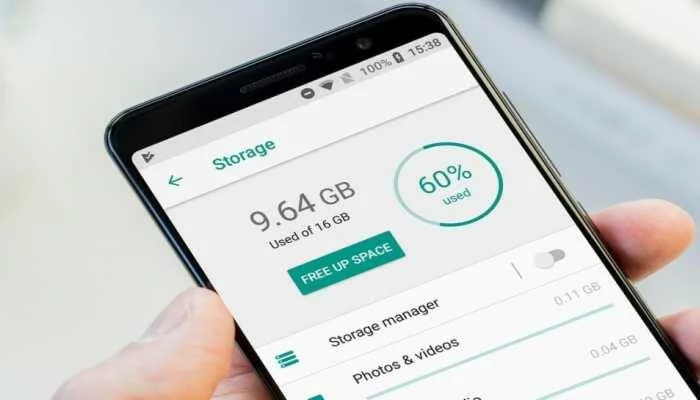
Running out of space on your phone because of videos? Don’t worry! Whether you’re a photo hoarder or a video enthusiast, we’ve got simple, budget-friendly solutions to keep your memories safe and your phone running smoothly. Let’s dive in!
**1. iCloud: Apple’s Built-In Savior
Perfect for iPhone lovers!
- Free 5GB Storage: Back up your videos automatically.
- Affordable Plans: Start at 1/monthfor50GB∗∗orgobigwith∗∗12TBfor60/month.
- Seamless Sync: Access videos across all Apple devices.
But: Not ideal if you plan to switch to Android or need offline access.
Pro Tip: Use iCloud for short-term backups and transfer older videos to a computer or hard drive.

**2. Google Photos: Cross-Platform Magic
Works on iPhone, Android, and even your laptop!
- 15GB Free Storage: Great for casual users.
- Smart Search: Find videos by date, location, or even objects (like “beach” or “dog”).
- Flexible Plans: Start at 2.79/monthfor100GB∗∗or∗∗27/month for 2TB.
Why It’s Awesome: Automatically organizes your videos and works on any device.
**3. Amazon Photos: Prime Perk
A hidden gem for Prime members!
- Unlimited Photo Storage: Plus 5GB for videos (free for Prime users).
- Affordable Upgrades: Start at $2.79/month for 100GB.
- Easy Sharing: Send videos to friends and family with a click.
Bonus: Automatically backs up your videos, so you never lose them.
**4. pCloud: Pay Once, Store Forever
No subscriptions? No problem!
- Lifetime Plans: Pay $300 once for 500GB—no monthly fees!
- Offline Access: Watch videos without an internet connection.
- Military-Grade Encryption: Keep your files ultra-secure for a one-time fee of $230.
Ideal For: Travelers or anyone who hates recurring bills.
**5. Transfer Videos to Your Computer
Old-school but reliable!
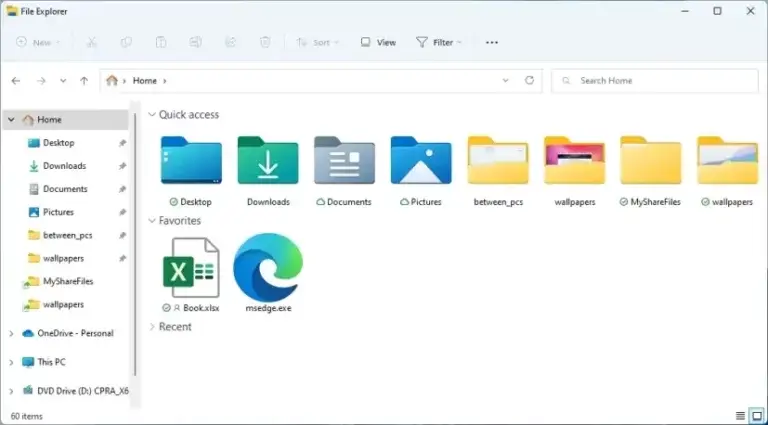
- Connect your phone to your computer via USB cable.
- Drag and drop videos into a folder.
- Organize by date or event for easy access.
Pro Tip: Use external hard drives (starting at $50 for 1TB) for extra space and backup.
**6. USB Flash Drives: Portable & Quick
Perfect for on-the-go storage!
- iPhone/Android Compatible: Some flash drives work directly with phones (no computer needed).
- Fast Transfers: USB 3.0 drives move files in seconds.
- Budget-Friendly: Start at $10 for 64GB.
Why It’s Great: Small, portable, and super easy to use.
**7. NAS Devices: Your Personal Cloud
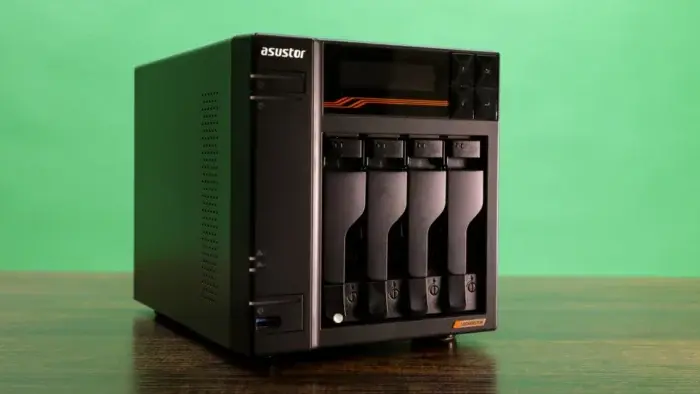
For tech-savvy users with tons of videos!
- High Capacity: Store 10TB+ of videos.
- Access Anywhere: Stream videos from your NAS to any device.
- Secure & Reliable: Better than cloud storage for privacy.
Downside: Expensive upfront (starting at $200+), but worth it for heavy users.
**8. Delete Unnecessary Files
Free up space without spending a dime!
- Clear Cache: Go to Settings > Storage > Clear Cache.
- Delete Duplicates: Use apps like Duplicate File Fixer to find and remove extra videos.
- Offload Unused Apps: Free up space without losing app data.
Pro Tip: Regularly review and delete old screenshots, downloads, and unused apps.
**9. Use Multiple Backup Options
Don’t put all your eggs in one basket!
- Cloud + Physical Storage: Combine Google Photos with an external hard drive for double security.
- Automate Backups: Set up automatic uploads to cloud services.
Why It’s Smart: Redundancy ensures you never lose your videos, even if one backup fails.
Final Thoughts
Running out of phone storage doesn’t mean you have to delete your favorite videos. With options like iCloud, Google Photos, external drives, and NAS devices, you can save your memories without clogging your phone.