Introduction
You’ve probably used a D-Pad countless times without even realizing it! Short for Directional Pad, this simple yet powerful tool is a staple in gadgets like gaming controllers, TV remotes, and even older mobile phones. Let’s break down what makes the D-Pad so useful and how it works in everyday tech.
The Basics: What Does a D-Pad Look Like?
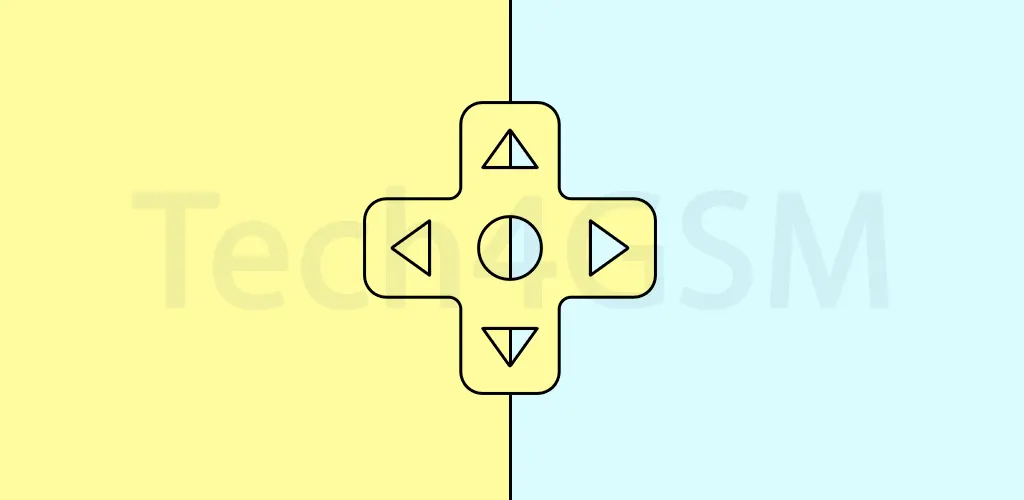
A D-Pad is usually a small circular or square-shaped button with four arrows pointing up, down, left, and right. Think of it as the “arrow keys” on your computer keyboard but built into handheld devices. It helps you navigate menus, move characters in games, or scroll through options effortlessly. For example, when you press the “up” arrow on your TV remote, you’re using a D-Pad to switch channels!
4-Way vs. 8-Way D-Pad: What’s the Difference?
Most traditional D-Pads are 4-way, meaning they only recognize the four main directions. But newer gadgets often feature an 8-way D-Pad, which adds diagonal movement (like up-left or down-right). This upgrade is a game-changer for action-packed video games or apps where smooth, multi-directional control matters. Imagine playing a racing game—diagonal inputs let you steer more precisely!
The Secret Button: What’s That Center Click For?
Many D-Pads include a center button labeled “Select,” “OK,” or “Enter.” This button acts as a shortcut to confirm choices. For instance, when you highlight a movie on your streaming device and press the center button, it starts playing! It’s like the “Enter” key on your keyboard but designed for quick, one-handed use.
Why D-Pads Still Matter in Modern Tech
Even with touchscreens dominating today’s devices, D-Pads remain relevant for their simplicity and reliability. They’re perfect for:
- Gaming controllers (retro or modern!)
- TV remotes (no more struggling with tiny buttons!)
- Industrial equipment (where precise control is key)
Fun fact: Some smartphones still use virtual D-Pads for gaming apps—proving this design is timeless!
Got a Broken D-Pad? Here’s How to Fix It
If your D-Pad feels sticky, unresponsive, or loose, don’t panic! Often, it’s just dust or wear-and-tear. For DIY fixes or professional repairs, check out tech4gsm.com. They offer step-by-step guides and replacement parts to get your gadgets back in action.
Final Thoughts
The humble D-Pad might seem old-school, but its smart design keeps it alive in our tech-driven world. Whether you’re gaming, binge-watching, or operating machinery, this tiny pad puts control at your fingertips—literally!