How to Increase Hard Drive Lifespan
Hard drives play a crucial role in computers by storing essential data. Their lifespan can be influenced by factors such as manufacturing quality, user habits, and environmental conditions. However, with proper care, you can significantly extend the lifespan of your hard drive. Let’s explore some effective ways to achieve this.
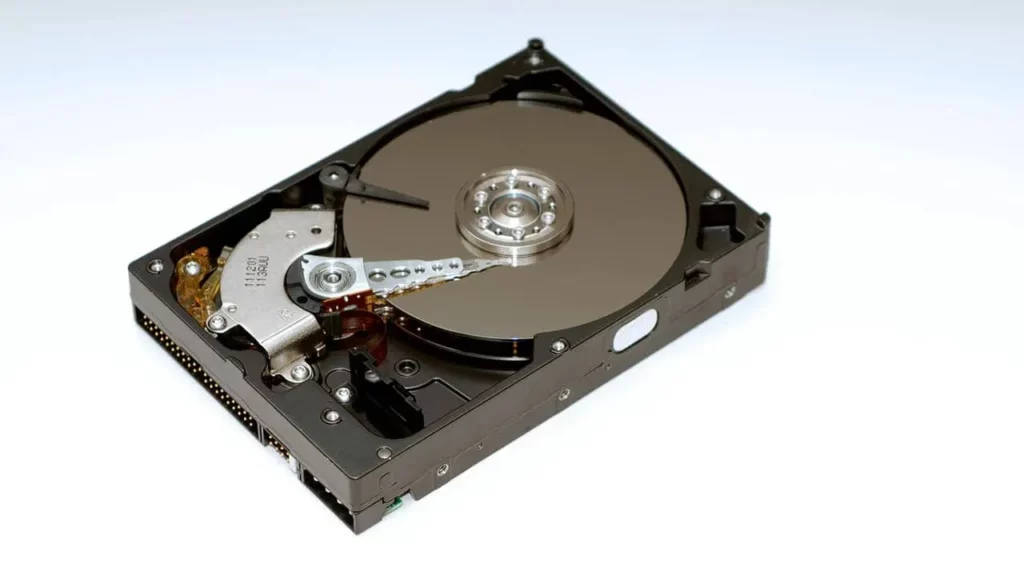
1. Select a Reliable Hard Drive
Choosing a hard drive from a trusted brand ensures better durability and performance. Brands like Seagate, Toshiba, and Western Digital are well-known for their quality. When selecting a hard drive:
- Focus on your needs – Speed, budget, or storage capacity.
- Check the warranty – While it doesn’t directly affect lifespan, a warranty offers peace of mind in case of early failure.
2. Handle Your Hard Drive with Care
Physical damage is one of the primary causes of hard drive failure. Avoid dropping or mishandling your hard drive, as this can cause severe internal damage like misalignment or scratches on the platters.
- Handle external drives carefully.
- Protect internal drives by avoiding drops or shocks to your laptop.
- Use reliable shipping services when buying online to reduce mishandling risks.
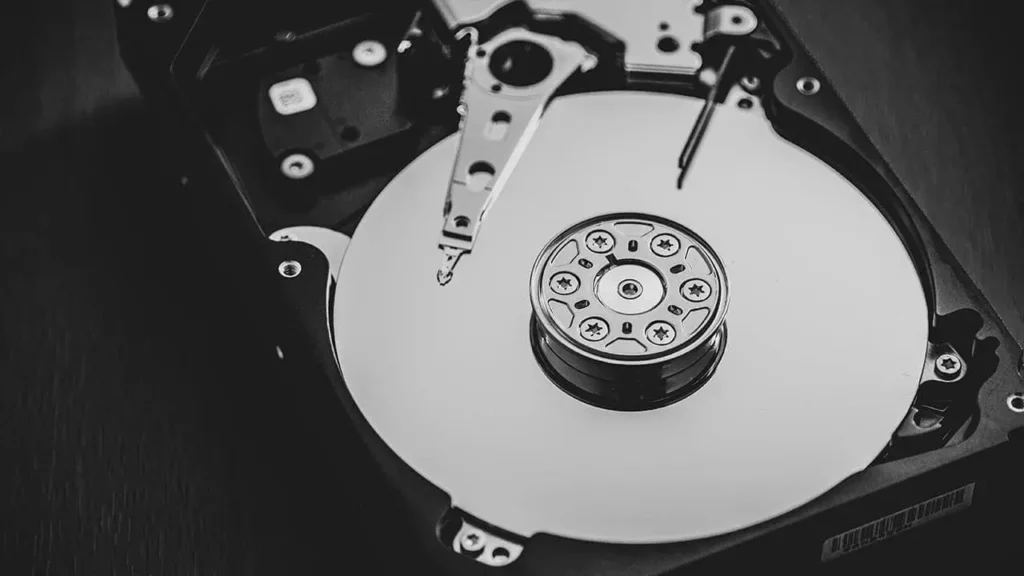
3. Protect the Drive from Static Electricity
Static electricity can damage the sensitive components of a hard drive. To prevent this:
- Use an anti-static wrist strap when handling your computer’s internals.
- Avoid placing the drive on materials that generate static, like synthetic fabrics.
- Store unused drives in anti-static bags.
4. Always Eject External Drives Before Unplugging
Never unplug an external hard drive without ejecting it first. This ensures the read/write head is parked safely and prevents data corruption.
- Ejecting prevents electrical spikes that can harm the drive’s circuitry.

5. Use a High-Quality Power Supply
A reliable power supply protects your hard drive from power fluctuations. Invest in a PSU with surge protection, over-voltage, and under-voltage safeguards. This ensures stable power delivery, reducing the risk of damage.
6. Prevent Overheating and Control Humidity
Overheating and high humidity can shorten your hard drive’s lifespan. To avoid these issues:
- Keep your system in a cool, well-ventilated space.
- Regularly clean dust from vents to maintain proper airflow.
- Monitor temperatures using software tools and upgrade your cooling system if needed.
- Use dehumidifiers or silica gel packets to control moisture levels, especially in humid areas.
7. Invest in a Surge Protector
A surge protector guards your computer and hard drive against electrical disturbances. Choose a high-quality surge protector with features like quick response times and indicator lights.
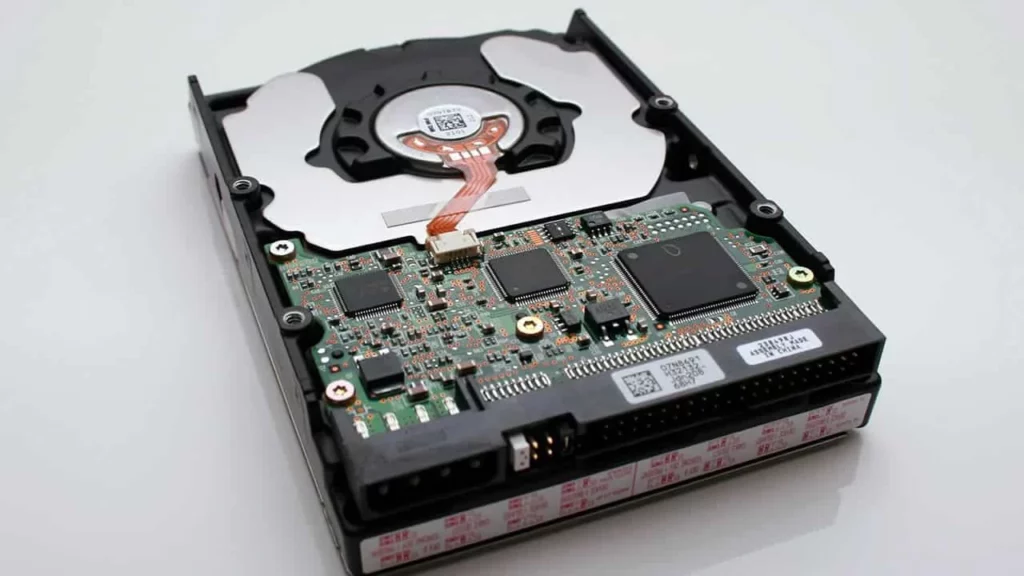
8. Additional Tips for Longevity
- Defragmentation: Optimize file placement on traditional HDDs to reduce wear.
- Limit Write Operations: Use SSDs for tasks requiring frequent data writing.
- Check for Errors Regularly: Tools like CHKDSK (Windows) and Disk Utility (macOS) can detect and fix issues.
- SMART Monitoring: Use Self-Monitoring, Analysis, and Reporting Technology to track health indicators.
- Backup Regularly: Ensure your data’s safety with cloud storage or external backups.