Introduction
DDL (Data Definition Language) is a subset of SQL (Structured Query Language) used to define, modify, and manage the structure of a database. Think of DDL as the architect’s blueprint for your database. It doesn’t handle the data itself but focuses on how the data is organized. For example, DDL commands let you create tables, add columns, or delete entire schemas.
Key Role of DDL:
- Creates database objects (tables, indexes, views).
- Modifies existing structures (renaming columns, resizing data types).
- Deletes objects or clears data without removing structures.
Types of DDL Commands
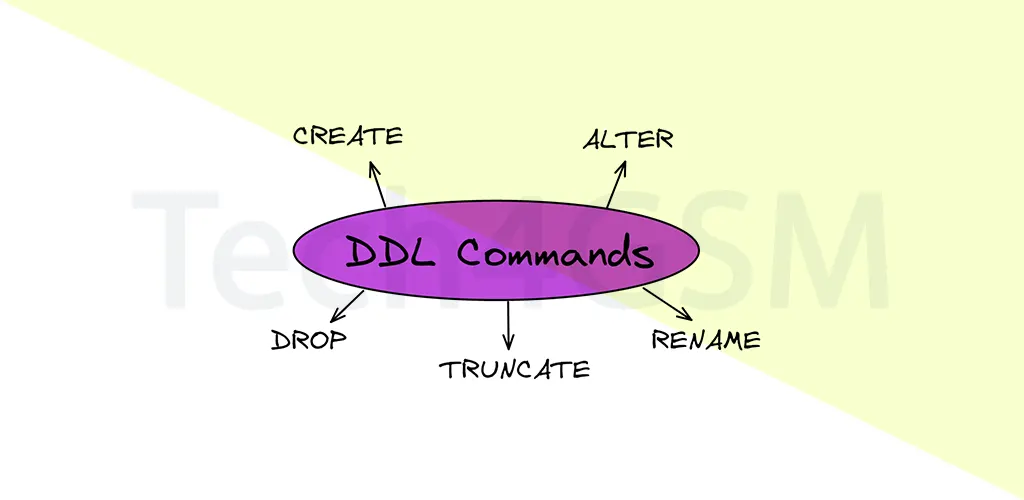
DDL includes five core commands:
1. CREATE
The CREATE command builds new database objects.
Syntax:
CREATE TABLE TableName (
    Column1 DataType,
    Column2 DataType,
    ...
);
Example:
CREATE TABLE Employees (
    EmployeeID INT PRIMARY KEY,
    FirstName VARCHAR(50),
    LastName VARCHAR(50),
    HireDate DATE
);
Output Table:
| EmployeeID | FirstName | LastName | HireDate |
|---|---|---|---|
| Data will appear here |
Uses of CREATE:
- Build tables, indexes, or views.
- Define constraints like PRIMARY KEY or UNIQUE.
- Pro Tip: Always specify data types (e.g., VARCHAR, INT) to avoid errors.
2. ALTER
The ALTER command modifies existing structures. It can add, rename, drop, or resize columns.
Sub-Commands:
ADD a Column:
ALTER TABLE Employees
ADD Email VARCHAR(100);
Result: A new “Email” column is added.
RENAME a Column:
ALTER TABLE Employees
RENAME COLUMN HireDate TO JoiningDate;
Result: The column “HireDate” becomes “JoiningDate”.
DROP a Column:
ALTER TABLE Employees
DROP COLUMN LastName;
Result: The “LastName” column is removed.
MODIFY a Column:
ALTER TABLE Employees
MODIFY FirstName VARCHAR(100);
Result: The “FirstName” column now supports 100 characters.
3. TRUNCATE
TRUNCATE deletes all records from a table but retains its structure.
Syntax:
TRUNCATE TABLE Employees;
Before TRUNCATE:
| EmployeeID | FirstName | JoiningDate |
|---|---|---|
| 101 | John | 2025-01-15 |
After TRUNCATE:
Table structure remains, but no data exists.
Use Case: Ideal for resetting a table without redefining it.
4. DROP
DROP deletes an entire table, including its structure.
Syntax:
DROP TABLE Employees;
Impact: The “Employees” table is permanently removed.
Caution: Always backup data before using DROP.
5. RENAME
RENAME changes the name of a table or column.
Syntax (Table):
ALTER TABLE Employees
RENAME TO Staff;
Syntax (Column):
ALTER TABLE Staff
RENAME COLUMN EmployeeID TO StaffID;
Advantages of DDL
- Structured Data Organization:
DDL commands like CREATE and ALTER ensure data is stored systematically. - Data Integrity:
Enforce rules using PRIMARY KEY, FOREIGN KEY, or NOT NULL constraints. - Performance Boost:
Create indexes (e.g.,CREATE INDEX) to speed up queries. - Scalability:
Easily modify databases to meet growing needs (e.g., adding columns). - Standardization:
DDL syntax is similar across MySQL, Oracle, and PostgreSQL.
Disadvantages of DDL
- Irreversible Actions:
Commands like DROP or TRUNCATE auto-commit, risking data loss. - Complexity in Large Databases:
Altering massive tables can cause downtime. - Compatibility Issues:
Some databases have unique syntax (e.g., MySQL vs. SQL Server). - Locking Issues:
DDL operations may lock tables, delaying other processes.
Applications of DDL in 2025
- Database Design: Create tables for new projects (e.g., e-commerce platforms).
- Schema Migration: Update structures during software upgrades.
- Data Security: Define user permissions for tables.
- Performance Tuning: Partition tables for faster queries.
Example: Use ALTER to add a “Discount” column in a product table for a 2025 sales campaign.
Conclusion
DDL is the backbone of database management, enabling developers to design, tweak, and optimize structures efficiently. By mastering CREATE, ALTER, DROP, TRUNCATE, and RENAME, you can ensure your database adapts to future needs while maintaining data integrity.
FAQ
Q1: What is DDL in SQL?
DDL (Data Definition Language) defines and manages database structures like tables and indexes.
Q2: How is TRUNCATE different from DROP?
- TRUNCATE: Removes data but keeps the table.
- DROP: Deletes the table and its structure.
Q3: Can DDL commands be rolled back?
No, DDL commands auto-commit and can’t be undone.
Q4: How to rename a table in SQL?
Use:
ALTER TABLE OldName RENAME TO NewName;
Q5: What constraints can DDL enforce?
PRIMARY KEY, FOREIGN KEY, UNIQUE, NOT NULL, and CHECK.