Introduction
You’re at a concert, trying to snap a pic of your favorite artist… but they’re tiny on your screen. Cue the zoom button! Wait—why does the photo look like a blurry mess afterward? Let’s demystify digital zoom, the sneaky feature your phone uses (and why it’s not magic).
Digital Zoom 101: The Illusion of “Getting Closer”
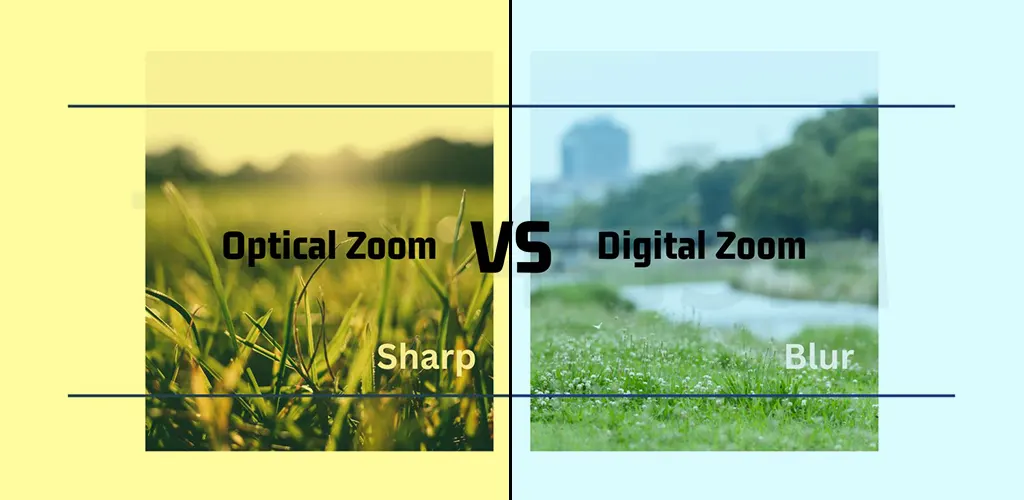
Unlike optical zoom (which uses lenses to physically magnify a subject), digital zoom relies on software tricks. It’s like cropping a selfie to focus on your face—except your phone does it in real time. The catch? No extra detail is added. You’re just enlarging what’s already there, like stretching a small sticker to fit a big notebook.
How Digital Zoom Works: Two Tricks, Same Flaw
Your phone uses one of these two methods:
- The Crop & Squish
- Imagine taking a photo, then using scissors to cut out everything except your subject. That’s cropping. The result? A smaller image that looks zoomed in but lacks detail. If your camera is 12MP, a cropped zoomed photo might only be 3MP—hello, pixelation!
- The Stretch & Guess
- Here, your phone crops the image and stretches it back to full size using algorithms. It’s like blowing up a balloon until it’s see-through. The software “guesses” missing details, but the image becomes fuzzy or blocky.
Real-World Example: Zooming in on a bird 20 feet away with digital zoom is like taking binoculars… and smearing Vaseline on the lenses.
Why Your Phone Still Uses Digital Zoom
Most smartphones skip optical zoom (bulky lenses = thicker phones). Instead, they market “50x digital zoom!”—but it’s just clever marketing. Pro tip: If your phone claims “hybrid zoom,” it’s combining a little optical zoom with a lot of digital guesswork.
When to Use Digital Zoom (And When to Avoid It)
- Okay for Social Media: If you’re posting a quick Instagram story, digital zoom might suffice (but don’t zoom too far!).
- Never for Prints or Editing: Blurry zoomed shots can’t be fixed. Instead, get closer physically or use clip-on lenses from tech4gsm.com.
How to Take Better Zoomed Photos
- Tap to Focus: Helps your phone prioritize details.
- Use Burst Mode: More shots = better chance of a clear one.
- Clean Your Lens: Smudges worsen zoom quality.
- Edit Later: Crop manually in editing apps for more control.
The Future of Zoom: AI to the Rescue?
New phones use AI to sharpen digitally zoomed photos. It’s like adding a filter that pretends to add detail. While better than old-school stretching, it’s still not true optical zoom.
Final Takeaway
Digital zoom is like a magician’s trick—it creates the illusion of closeness but hides the flaws. For crisper shots, embrace natural light, steady hands, and remember: sometimes, stepping closer is the best zoom button.