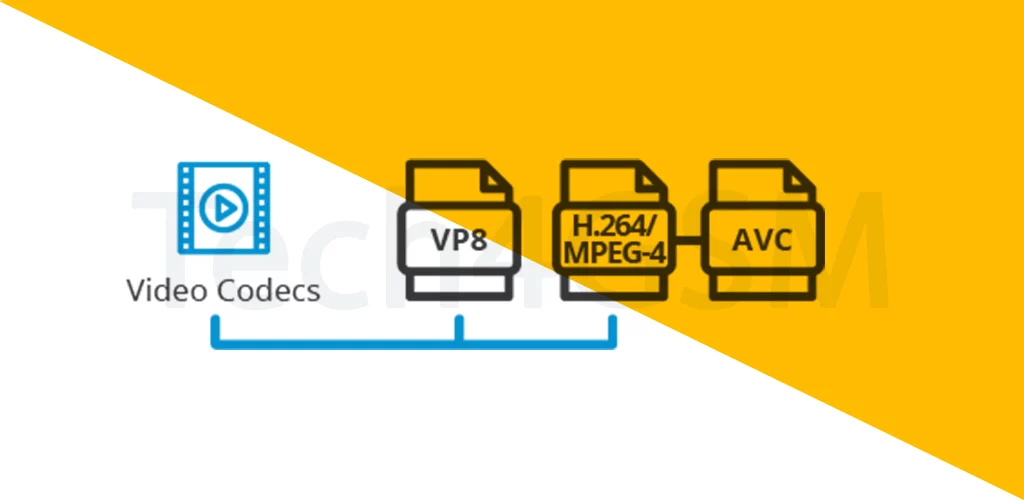
Introduction
Ever wondered how your phone turns a messy digital file into a smooth TikTok video or Netflix show? Meet video codecs—the invisible heroes making your screen come alive! Let’s decode what they are, why they matter, and how they shape your viewing experience.
What is a Video Codec?
A video codec (coder-decoder) is like a digital translator. It:
- Compresses raw videos into smaller files for easy storage/streaming.
- Decompresses them back into watchable images when you hit “play”.
Without codecs, a 1-minute video could take hours to load!
How Do Video Codecs Work?
Imagine stuffing a suitcase:
- Compression: The codec cleverly folds your video (removing redundant data) to save space.
- Decompression: It unpacks the video perfectly when you’re ready to watch.
Different codecs use different “folding techniques,” affecting quality and file size.
Feature Phones vs. Smartphones: Codec Showdown
- Feature Phones: Come with a fixed set of codecs (like H.263 for 3GP videos). Limited to basics—no upgrades!
- Smartphones: Can add new codecs via apps (e.g., VLC Player). Watch almost any format!
Popular Mobile Video Codecs
- H.263: The granddad of codecs! Used for 3GP videos (common in old phones and MMS).
- H.264 (AVC): The MVP of modern streaming! Powers MPEG4 videos (Netflix, YouTube).
- DivX/XviD: The rebels of the 2000s! Used for AVI files (pirated DVDs, anyone?).
Why Codec Compatibility Matters
- “File Not Supported” Errors: Your phone lacks the codec to unpack the video.
- Battery Drain: Some codecs need more processing power (looking at you, 4K H.264!).
- Quality Trade-offs: High compression = smaller files but blurrier visuals.
How to Fix “Unsupported Video” Issues
- Install a Codec Pack: Apps like VLC or MX Player add missing codecs.
- Convert the File: Use free tools like HandBrake to switch formats.
Codec Cheat Sheet
| Codec | Best For | Quality |
|---|---|---|
| H.263 | Basic 3GP videos | Low (think potato cam) |
| H.264 | HD streaming (YouTube, Zoom) | Crisp & efficient |
| DivX/XviD | Ripping DVDs | Decent, but aging |
Fun Fact: The “XviD” codec is “DivX” spelled backward—a cheeky dig at its paid rival!
Pro Tips for Codec Newbies
- Streaming? Stick with H.264/265: Balances quality and data usage.
- Archiving? Use Lossless Codecs: Like ProRes—big files but zero quality loss.
- Feature Phone User? Keep Files Simple: Convert videos to 3GP or basic MP4.
The Future of Codecs
New codecs like H.265 (HEVC) and AV1 are rolling out, offering:
- 4K/8K Support: For razor-sharp mobile screens.
- Better Compression: Half the file size, same quality!
- Royalty-Free Options: AV1 saves money for developers.
Wrapping Up
Video codecs are the unsung maestros of your digital life—turning ones and zeros into cat videos and Zoom calls. Whether you’re rocking a retro feature phone or a flagship smartphone, understanding codecs helps you troubleshoot errors and enjoy smoother playback.