
Introduction
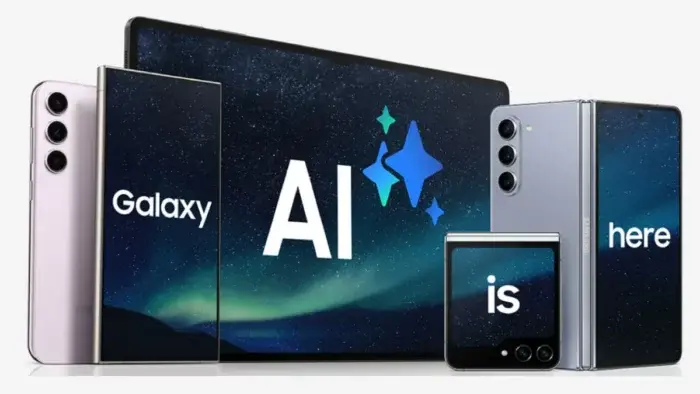
Your phone is smarter than you think! Modern devices are packed with artificial intelligence (AI) tools designed to boost performance, improve photos, protect privacy, and simplify daily tasks. But many users miss out on these features. Let’s explore how to activate and use them like a pro!
1. Boost Battery Life & Speed with AI
AI learns your habits to save power and keep your phone running smoothly.
- Enable Adaptive Battery (Android):
Go to Settings > Battery > Adaptive Battery. This limits power for apps you rarely use. - Optimized Charging (iPhone):
Activate under Settings > Battery > Battery Health & Charging to reduce battery aging. - Auto-Brightness:
Turn on Adaptive Brightness (Android) or Auto-Brightness (iPhone) to let AI adjust screen brightness.
Pro Tip: Let AI handle background tasks. Your phone stays faster, longer!

2. Take Pro-Level Photos with AI Cameras
AI transforms your snaps by auto-adjusting light, colors, and details.
- Scene Recognition:
Samsung: Turn on Scene Optimizer in the Camera app.
Huawei/Xiaomi: Tap the AI button to auto-detect scenes. - Night Mode Magic:
Switch to Night Mode in your camera app. Hold steady—AI merges multiple shots for brighter low-light pics! - AI Zoom & Tracking:
Samsung Ultra/Pixel/iPhones: Pinch to zoom or use Action Mode for crisp, focused shots.
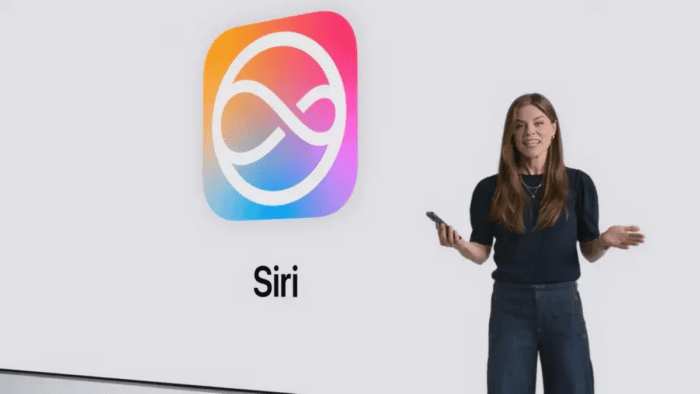
3. Master Voice Assistants: Google, Siri, Bixby
Talk to your phone hands-free for calls, translations, and smart controls.
- Activate “Hey Google/Siri”:
Enable voice commands in settings. Ask, “Translate this to Spanish” for instant help! - Block Spam Calls:
Android: Use Call Screen in the Phone app. iPhone: Silence unknown callers.
Fun Fact: Google Assistant can interpret live conversations—perfect for travel!
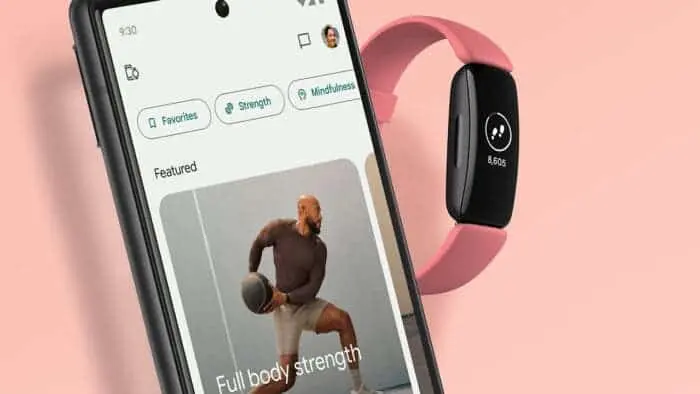
4. Type Smarter with AI Keyboards
Predictive text and voice typing save time and reduce errors.
- Gboard/SwiftKey:
Enable Smart Suggestions in keyboard settings for faster replies. - Voice Dictation:
Tap the mic icon on your keyboard—AI turns speech into text instantly.
5. Level Up Media Playback
AI tweaks video and sound for a theater-like experience.
- Video Enhancer:
Samsung/Xiaomi: Turn on in Display settings. - Adaptive Sound:
Personalize audio with Samsung’s Adapt Sound or Google’s Adaptive Sound.
6. Fortify Security with AI
Face unlock and app permissions get smarter.
- Face Recognition:
Set up Face ID (iPhone) or Face Unlock (Android) for secure access. - App Permissions:
Let AI suggest privacy settings (Android: Permission Manager).
7. Track Health & Fitness Automatically
AI monitors workouts, sleep, and stress.
- Auto-Detect Workouts:
Enable in Samsung Health or Apple Health. - Sleep Tracking:
Use Google Fit (Android) or Apple Health (iPhone + Watch).
8. Automate Your Daily Routine
AI handles reminders, smart homes, and more.
- Smart Reminders:
Tell Google Assistant/Siri to remind you based on time or location. - Home Automation:
Link AI to lights, thermostats, and routines via Alexa/Google Home.
Final Thoughts
Your smartphone’s AI is a game-changer—if you know how to use it! From sharper photos to longer battery life, these tools make daily tasks effortless. Dive into your settings today and unleash your phone’s full potential.