Introduction
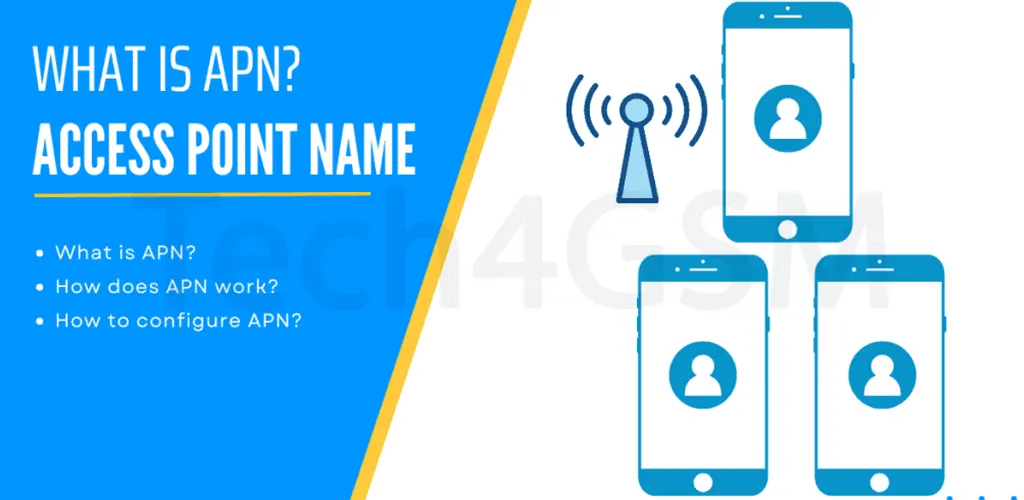
Ever wondered how your phone magically connects to the internet without Wi-Fi? Meet APN (Access Point Name)—the behind-the-scenes hero that makes mobile data work! Let’s unravel this tech mystery in plain, snackable bites.
1. APN = Your Phone’s Internet “Address Book”
The APN is like a web address your phone uses to tap into mobile networks (GPRS, EDGE, 3G, etc.). Think of it as your carrier’s secret handshake that says, “Hey, let this device surf the web!”
- Carriers Provide It: Your network (like Verizon or AT&T) pre-sets the APN so you don’t have to.
- No APN, No Internet: Without it, your phone is a fancy brick—no Instagram, Google Maps, or cat videos! 🐱
2. How APN Works: A 4-Step Dance
- Your Phone Asks: “Can I join the internet party?”
- APN Settings: Act like a GPS, directing your phone to the carrier’s network “gate.”
- Carrier Checks: “Is this user allowed?” (Spoiler: You are!).
- Connection Granted: Data flows—browse, stream, repeat!
3. Why You (Usually) Don’t Need to Worry
- Auto-Setup: Carriers pre-install APN settings. Just pop in the SIM card!
- Travel Exception: Using a foreign SIM? You might need to manually enter the APN (but carriers often email it).
- MMS & Special Services: Some APNs handle texts or hotspots—your carrier tweaks these quietly.
APN Cheat Sheet
| Carrier | Common APN | Used For |
|---|---|---|
| Verizon | vzwinternet | Basic 4G/5G data |
| AT&T | nxtgenphone | Calls + Internet |
| T-Mobile | fast.t-mobile.com | High-speed browsing |
Fun Fact:
APN settings can affect your internet speed! Wrong settings = snail-paced browsing. 🐌 Always double-check if your data feels sluggish!
When to Tweak APN Settings
- New SIM Card: Especially when traveling abroad.
- Network Errors: If mobile data suddenly stops working.
- Custom Features: Setting up hotspots or business networks.
In a Nutshell:
APN is your phone’s invisible VIP pass to the internet. While carriers handle the heavy lifting, knowing about APN helps you troubleshoot like a pro—no tech degree needed!