Introduction
In 2025, video content continues to dominate the digital landscape, with platforms like YouTube, TikTok, and Instagram driving demand for accessible, high-quality editing tools. For creators on a budget, open-source video editors are lifesavers—offering powerful features without the price tag. This guide dives into the 10 Best Open Source Video Editors for Windows, macOS, Android, iOS, and Linux, ensuring everyone can edit like a pro, regardless of their device or financial constraints.
What to Look for in an Open-Source Video Editor
Before diving into the list, consider these factors when choosing your ideal editor:
- User Interface (UI): Is it intuitive for beginners?
- Features: Does it support 4K editing, transitions, or VFX?
- Format Support: Can it import/export MP4, MOV, AVI, etc.?
- Community & Updates: Active development ensures bug fixes and new features.
- Cross-Platform Compatibility: Sync projects across devices.
Best Open Source Video Editors for Windows (2025)
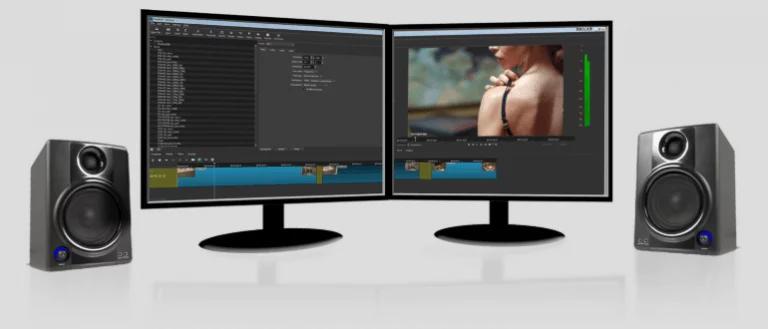
- Shotcut
- Features: 4K resolution support, drag-and-drop functionality, and a vast library of filters/transitions.
- Why Choose It: Perfect for YouTubers and indie filmmakers. Its timeline editing and audio mixing tools rival paid software.
- Pro Tip: Use the “Proxy Editing” feature for smoother 4K playback on older hardware.
- Olive Video Editor
- Features: Node-based compositing, GPU acceleration, and advanced color grading.
- Why Choose It: A rising star in 2025, Olive offers a professional workflow for free. Ideal for creators transitioning from Adobe Premiere.
- Avidemux
- Features: Streamlined for quick cuts, filtering, and encoding. Supports scripting for batch processing.
- Why Choose It: Newbies love its simplicity, while pros use it for fast, lightweight edits.
- Kdenlive
- Features: Multi-track editing, audio waveform visualization, and customizable keyboard shortcuts.
- Why Choose It: Its active community and frequent updates make it a Windows favorite.
- OpenShot
- Features: Unlimited tracks, 3D animations, and real-time previews.
- Why Choose It: Great for educators and marketers needing drag-and-drop ease.
Best Open Source Video Editors for macOS (2025)
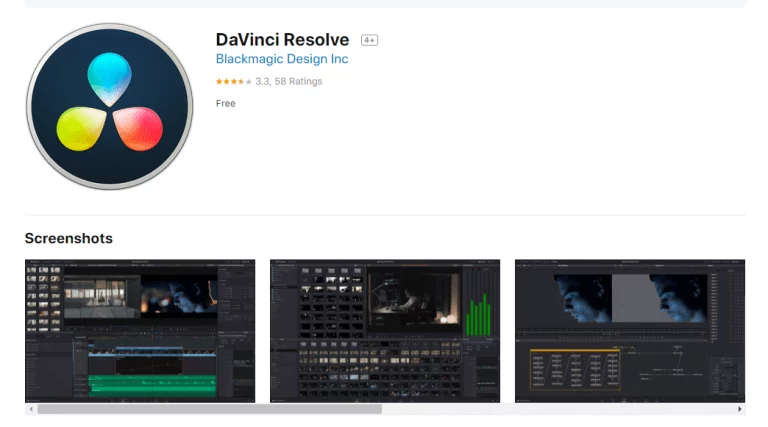
- DaVinci Resolve (Free Version)
- Features: Hollywood-grade color correction, Fusion VFX, and Fairlight audio tools.
- Why Choose It: While not fully open-source, its free tier is unmatched for professional editing on macOS.
- Blender
- Features: Known for 3D modeling, Blender also offers a robust video sequencer and compositing toolkit.
- Why Choose It: Perfect for animators and VFX artists wanting an all-in-one suite.
- iMovie
- Features: User-friendly templates, green-screen effects, and seamless Apple ecosystem integration.
- Why Choose It: Apple’s entry-level editor remains a top pick for quick social media clips.
- Flowblade
- Features: Trim, splice, and composite with a focus on speed and precision.
- Why Choose It: Minimalist design meets powerful tools for documentary editors.
- Cinelerra-GG
- Features: Supports 8K editing, HDR, and multi-camera setups.
- Why Choose It: The go-to for macOS users tackling high-end projects.
Best Open Source Video Editors for Android (2025)
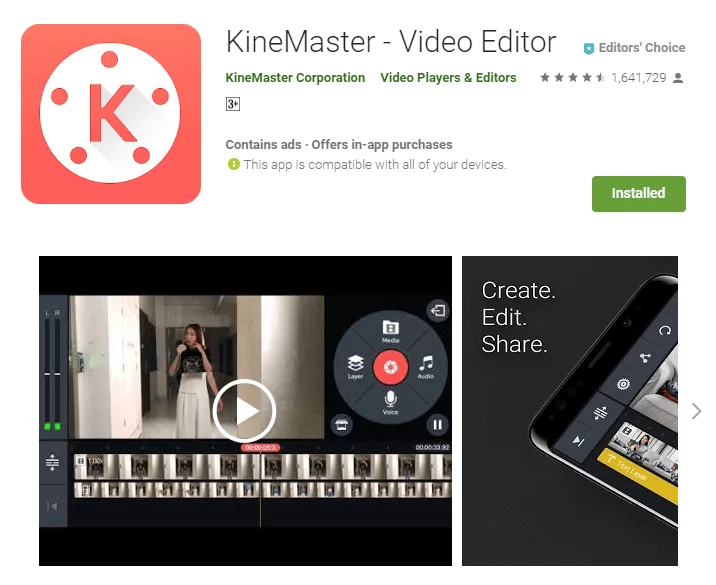
- KineMaster
- Features: Multi-layer editing, chroma key, and speed control.
- Why Choose It: Despite premium unlocks, its free version outperforms most mobile editors.
- Vlogit
- Features: AI-powered auto-edits, text-to-speech, and royalty-free music.
- Why Choose It: Ideal for vloggers needing quick, polished content on the go.
- PowerDirector
- Features: Motion tracking, audio ducking, and 100+ effects.
- Why Choose It: CyberLink’s free Android app balances simplicity and depth.
- VideoShow
- Features: Meme generators, collages, and live streaming tools.
- Why Choose It: Trend-focused creators thrive on its social media templates.
- InShot
- Features: Aspect ratio customization, stickers, and voiceover support.
- Why Choose It: Influencers love its trendy filters and Instagram-friendly outputs.
Best Open Source Video Editors for iOS (2025)
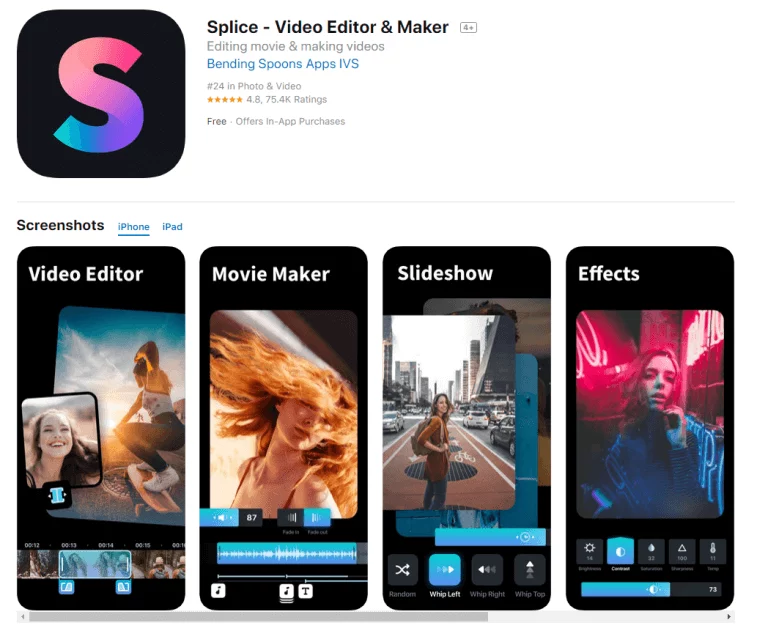
- Splice
- Features: Frame-accurate trimming, animated text, and beat-synced transitions.
- Why Choose It: GoPro’s app is a hit for action sports creators.
- LumaFusion
- Features: Multi-track editing, keyframing, and external monitor support.
- Why Choose It: The gold standard for iOS filmmakers seeking desktop-level power.
- Quik
- Features: Auto-editing based on music beats, cloud sync, and GoPro integration.
- Why Choose It: Perfect for adventurers who want instant shareable edits.
- VivaVideo
- Features: Split-screen, GIF creation, and photo-to-video tools.
- Why Choose It: Combines fun and functionality for casual creators.
- CapCut
- Features: AI-generated captions, trend templates, and TikTok integration.
- Why Choose It: ByteDance’s app dominates short-form video editing.
Cross-Platform & Linux Options
- Shotcut (Windows, macOS, Linux)
- Features: Consistent updates and format versatility.
- Blender (Windows, macOS, Linux)
- Features: A 3D powerhouse with video editing flexibility.
- Pitivi (Linux)
- Features: Intuitive UI and smart auto-save for GNOME users.
Comparison Chart
| Editor | Platforms | Standout Feature | Learning Curve |
|---|---|---|---|
| Shotcut | Win, macOS, Lin | Proxy Editing | Moderate |
| DaVinci Resolve | macOS, Win | Color Grading | Advanced |
| KineMaster | Android, iOS | Multi-Layer Editing | Easy |
How to Get Started
- Pick Your Tool: Match the editor to your skill level and project needs.
- Watch Tutorials: Platforms like YouTube offer free courses.
- Join Communities: Reddit and GitHub forums provide support and plugins.
Future Trends in 2025
- AI Integration: Auto-editing tools powered by machine learning.
- Cloud Collaboration: Real-time teamwork across continents.
- VR Editing: Immersive content creation gains traction.
FAQs
- Are open-source editors safe?
- Yes, if Get from official repositories.
- Can I use these for commercial projects?
- Check licenses; most allow commercial use.
- Which is best for 8K editing?
- Blender or Cinelerra-GG.
Conclusion
Whether you’re editing on a smartphone or a desktop, 2025’s open-source video editors offer unparalleled flexibility. From Shotcut’s proxy editing to CapCut’s TikTok-ready templates, there’s a tool for every creator. Dive in, experiment, and transform your raw clips into masterpieces—without spending a dime! I hope you’ve discovered the ideal open-source video editing program for your platform. If not, be sure to check out the top ten free open source video editors included in this post for Windows, Mac, Android, and iOS.