Introduction
Imagine you’re out of mobile data, stuck in a new city, or simply need to send an urgent email. What’s the solution? A hot spot! In simple terms, a hot spot is a physical location where you can connect your smartphone, laptop, or tablet to the internet using Wi-Fi. But how does it work, and where can you find one? Let’s break it down in plain language.
Hot Spot Basics: Wi-Fi on the Go
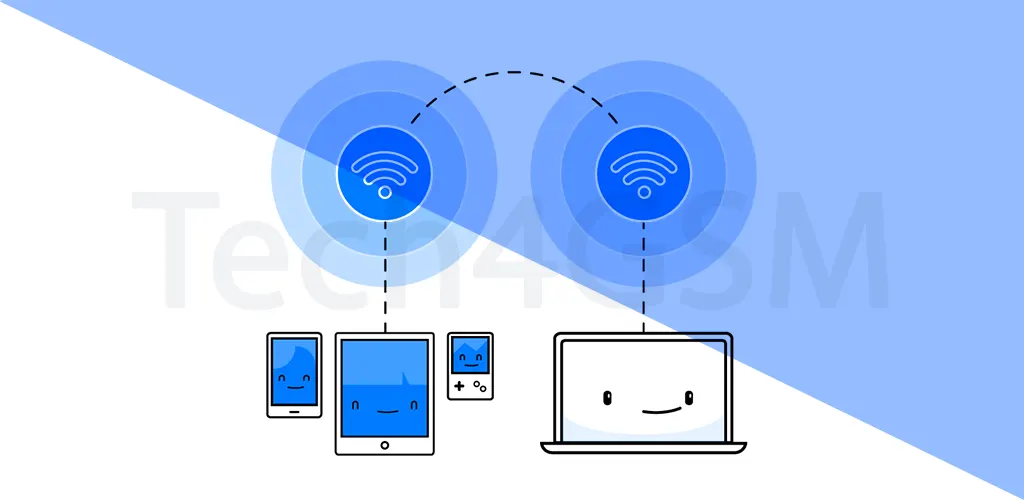
A hot spot is like a digital “zone” that provides wireless internet access. To use it, you need a Wi-Fi-enabled device (like your phone or laptop) and permission to join the network. Hot spots are everywhere today—coffee shops, airports, libraries, parks, and even buses!
Key Features:
- Coverage Area: Hot spots vary in size. A small café’s Wi-Fi might cover just a few tables, while a university campus could offer internet access across multiple buildings.
- Public vs. Private: Most hot spots are public (open to everyone), but some are private (like a password-protected home network).
- Free or Paid: Many restaurants, malls, and schools offer free Wi-Fi to attract customers or support students. Others, like airport or hotel hot spots, often charge hourly/daily fees.
Where Can You Find Hot Spots?
Hot spots are more common than you think! Here are popular examples:
- Free Hot Spots:
- Cafes (Starbucks, local coffee shops).
- Public libraries, schools, or universities.
- Shopping malls or parks with city-provided Wi-Fi.
- Paid Hot Spots:
- Airports, train stations, or hotels (often subscription-based).
- Premium co-working spaces.
Pro Tip: Always ask for the Wi-Fi password at cafes or hotels—some places share it only with customers!
Why Do Hot Spots Charge Fees?
While free hot spots are great, paid services help cover costs like:
- High-speed bandwidth for smoother browsing.
- Maintenance of routers and equipment.
- Security upgrades to protect user data.
For example, tech4gsm.com explains how paid hot spots often use advanced encryption to keep your connection safe—a feature less common in free networks.
Are Hot Spots Safe?
Public Wi-Fi is convenient but risky. Hackers can snoop on unsecured networks. Follow these safety tips:
- Avoid banking or entering passwords on free hot spots.
- Use a VPN (Virtual Private Network) to encrypt data.
- Stick to trusted networks (e.g., a café’s official Wi-Fi, not “Free_Wi-Fi_Here”).
How to Use a Hot Spot
- Turn on your device’s Wi-Fi.
- Select the network name (e.g., “Library_Wi-Fi”).
- Enter the password (if required).
- Accept terms or pay fees (for paid hot spots).
Fun Fact: Your phone can even become a personal hot spot! Enable this feature to share your mobile data with other devices.
Final Thoughts
Hot spots have revolutionized how we stay connected. Whether you’re working remotely, traveling, or just saving mobile data, these Wi-Fi zones offer flexibility. Remember to prioritize safety, choose reliable networks, and explore affordable options like free café Wi-Fi or school networks.