Introduction
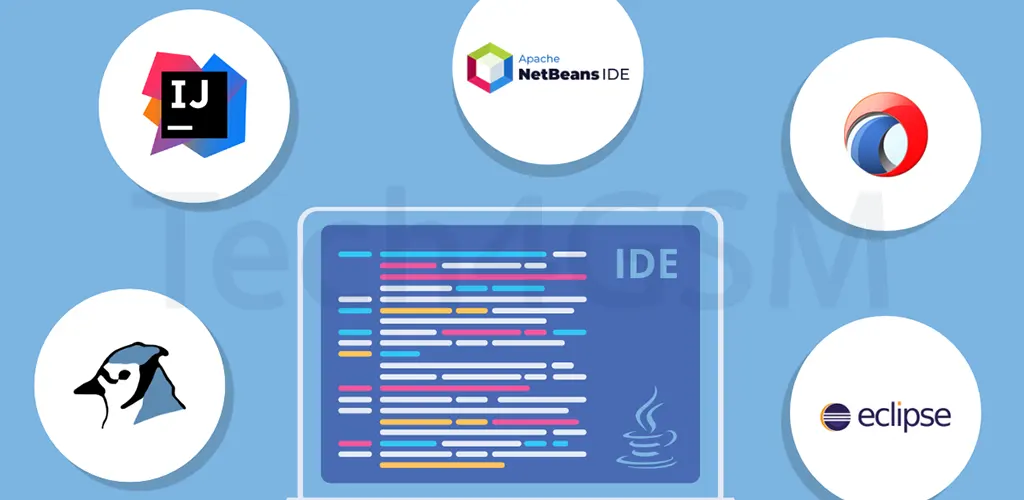
An Integrated Development Environment (IDE) is like a digital Swiss Army knife for programmers. It combines essential tools—code editors, compilers, debuggers, and terminals—into a single, user-friendly interface. Instead of juggling multiple apps, developers can write, test, and deploy code efficiently. Think of it as a smart workspace where everything you need is just a click away.
Example:
Imagine building a car. Without an IDE, you’d need separate tools for welding, painting, and assembling. With an IDE, you get a fully equipped garage where all tools work together seamlessly.
Why Are IDEs Important in 2025?
You could code in a basic text editor, but why would you? IDEs offer game-changing features that simplify complex tasks:
- Speed: Automate repetitive tasks (e.g., debugging, compiling).
- Accuracy: Catch errors in real-time with syntax highlighting.
- Collaboration: Integrated Git support streamlines teamwork.
- Future-Proofing: Cloud IDEs enable remote work, a must in 2025’s hybrid environments.
Fun Fact:
Over 70% of developers in 2025 use IDEs daily, citing a 40% productivity boost compared to manual setups.
Common IDE Features
Let’s break down the core tools every IDE offers:
1. Editor
- Syntax Highlighting: Color-coded text makes code readable.
- Auto-Completion: Suggests code snippets (e.g.,
forloops in Python). - Error Detection: Flags typos as you type.
2. Compiler/Interpreter
- Translates human-readable code (e.g., Java) into machine language.
- Supports cross-platform builds (Windows, macOS, Linux).
3. Debugger
- Step-Through Execution: Test code line-by-line.
- Breakpoints: Pause code to inspect variables.
4. Built-In Terminal
- Run shell commands without leaving the IDE.
- Execute scripts, manage packages, or push code to GitHub.
5. Version Control
- Git Integration: Commit, branch, and merge code effortlessly.
- Resolve conflicts visually (no command-line chaos!).
6. Code Snippets
- Save reusable code blocks (e.g., HTML boilerplate).
- Pro Tip: Create custom snippets for frequent tasks.
7. Plugins & Extensions
- Add AI-powered tools, linters, or themes.
8. Code Navigation
- Jump to function definitions with a click.
- Refactor code (rename variables globally).
Why Developers Love IDEs
- Productivity: No more app-switching—code, build, and debug in one place.
- Code Quality: Built-in linters and analyzers enforce best practices.
- Customization: Tailor themes, shortcuts, and layouts to your style.
- Learning Curve: Modern IDEs offer beginner-friendly tutorials (bye-bye, intimidation!).
Case Study:
A 2025 survey revealed that Android Studio users built apps 2x faster thanks to its drag-and-drop UI designer.
Types of IDEs in 2025
1. Desktop IDEs
- Pros: Offline access, high performance.
- Examples:
- Visual Studio (C#, .NET).
- PyCharm (Python).
- Ideal For: Resource-heavy projects (e.g., gaming, AI).
2. Cloud IDEs
- Pros: Access from any device, no setup required.
- Examples:
- Gitpod: Pre-configured environments in seconds.
- AWS Cloud9: Collaborate in real-time.
3. Mobile App IDEs
- Features: Emulators, SDK integration.
- Examples:
- Android Studio (Kotlin/Java).
- Flutlab.io (Flutter).
4. Database IDEs
- Tools: Query builders, schema designers.
- Examples:
- MySQL Workbench.
- Oracle SQL Developer.
How to Choose the Right IDE in 2025
Follow this 4-step checklist:
- Language Support:
- Python? Try PyCharm.
- Web Dev? Visual Studio Code or WebStorm.
- OS Compatibility:
- Check if the IDE works on Windows, macOS, or Linux.
- Budget:
- Free vs. Paid: Eclipse (free) vs. IntelliJ IDEA (premium).
- Must-Have Features:
- Need AI assistance? Look for Codeium or GitHub Copilot integration.
Pros & Cons of IDEs
| Advantages | Disadvantages |
|---|---|
| Saves time with automation | Steep learning curve for beginners |
| Centralized workflow | Frequent updates can disrupt flow |
| Boosts code accuracy | Premium features can be costly |
Top 5 IDEs in 2025
- Visual Studio Code (Multi-language, lightweight).
- IntelliJ IDEA (Java/Kotlin, AI-assisted coding).
- PyCharm (Python, data science tools).
- Android Studio (Mobile app development).
- Gitpod (Cloud-based, collaborative).
FAQs
Q: What’s an example of an IDE?
A: Visual Studio is a popular IDE for C# and .NET development. It combines editing, debugging, and Git tools.
Q: IDE vs. Code Editor—what’s the difference?
A: Code editors (e.g., Sublime Text) focus on editing. IDEs add debugging, compilers, and project management.
Q: Are IDEs only for pros?
A: Not anymore! Tools like Thonny (Python) offer beginner-friendly interfaces.
Conclusion
Choosing an IDE in 2025 depends on your project, budget, and workflow. Experiment freely—many IDEs offer free tiers.
Final Tip: Pair your IDE with AI tools for code generation and pair programming. The future of coding is here—and it’s fast, smart, and collaborative!