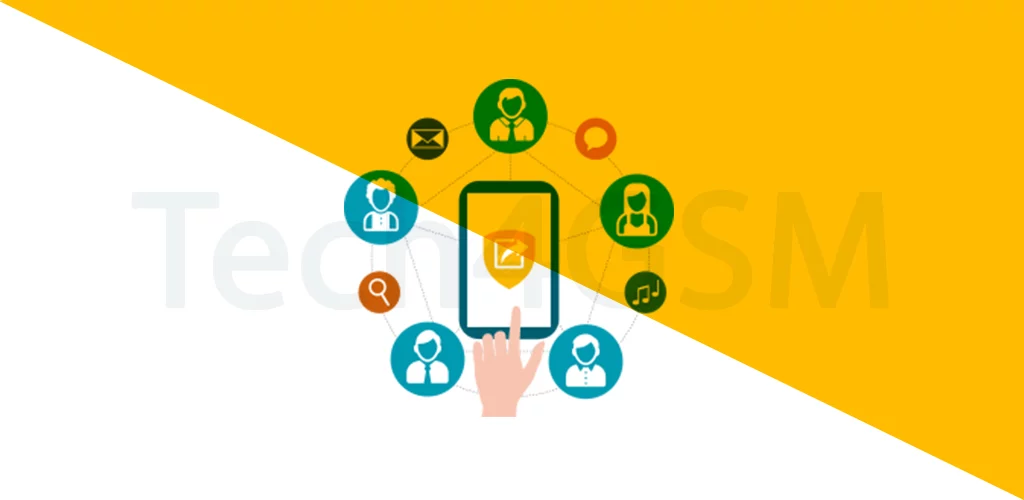
Introduction
Imagine your brain trying to juggle birthdays, work meetings, grocery lists, and 500+ contacts. Enter PIM – the unsung hero that keeps your life from spiraling into chaos! Whether you’re a busy parent, CEO, or student, a PIM is your pocket-sized personal assistant.
What is a PIM?
PIM (Personal Information Manager) is software that organizes your life into neat, digital buckets. Think of it as a Swiss Army knife for your daily tasks:
- Calendar: Track birthdays, meetings, and deadlines.
- Contacts: Store names, numbers, emails, and even pet names!
- To-do lists: Never forget to “buy milk” or “submit that report.”
- Extras: Some PIMs handle emails, voice notes, and reminders too.
Fun fact: The first PIMs were 1980s desktop apps – like a paper planner for early computer geeks!
Why You Need a PIM in 2025
Life’s too short for sticky notes and forgotten Zoom calls. Here’s why PIMs rock:
| Feature | Real-Life Superpower |
|---|---|
| Centralized data | All your info in one place – no app-hopping! |
| Time management | Set reminders for everything (yes, even naps). |
| Stress reduction | Ditch mental clutter – let the PIM remember for you. |
Pro tip: Sync your PIM across devices so your phone, laptop, and tablet are always updated!
Key Parts of a PIM
1. Calendar/Scheduler 📅
- Plan days, weeks, or months ahead.
- Color-code events (work = red, personal = blue).
- Bonus: Some PIMs suggest meeting times based on your habits!
2. Address Book 📇
- Store contacts with photos, social handles, and notes.
- Life hack: Tag contacts as “Work,” “Family,” or “Book Club.”
3. To-Do Lists ✅
- Break tasks into subtasks (e.g., “Plan vacation” → “Book flights”).
- Set priorities – urgent vs. “maybe someday.”
4. Extras 🎁
- Email integration: Link your Gmail or Outlook.
- Voice notes: Dictate reminders while driving.
- Alarms: Get pinged for pills, pet walks, or pizza deliveries.
How PIM Sync Saves Your Sanity
Ever lost contacts after dropping your phone? Sync fixes that!
- PC sync: Connect via cable or software (like Microsoft Outlook).
- Cloud sync: Auto-update PIM data to Google Drive, iCloud, etc.
- Cross-device magic: Edit a task on your laptop → it updates on your phone instantly.
Warning: Always check sync settings – you don’t want work contacts mixing with your dating app matches!
PIM on Mobile Phones: Your Life in Your Pocket
Modern phones come with built-in PIM apps:
- iPhone: Apple Calendar, Contacts, Reminders.
- Android: Google Calendar, Contacts, Tasks.
- Bonus: Third-party apps like Todoist or Evernote add extra power.
Pro tip: Use voice commands (“Hey Siri, add yoga at 7 PM”) to update your PIM hands-free!
PIM vs. No PIM: A Day in the Life
| With PIM | Without PIM |
|---|---|
| Wakes up to a reminder: “8 AM meeting!” | Forgets meeting, wears pajamas to Zoom. |
| Gets a ping: “Mom’s birthday tomorrow!” | Mom’s text: “You forgot, didn’t you?” |
| Checks off “Grocery list” ✅ | Buys chips, forgets toilet paper. |
How to Choose the Right PIM
- For simplicity: Use your phone’s built-in apps.
- For power users: Try Microsoft Outlook or Notion.
- For teamwork: Pick apps with sharing features (Trello, Asana).
Final Thoughts
A PIM isn’t just software – it’s a lifesaver for anyone drowning in deadlines, dates, and to-dos. Whether you’re syncing with your PC or shouting reminders at your phone, let a PIM handle the chaos while you enjoy the calm.