Introduction
Ever glanced at your keyboard and wondered, “Why are the letters arranged like this?” Meet the QWERTY layout—the secret behind every “click-clack” you’ve ever typed! Let’s explore why this 150-year-old design still dominates laptops, phones, and even ATMs today.
QWERTY 101: The Layout That Started It All
- QWERTY is named after the first six letters on the top row of a standard English keyboard (Q-W-E-R-T-Y).
- It’s the most common keyboard layout worldwide, used on computers, typewriters, and mobile devices.
- Fun Fact: Designed in the 1870s for typewriters, QWERTY helped prevent mechanical jams by spacing out frequently used letters!
Why QWERTY Works—Even on Tiny Phone Screens!
- Muscle Memory Magic: Our fingers “learn” QWERTY over time, making typing faster and more accurate.
- Universal Standard: Everyone from students to CEOs uses it, so switching devices feels seamless.
- Small But Mighty: On phones, keys are squished, but QWERTY’s familiar layout helps us type quickly (even with thumbs!).
QWERTY vs. Alternatives: Why It’s Still #1
- Dvorak or Colemak? Newer layouts claim to be faster, but QWERTY’s popularity is unbeatable.
- It’s Everywhere: Schools, offices, and apps are built around QWERTY. Relearning a new layout is like switching the gas/brake pedals in a car!
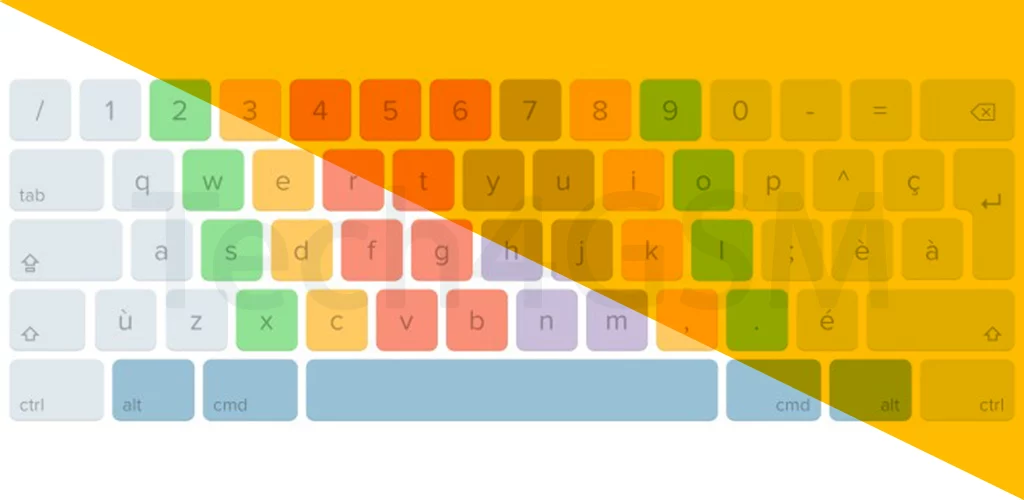
- Adaptability: QWERTY works for languages beyond English, with slight tweaks (like AZERTY in France).
The Love-Hate Relationship with QWERTY
Pros:
- Speeds up typing once you’re used to it.
- Perfect for fast-paced work (coding, emails, gaming).
- Works across devices—no mental switch needed!
Cons:
- Not the most ergonomic design (hello, wrist strain!).
- Tiny phone keys can lead to typos (“teh” instead of “the”).
How QWERTY Won the Digital Age
- From Typewriters to Touchscreens: QWERTY survived because it’s good enough—and changing billions of keyboards is hard!
- Mobile Revolution: Predictive text and autocorrect made QWERTY viable on small screens. Swipe typing? It still relies on QWERTY’s layout!
- Gaming & Coding: Gamers memorize key positions for shortcuts (WASD movement), while coders rely on symbols placed around QWERTY.
Will QWERTY Ever Die? Probably Not!
- Voice Typing & AI: Even as tech evolves, QWERTY remains a fallback. You can’t whisper code to your laptop!
- Nostalgia Factor: The satisfying click of keys ties us to the analog past.
- Upgrades, Not Replacements: Mechanical keyboards and backlit designs keep QWERTY fresh.
Fun QWERTY Hacks You Should Try
- Keyboard Shortcuts: Ctrl+C (Copy) and Ctrl+V (Paste) save hours.
- Emoji Quick Access: On phones, tap the “.?123” key to find symbols fast.
- Custom Keycaps: Make your keyboard unique—just don’t lose the Q-W-E-R-T-Y order!
Final Thoughts
The QWERTY keyboard is like a trusted old friend—it’s not perfect, but life without it would feel chaotic! From typewriters to TikTok, this layout has adapted to every tech era, proving that sometimes, “old school” just works.