
The Best CPUs for 2025: Expert Picks for Every Need
If you’re building or upgrading a desktop PC, choosing the right processor is like picking the brain of your machine. It determines how smoothly your system runs, whether you’re gaming, editing videos, or just browsing the web. For 2025, AMD and Intel continue to lead the charge with cutting-edge innovations, making the CPU market more exciting—and competitive—than ever. Let’s dive into the top processors of the year, tailored for every budget and use case.
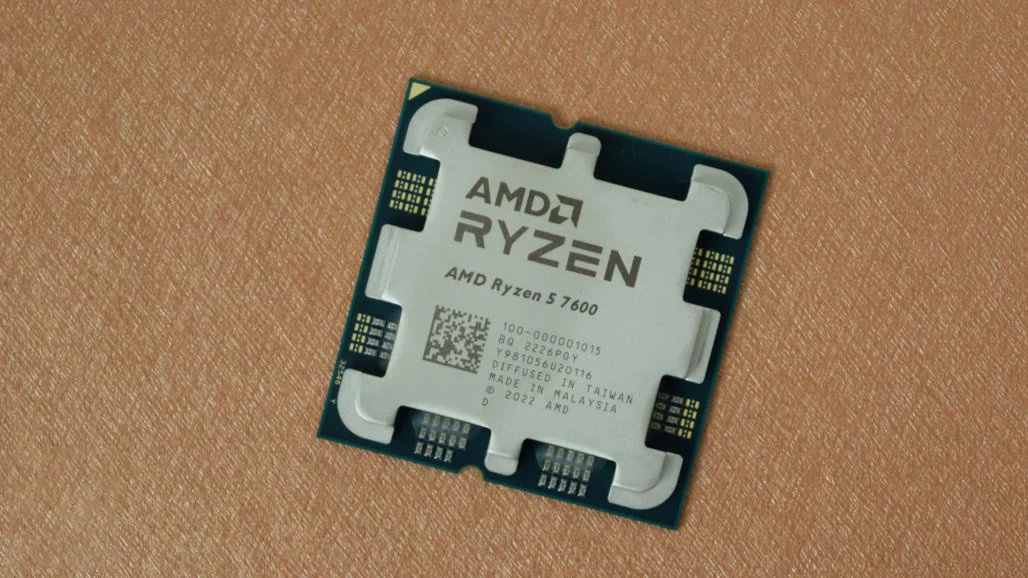
Best Mainstream CPU (AMD): AMD Ryzen 5 7600
Rating: 3.5/5
Pros & Cons
✅ Affordable entry to Ryzen 7000 series | ✅ Includes a basic cooler | ✅ Energy-efficient operation
❌ Cooler less robust than pricier models | ❌ Outperformed by cheaper Intel alternatives
Why It Stands Out
The Ryzen 5 7600 is AMD’s most cost-effective Ryzen 7000 CPU, balancing price and performance for everyday users. With six cores, 12 threads, and a boost clock up to 5.1GHz, it handles gaming and multitasking smoothly. While its integrated Radeon GPU isn’t for gaming, it’s sufficient for display tasks. The bundled Wraith Stealth cooler keeps costs low, though it’s less efficient than premium coolers.
Ideal For
- Budget gamers pairing it with a dedicated GPU.
- General-purpose PCs for work, streaming, or light creativity.
- Upgraders from older AM4 systems seeking modern performance without overspending.
Key Specs
- Cores/Threads: 6/12
- Boost Clock: 5.1GHz
- TDP: 65W
- Socket: AM5
- Cooler Included: Yes (Wraith Stealth)
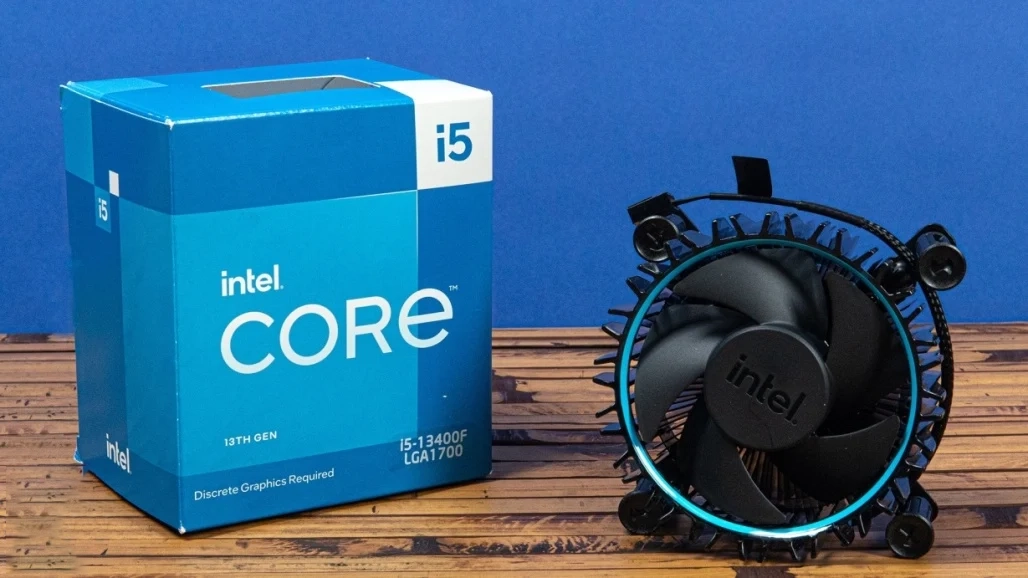
Best Mainstream CPU (Intel): Intel Core i5-13400F
Rating: 3.5/5
Pros & Cons
✅ High core count for multitasking | ✅ Strong value for midrange builds
❌ No integrated graphics | ❌ Loud stock cooler | ❌ Weaker single-core speed vs. rivals
Why It Stands Out
The Core i5-13400F delivers exceptional multi-threaded performance for its price, thanks to its hybrid 10-core design (6 P-cores + 4 E-cores). Opting for the “F” variant saves money if you already plan to buy a GPU. While it lags slightly in single-threaded tasks, its 4.6GHz boost clock and 20MB cache make it a workhorse for productivity and gaming.
Ideal For
- Midrange gaming rigs needing a CPU-GPU combo.
- Content creators on a budget (video editing, 3D rendering).
- Users prioritizing multi-threaded power over peak single-core speeds.
Key Specs
- Cores/Threads: 10/16
- Boost Clock: 4.6GHz
- TDP: 148W
- Socket: LGA 1700
- Cooler Included: Yes (Laminar RM1)
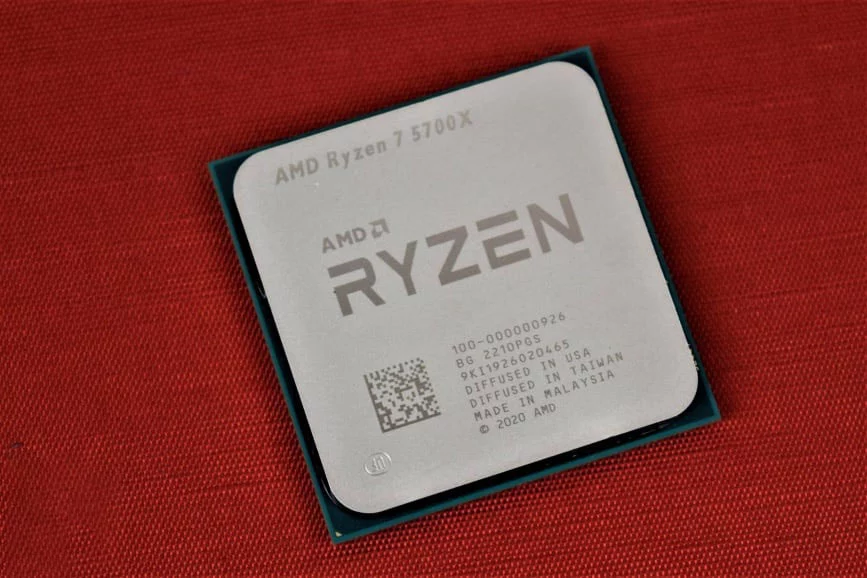
Best Budget CPU (AMD): AMD Ryzen 7 5700X
Rating: 4.0/5
Pros & Cons
✅ Excellent AM4 value | ✅ Low power draw | ✅ Strong gaming performance
❌ No bundled cooler | ❌ Outpaced by newer Intel chips
Why It Stands Out
The Ryzen 7 5700X is a hidden gem for budget builders clinging to AM4. With 8 cores, 16 threads, and a 65W TDP, it rivals pricier Ryzen 5000 CPUs while costing less. Its 4.6GHz boost clock and 32MB L3 cache ensure smooth gaming and multitasking, though it lacks integrated graphics. Pair it with a midrange GPU for a capable budget gaming PC.
Ideal For
- AM4 owners upgrading from older Ryzen 3/5 CPUs.
- Budget gaming builds where savings can go toward a better GPU.
- Power-conscious users needing efficiency without sacrificing cores.
Key Specs
- Cores/Threads: 8/16
- Boost Clock: 4.6GHz
- TDP: 65W
- Socket: AM4
- Cooler Included: No
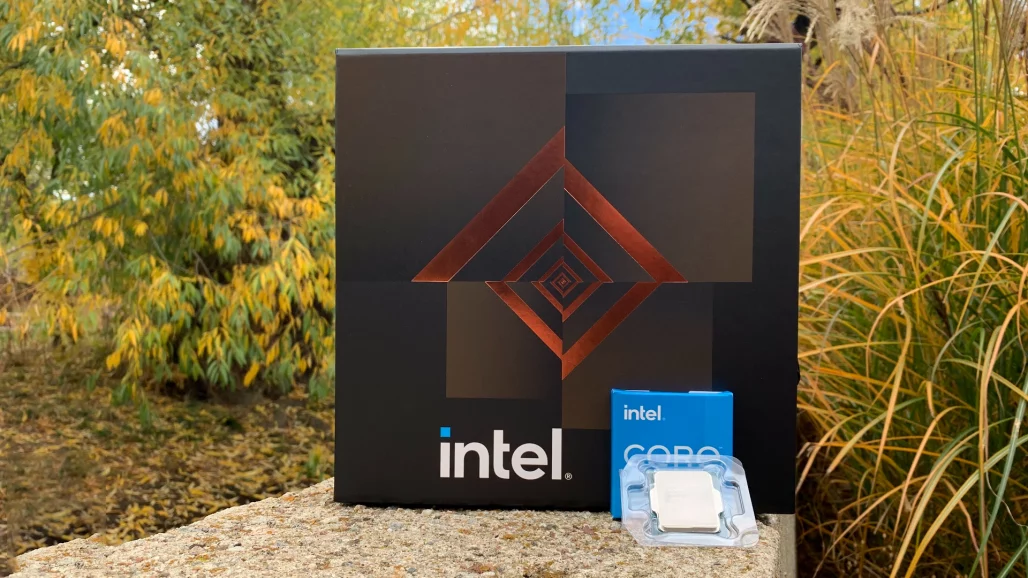
Best Budget CPU (Intel): Intel Core i5-12600K
Rating: 4.0/5
Pros & Cons
✅ Strong multi-threaded performance | ✅ Affordable for older gen | ✅ Overclock-friendly
❌ Integrated GPU struggles in games | ❌ Requires costly Z690 motherboard | ❌ Denuvo DRM compatibility issues
Why It Stands Out
The Core i5-12600K remains a solid budget pick despite its age, thanks to price drops on both the CPU and compatible motherboards. With 10 cores (6 P-cores + 4 E-cores), 16 threads, and a 4.9GHz boost clock, it handles productivity tasks and moderate gaming well. Its Intel UHD 770 GPU suffices for basic display needs but falters in modern games.
Ideal For
- Budget builders reusing older LGA 1700 motherboards.
- Gamers pairing with a midrange GPU (avoid the “KF” variant without integrated graphics).
- Small businesses needing reliable multitasking power without breaking the bank.
Key Specs
Cores/Threads: 10/16
Boost Clock: 4.9GHz
TDP: 125W
Socket: LGA 1700
Cooler Included: No
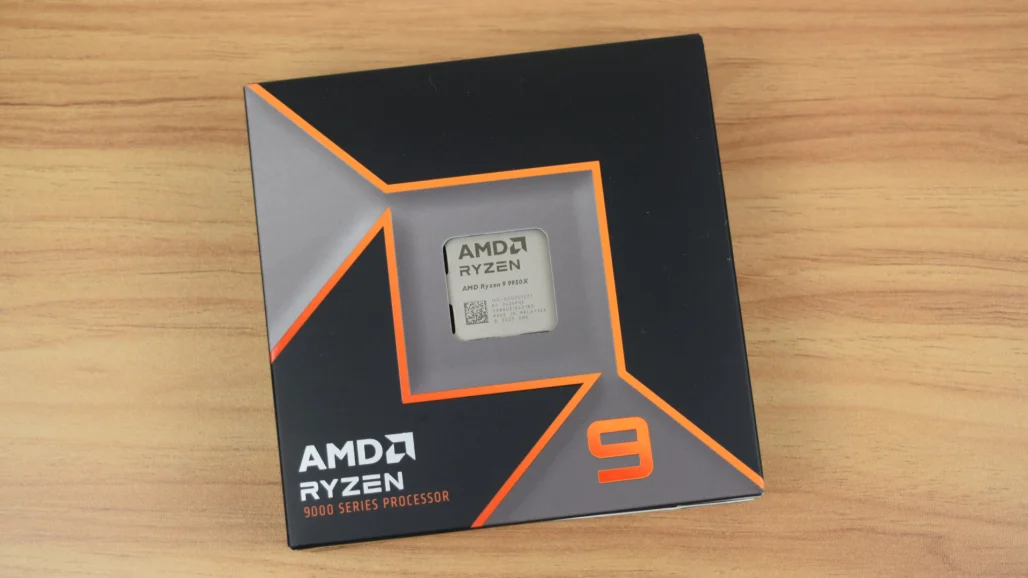
Best High-End CPU (AMD): AMD Ryzen 9 9950X
Rating: 4.5/5
Pros & Cons
✅ 16 cores/32 threads for heavy workloads | ✅ Zen 5 efficiency gains | ✅ Cooler than previous gen
❌ High power draw | ❌ Overkill for pure gaming
Why It Stands Out
AMD’s Ryzen 9 9950X dominates with 16 Zen 5 cores, 64MB cache, and a 5.7GHz boost clock. It excels in content creation, rendering, and software compilation while running cooler than its predecessor. Though power-hungry (170W TDP), its 4nm design improves efficiency, making it a top choice for professionals.
Ideal For
- Content creators (video editors, 3D artists).
- Multi-threaded workloads (streaming, coding, virtualization).
- Future-proof builds on AM5 (supports DDR5/PCIe 5.0).
Key Specs
- Cores/Threads: 16/32
- Boost Clock: 5.7GHz
- TDP: 170W
- Socket: AM5
- Cooler Included: No
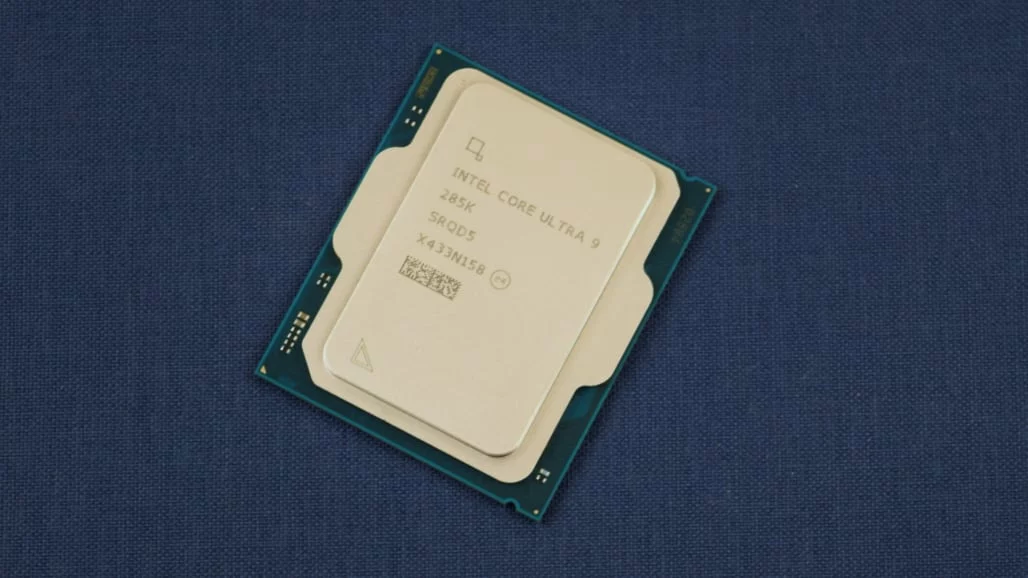
Best High-End CPU (Intel): Intel Core Ultra 9 285K
Rating: 4.0/5
Pros & Cons
✅ 24 cores for intense tasks | ✅ Lower power draw vs. predecessors | ✅ Built-in AI acceleration
❌ Mixed gaming performance | ❌ High TDP (250W)
Why It Stands Out
Intel’s Core Ultra 9 285K packs 24 cores (8 P-cores + 16 E-cores) and a 5.7GHz boost clock, delivering flagship performance for creative pros. Its 3nm lithography reduces power consumption compared to older Intel chips, and the integrated Xe LPG GPU offers better graphics support. However, gaming performance lags behind AMD’s rivals.
Ideal For
- Workstation builds (3D rendering, AI workloads).
- Users prioritizing productivity over gaming.
- Early adopters of Intel’s LGA 1851 platform.
Key Specs
- Cores/Threads: 24/24
- Boost Clock: 5.7GHz
- TDP: 250W
- Socket: LGA 1851
- Cooler Included: No
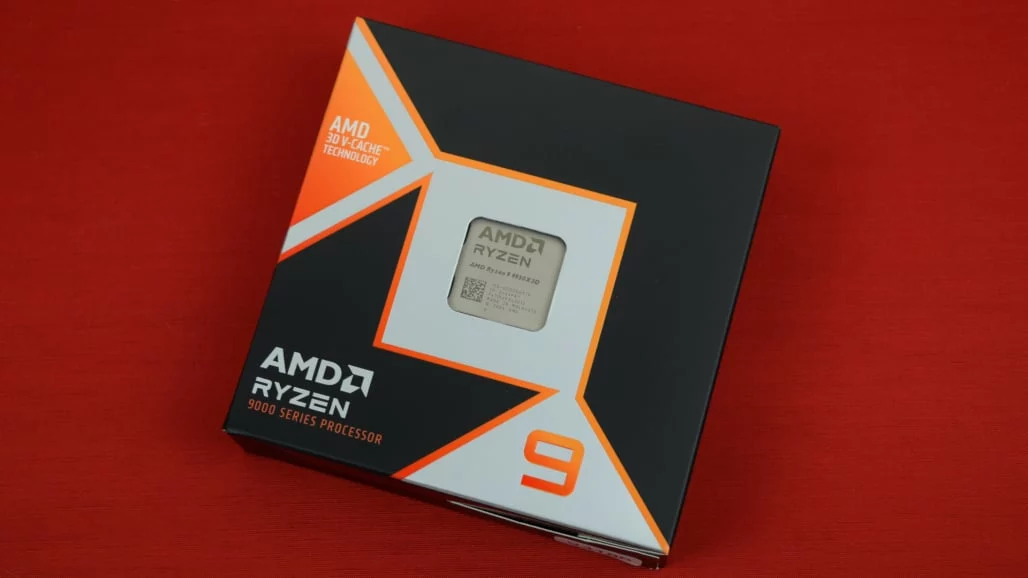
Best Gaming CPU (AMD): AMD Ryzen 9 9950X3D
Rating: 4.5/5
Pros & Cons
✅ Unmatched gaming performance | ✅ 128MB 3D V-Cache boosts frame rates | ✅ Zen 5 efficiency
❌ Minimal gains in non-gaming tasks | ❌ No bundled cooler
Why It Stands Out
The Ryzen 9 9950X3D dominates gaming with AMD’s 3D V-Cache, delivering 16 cores, 32 threads, and a 5.7GHz boost clock. Its 128MB L3 cache reduces latency in CPU-heavy games (e.g., Cyberpunk 2077, Microsoft Flight Simulator), outperforming even pricier CPUs. While its Radeon GPU is basic, gamers will pair this with a flagship GPU like the RTX 5090 for max performance.
Ideal For
- Enthusiast gamers chasing ultra-high FPS at 1440p/4K.
- Streamers needing smooth gameplay + multitasking.
- Future-proof AM5 builds (supports PCIe 5.0/DDR5).
Key Specs
- Cores/Threads: 16/32
- Boost Clock: 5.7GHz
- L3 Cache: 128MB
- TDP: 170W
- Socket: AM5
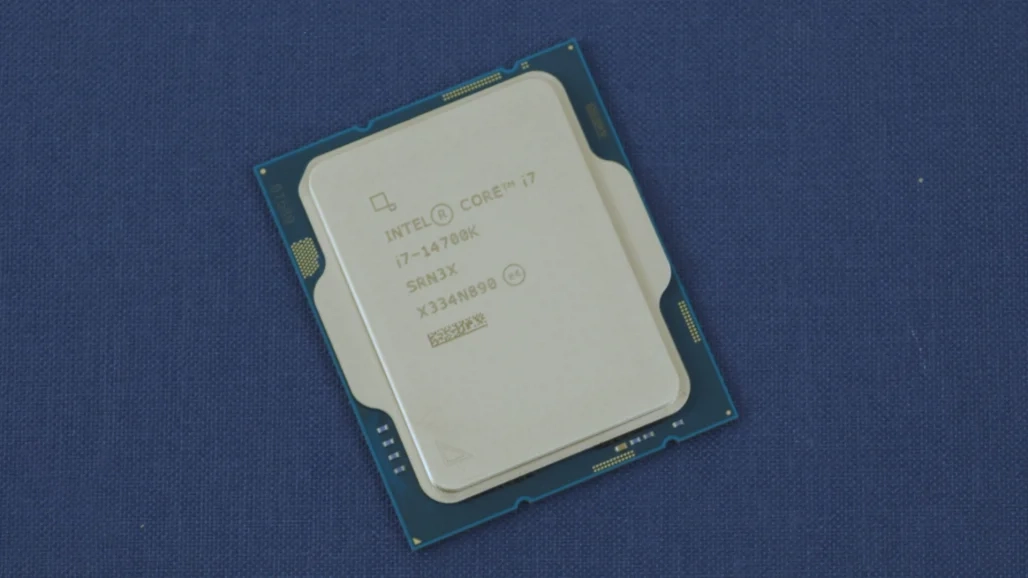
Best Gaming CPU (Intel): Intel Core i7-14700K
Rating: 4.0/5
Pros & Cons
✅ 20 cores for gaming + streaming | ✅ Improved cache vs. predecessors | ✅ Competitive pricing
❌ High power draw (254W) | ❌ Cooling challenges
Why It Stands Out
Intel’s Core i7-14700K blends 20 cores (8 P-cores + 12 E-cores) and a 5.5GHz boost clock, making it a multitasking powerhouse. It edges out AMD in single-threaded gaming and handles live streaming effortlessly. However, its 254W TDP demands robust cooling (280mm AIO recommended).
Ideal For
- Gamers who stream/edit concurrently.
- Users on LGA 1700 seeking a last-gen upgrade.
- Performance enthusiasts avoiding i9 pricing.
Key Specs
- Cores/Threads: 20/28
- Boost Clock: 5.5GHz
- L3 Cache: 33MB
- TDP: 254W
- Socket: LGA 1700
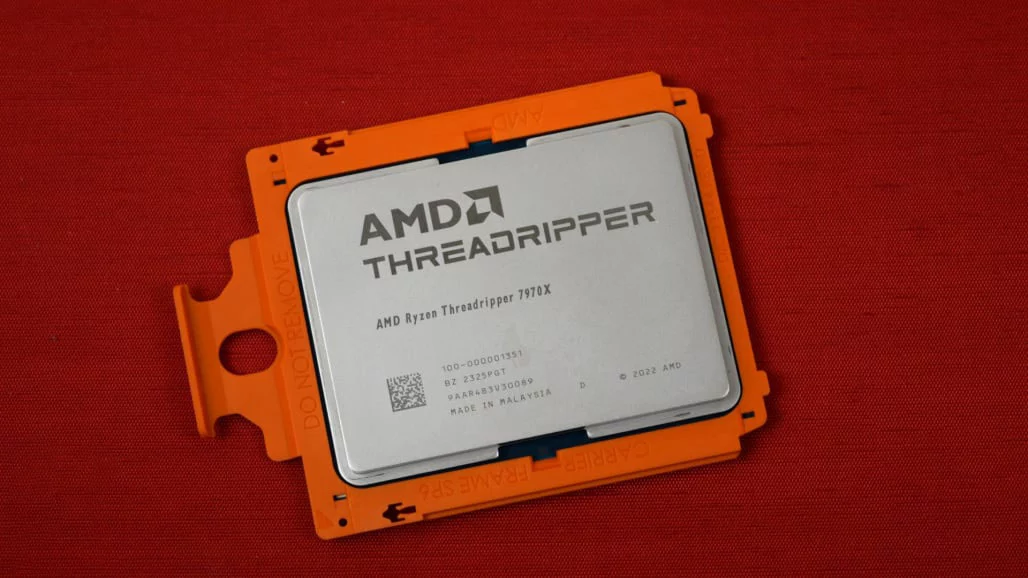
Best HEDT CPU (AMD): AMD Ryzen Threadripper 7970X
Rating: 4.5/5
Pros & Cons
✅ 32 cores for extreme workloads | ✅ 5.3GHz boost clock | ✅ Costs half the 7980X
❌ Requires registered ECC RAM | ❌ 350W TDP needs industrial cooling
Why It Stands Out
The Threadripper 7970X redefines HEDT with 32 cores, 64 threads, and 128MB L3 cache. Ideal for 3D rendering, AI training, and scientific simulations, it outperforms consumer CPUs in multi-threaded tasks. Its 5nm Zen 4 architecture balances speed and efficiency, though cooling it requires a dedicated setup.
Ideal For
- Content studios (4K/8K video editing, VFX).
- Engineers (CAD, finite element analysis).
- Researchers (data modeling, computational workloads).
Key Specs
- Cores/Threads: 32/64
- Boost Clock: 5.3GHz
- L3 Cache: 128MB
- TDP: 350W
- Socket: sTR5
Comparison Table: Best CPUs for 2025
| Processor | Cores/Threads | Boost Clock | L3 Cache | TDP | Price | Best For | Socket |
|---|---|---|---|---|---|---|---|
| AMD Ryzen 5 7600 | 6C/12T | 5.1 GHz | 32 MB | 65W | $199 | Daily Productivity | AM5 |
| Intel Core i5-13400F | 10C/16T | 4.6 GHz | 20 MB | 148W | $130 | Budget Gaming | LGA1700 |
| AMD Ryzen 7 5700X | 8C/16T | 4.6 GHz | 32 MB | 65W | $128 | Content Creation | AM4 |
| Intel Core i5-12600K | 10C/16T | 4.9 GHz | 20 MB | 150W | $181 | Mid-Tier Gaming | LGA1700 |
| AMD Ryzen 9 9950X | 16C/32T | 5.7 GHz | 64 MB | 170W | $522 | 4K Rendering | AM5 |
| Intel Core Ultra 9 285K | 18C/24T | 5.8 GHz | 36 MB | 250W | $630 | AI Workloads | LGA1851 |
| AMD Ryzen 9 9950X3D | 16C/32T | 5.7 GHz | 192 MB* | 170W | $884 | AAA Gaming | AM5 |
| Intel Core i7-14700K | 20C/28T | 5.6 GHz | 33 MB | 254W | $328 | Streaming + Gaming | LGA1700 |
| AMD Threadripper 7970X | 32C/64T | 5.3 GHz | 128 MB | 350W | $2,149 | Workstations | sTR5 |
Key Features Comparison:
- Best Value Mainstream: Intel Core i5-13400F ($130)
- Best Budget Multitasker: AMD Ryzen 7 5700X ($130)
- Premium Gaming Choice: AMD Ryzen 9 9950X3D (192MB 3D V-Cache)
- Content Creation King: AMD Threadripper 7970X (32C/64T)
- Hybrid Performance: Intel Core Ultra 9 285K (AI Boost)
CPU Consideration No. 1: Define Your Goals Before Upgrading
Before purchasing or upgrading a CPU, clarify your objectives. Are you aiming for smoother gaming, faster productivity, or basic tasks like web browsing? Understanding your needs prevents overspending on unnecessary power or underestimating your requirements. For instance, older systems with AMD Phenom or Intel Core 2 processors might handle light tasks but struggle under heavier workloads. Conversely, modern systems (under 10 years old) can often be upgraded affordably if they lack top-tier CPUs.
Upgrading vs. Building New: A Practical Guide
Upgrading makes sense if your current motherboard supports a significantly better CPU. For example, replacing an old Intel Core i3 with a secondhand Core i7-3770 (around 30–50) could extend an aging system’s life for basic use. However, upgrading mid-tier CPUs (e.g., Sandy Bridge Core i5) rarely offers meaningful gains—saving for a new system is wiser. Modern platforms like AMD’s AM5 or Intel’s LGA 1700 provide better long-term value, but even recent upgrades (e.g., Ryzen 5 to Ryzen 7) may not justify the cost unless performance gaps are substantial.
System Planning: Compatibility Is Key
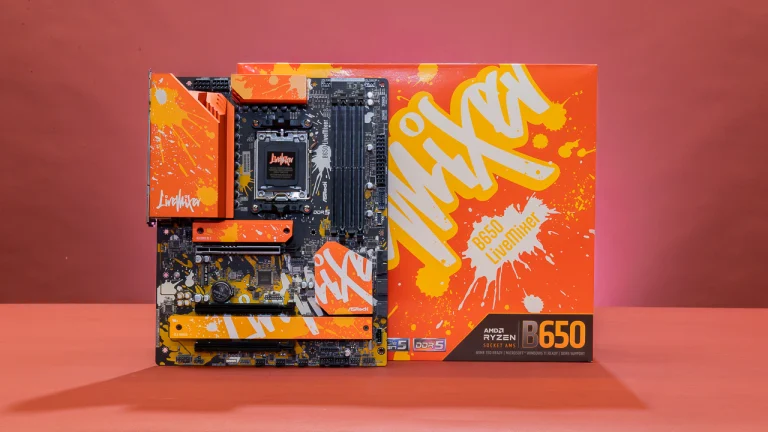
Building a new PC requires matching the motherboard, CPU, and RAM. Sockets define compatibility: AMD’s AM4/AM5 and Intel’s LGA 1700/1851 only support specific CPUs. RAM types (DDR4 vs. DDR5) are equally critical—motherboards won’t mix generations. Always verify CPU support on the motherboard manufacturer’s website. Reusing cases, power supplies, or storage is possible, but platforms older than five years limit upgrade paths.
The Myth of Future-Proofing
Planning to upgrade later? Think again. Intel changes sockets every 2–3 years, while AMD’s AM4 lasted five. Even with AM5, BIOS updates and chipset limitations may block newer CPUs. Newer motherboards offer faster RAM, USB, and PCIe slots, making older boards obsolete sooner. Instead of partial upgrades, sell or repurpose old systems and invest in current platforms for better performance and features.
CPU Basics: Microarchitecture Matters Most
A CPU’s design (microarchitecture) dictates efficiency and speed. AMD’s Zen 5 (Ryzen 9 9950X) and Intel’s Arrow Lake (Core Ultra 9 285K) exemplify modern architectures. Decode model numbers to compare:
- AMD: Ryzen 9 9950X = Zen 5 (first “9”), flagship tier (second “9”).
- Intel: Core Ultra 9 285K = Arrow Lake (first “2”), high-performance tier (“8”).
Core Count: More Isn’t Always Better
Cores handle tasks independently. Intel mixes high-performance (P-cores) and efficient (E-cores) cores, while AMD uses identical cores. An 8-core Ryzen may outperform a 12-core Intel chip in gaming but lag in multitasking. Balance core count with software needs—gaming thrives on fewer fast cores, while video editing leverages more cores.
Multithreading: Doubling Efficiency
Simultaneous Multithreading (SMT) or Hyper-Threading lets one core manage two tasks. A Ryzen 7 9700X (8 cores, 16 threads) handles heavy workloads better than a non-threaded CPU. However, not all apps benefit—check software requirements before prioritizing thread count.
Clock Speed: The Need for Speed
Measured in GHz, clock speed reflects how quickly a CPU executes tasks. Boost clocks (e.g., Intel’s 6.0GHz) matter more than base speeds, as modern CPUs sustain higher frequencies under load. Overclocking can push limits but requires compatible hardware and cooling.
Final Advice: Buy Smart, Not Expensive
Choose a CPU that fits your current needs, not future hypotheticals. Midrange processors (e.g., Ryzen 5 or Core Ultra 5) offer the best value, often outperforming flagship models from 2–3 years ago. Regular upgrades (every 5 years) beat clinging to outdated high-end systems. Always consult benchmarks (like Tech4GSM’s reviews) for real-world insights before purchasing.
By aligning goals with hardware capabilities and prioritizing current-gen platforms, you’ll maximize performance without overspending. Remember: Technology evolves rapidly—today’s midrange could be tomorrow’s bargain!
How to Choose the Right CPU for You
Identify Your Needs:
Gamers: Prioritize single-core speed and cache size.
Creators: Look for high core/thread counts.
General Use: A budget 6-core CPU suffices.
Check Compatibility:
Ensure your motherboard supports the CPU’s socket (AM5 for Ryzen 7000/9000, LGA 1851 for Intel Ultra).
Future-Proofing:
Opt for PCIe 5.0 and DDR5 support if you plan to upgrade components later.
Thermal Design:
High-end CPUs require robust cooling—don’t skimp on a good air cooler or AIO.
Final Thoughts
Whether you’re a casual user or a demanding professional, 2025’s CPU lineup has something for everyone. AMD leads in multi-threaded tasks and efficiency, while Intel fights back with hybrid architectures and AI enhancements. For the latest benchmarks and deals, stay tuned to Tech4GSM—your go-to source for tech insights!