Introduction
Although it’s more difficult to get a free version of Photoshop these days, there are still several methods to try if you need it without spending money. If you’re willing to consider other options, there are a number of top-notch free applications that can manage picture editing duties and might be ideal for you. These substitutes can provide excellent functionality for making changes, designing, or altering images, frequently for no cost.
How to Get Photoshop for Free: Get Your Free Trial Now
Using Adobe’s free trial is one of the greatest approaches to obtain Photoshop for nothing. Although your credit card information will be required, you can cancel before the trial period expires to prevent any fees.
Step 1:
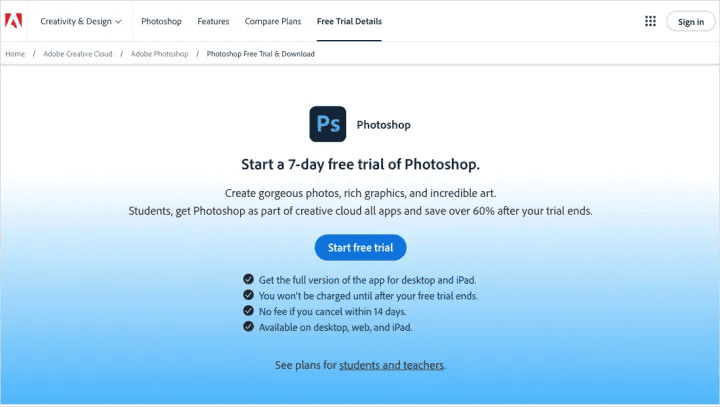
Visit the Adobe website and select “Buy now” or “Start a free trial.”
Adobe will provide you a number of alternatives for a free trial. Photoshop is accessible for seven days throughout each trial. Select the option that best suits your needs based on pricing and extra features. you avoid getting charged, just be sure you cancel before the trial time expires.
Step 2:
Two options are available to you:
- Photoshop Only: This offers a free seven-day trial, after which there is a $23 monthly cost.
- The Creative Cloud Suite, which costs $60 a month and offers a seven-day free trial, comes with Photoshop and more than 20 other Adobe products.
Select the monthly or annual payment plan on the right side, depending on what best suits your needs. Click “Continue” after that.
Step 3:
Decide if you want to add an Adobe Stock membership, which comes with its seven-day free trial. If you want it, click “Add,” and if not, click “No thanks.”
Step 4:
To supply your payment information, enter your email address and adhere to the instructions. After that, select “Start a free trial” to launch Photoshop.
Step 5:
Install the program by downloading it and following the on-screen directions.
Step 6:
Photoshop may now be used like any other program. If you decide not to continue paying after the seven-day trial period, don’t forget to cancel your membership.
Adobe tracks your downloads, thus it’s hard to get a second free trial. To get another free trial, you might try uninstalling Photoshop from your computer or using a different computer with a new Adobe account. However, both strategies don’t always work.
Excellent Alternatives for Photoshop
Although Photoshop is frequently chosen due to its widespread use, a number of applications provide a fairly comparable experience. There are even some of these apps that may be downloaded for free. Even while Photoshop allows testers to use it for free, you will eventually have to pay for it. Therefore, it could be wise to think about other options if you’re over budget.
GNU Image Manipulation Program
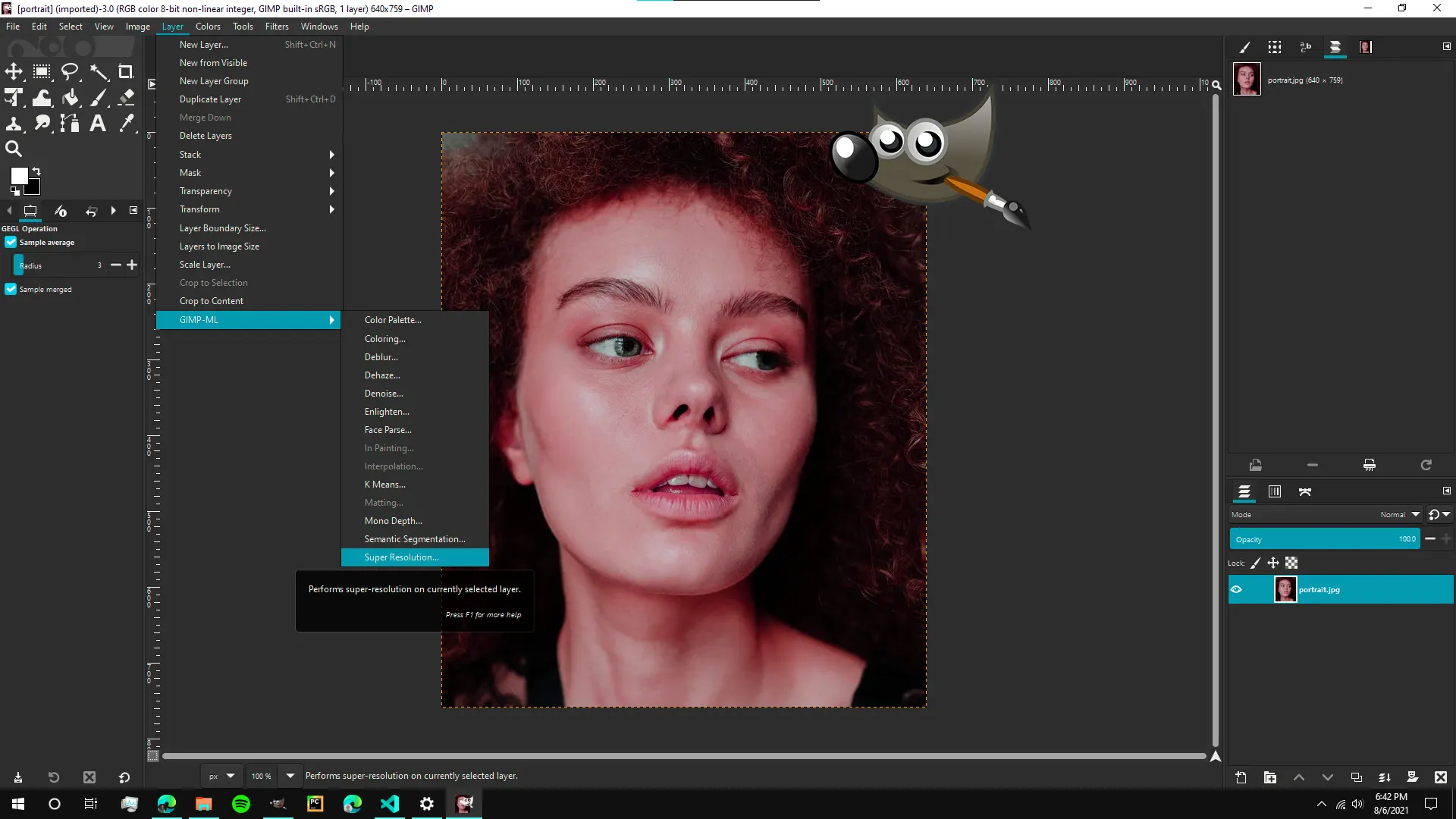
GNU Image Manipulation Program, or GIMP for short, is a potent and cost-free substitute for Adobe Photoshop. It is an excellent choice for both novice and expert users since it provides a large selection of tools for digital art, graphic design, and picture editing. GIMP is an open-source tool that offers many capabilities without requiring a membership. It is updated frequently and is supported by a friendly community.
The closest free substitute for Photoshop’s sophisticated features is the open-source GNU Image Manipulation Program, or GIMP. GIMP may be downloaded for free and is compatible with Mac, Windows, and Linux.
Beyond simple cropping and color correction, GIMP has many of the same tools as Photoshop, including layer manipulation. You can easily manage more complex activities like item deletion, blemish removal, and local modifications. GIMP is a formidable rival to Photoshop because of its more sophisticated features, whilst other free apps might only offer rudimentary editing.
However, compared to Photoshop, GIMP has several restrictions because it is a free application. For example, GIMP’s healing brush has fewer possibilities and no non-destructive adjustment layers, which let you make changes and then undo them without altering the original picture. Furthermore, GIMP frequently lags behind Photoshop in implementing new features and tools, and it is incompatible with several graphic design components, such as CMYK color profiles.
Depending on your point of view, the GIMP user interface may be either excellent or subpar. Because it’s an open-source tool, it doesn’t have Photoshop’s polished appearance. On the other hand, it might seem less intimidating and provide greater personalization choices with fewer tools.
GIMP is the closest open-source substitute for Adobe’s program and costs nothing, even though it cannot duplicate every feature of Photoshop. See our guide on Photoshop vs. GIMP for a thorough comparison.
Corel PaintShop Pro
AfterShot Pro is a Lightroom substitute that comes with Corel PaintShop Pro, a powerful Photoshop substitute. Unlike Photoshop’s subscription plan, it provides a one-time purchase mechanism and is priced at $100 for both or $80 for upgrades. PaintShop Pro, which is exclusively available for Windows, offers more sophisticated capabilities for seasoned users as well as an Essentials panel for novices.
A dedicated photography workspace, an improved brush for better choices, and a content-aware clone tool are all included in the 2020 release. Although it is comparable to Photoshop in many aspects, Photoshop is still better at RAW editing and content-aware modifications. However, PaintShop Pro comes with special tools like auto paint to turn photographs into artwork and PhotoMirage to animate photos.
Final Words
Despite lacking certain sophisticated capabilities, GIMP is a good free substitute for Photoshop for picture editing. Despite being Windows-only and lacking in certain areas when compared to Photoshop, Corel PaintShop Pro provides a one-time purchase solution with capabilities that bridge the gap between expert editing and ease of use. Each option offers great alternatives in a variety of categories and accommodates varying demands and budgets.