
Introduction
Running out of space on your laptop? Don’t panic! You don’t need to buy a new device or crack open your laptop for a risky upgrade. Here are easy, budget-friendly ways to add more storage and keep your files safe.
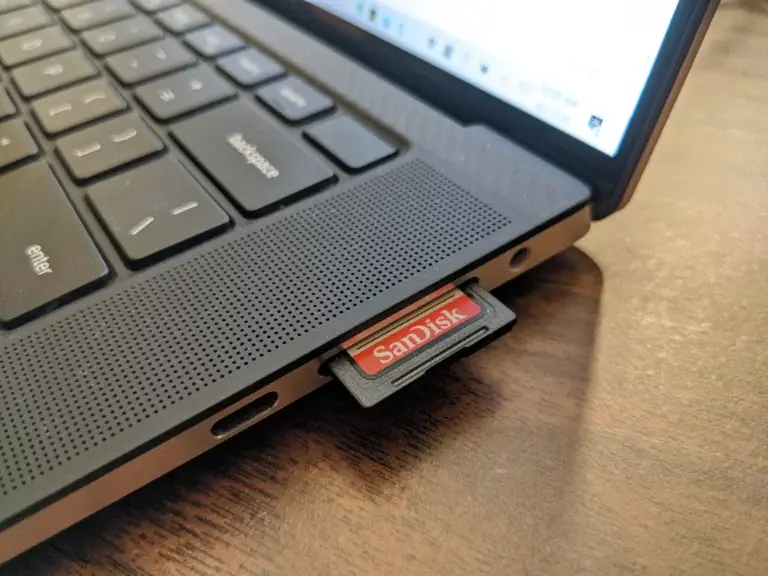
**1. SD/microSD Cards: Pocket-Sized Storage
Perfect for photos, docs, and light apps!
- Cheap & Easy: Grab a 512GB Samsung Pro Plus microSD card for under $50 and slide it into your laptop’s SD slot.
- Pro Tip: If your laptop supports UHS-II cards, you’ll get speeds up to 312 MB/s—great for HD videos.
- Stay Flush: microSD cards sit neatly in the slot (no bulk!), unlike SD cards that stick out.
Got a 1.5TB craving? The SanDisk Ultra microSD card offers massive space for under $110.
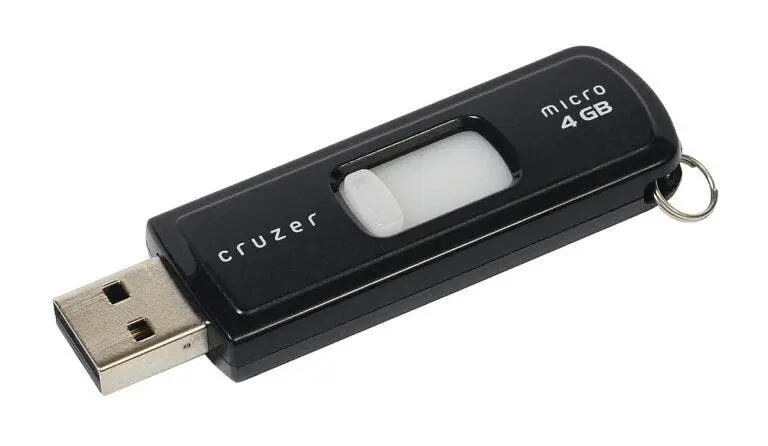
**2. USB Flash Drives: Plug-and-Play Magic
Ideal for students and travelers!
- Speedy Transfers: USB 3.2 drives hit 500 MB/s—way faster than SD cards.
- Low-Profile Picks: The SanDisk Ultra Fit USB drive (512GB) stays plugged in permanently without hogging space.
- Downside: USB-C flash drives are rare due to size limits.
Need speed? Thunderbolt 4 ports support up to 2,800 MB/s, but this is better for external SSDs.
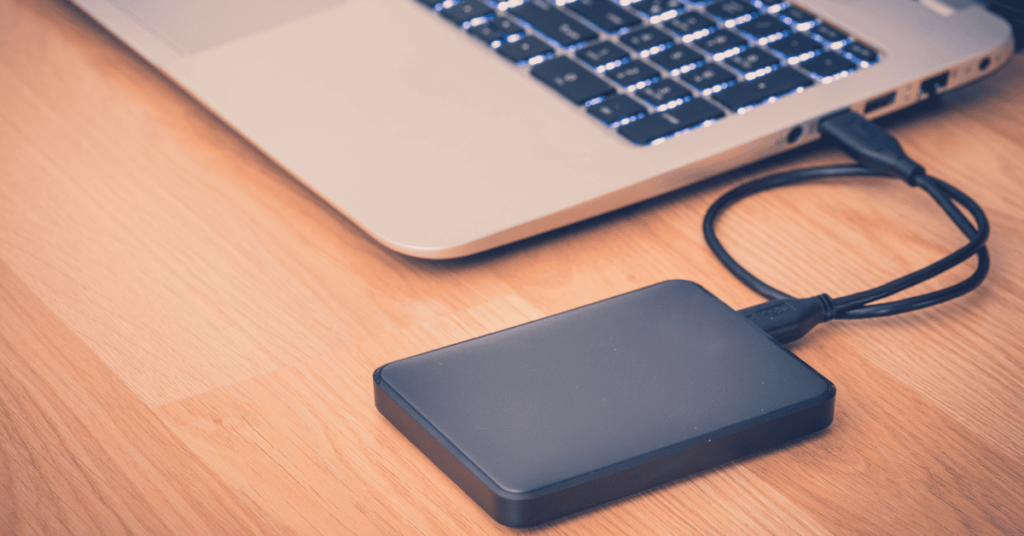
**3. External SSDs: Speed Demons for Pros
Perfect for gamers, editors, and heavy files!
- Blazing Fast:
- USB4/Thunderbolt SSDs: Hit 2,800 MB/s (e.g., Adata SE920).
- Budget Pick: Teamgroup T-Force M200 offers 20Gbps speeds without breaking the bank.
- Desk-Friendly Setup: Use a USB dock to connect your SSD, mouse, and keyboard in one go.
Pro Hack: The Crucial X9 Pro (1TB) is ultra-reliable for backups and daily use.
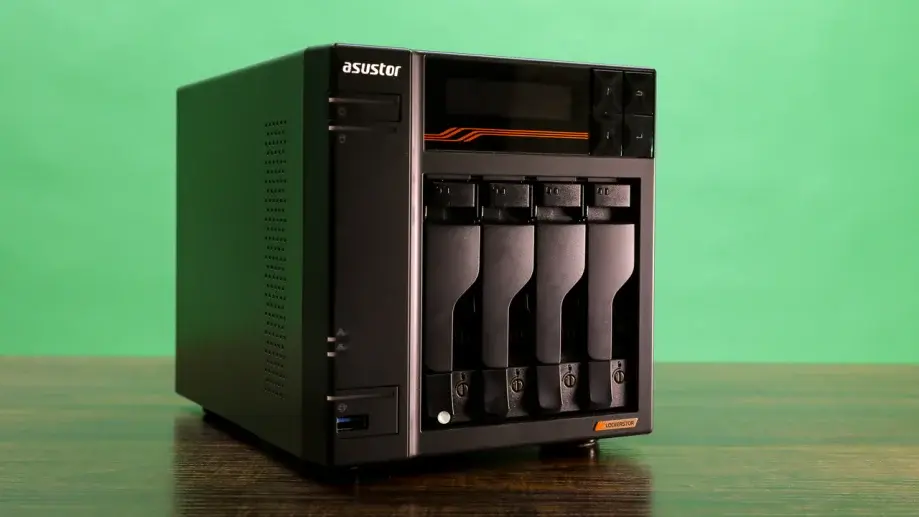
**4. NAS Devices: Your Personal Cloud
Turn your home into a storage hub!
- Wi-Fi Freedom: A NAS like the 2TB Buffalo LinkStation 210 lets all devices access files wirelessly.
- Expandable: Upgrade to Ugreen’s NASync DXP4800 Plus for 112TB storage (yes, that’s 112,000GB!).
- Speed Limitation: Depends on your Wi-Fi/router. Use Ethernet for faster transfers.
**5. Cloud Storage: Backup from Anywhere
For those who love working on the go!
- Free Plans: Google Drive and Dropbox offer 5-15GB free (ideal for docs).
- Paid Power:
- Microsoft 365 Personal: 1TB + Office apps for $99/year.
- Mega: 20GB free, end-to-end encryption for privacy lovers.
Warning: Cloud storage needs internet. No signal? No files!
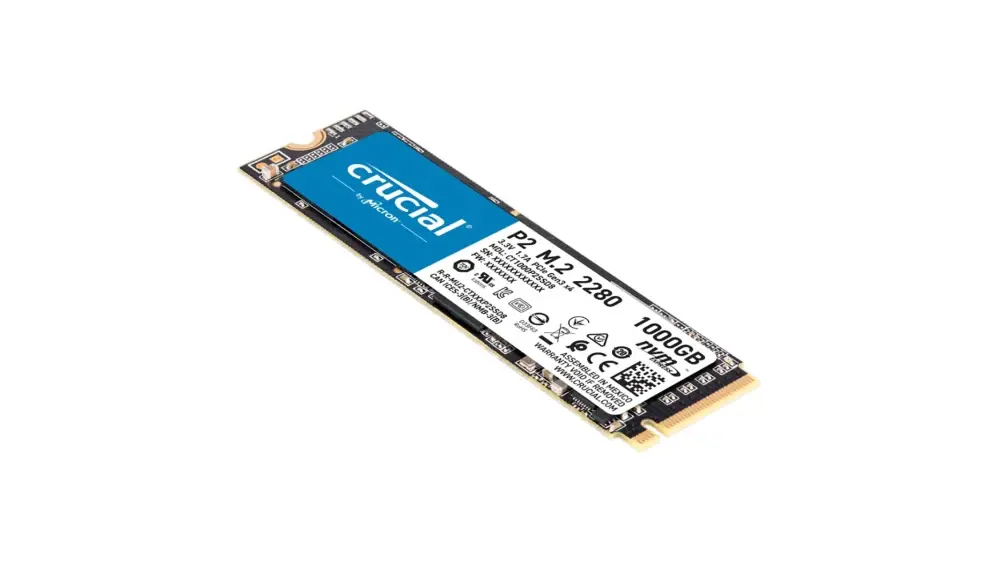
**6. Internal SSD Upgrade: The Speed King
Best for tech-savvy users!
- NVMe M.2 SSDs:
- PCIe 3.0: 3,500 MB/s
- PCIe 4.0: 7,000 MB/s (7x faster than USB flash drives!)
- Check Compatibility:
- Search “[Your Laptop Model] SSD upgrade” online.
- Gaming/business laptops are often upgrade-friendly; ultrabooks usually aren’t.
Final Verdict
- Quick Fix: SD cards or USB drives.
- Heavy Duty: External SSDs or NAS.
- Long-Term Win: Upgrade your internal SSD.
No matter your budget, there’s a storage solution for you. Ditch the “storage full” panic and reclaim your laptop’s speed!