Introduction
Ever wonder why your video call freezes during peak hours or why your downloads crawl to a halt? The answer lies in network capacity—the invisible highway that decides how much data your network can handle. Let’s break down this tech mystery in plain language and discover why it affects your daily connectivity!
1. What Is Network Capacity?
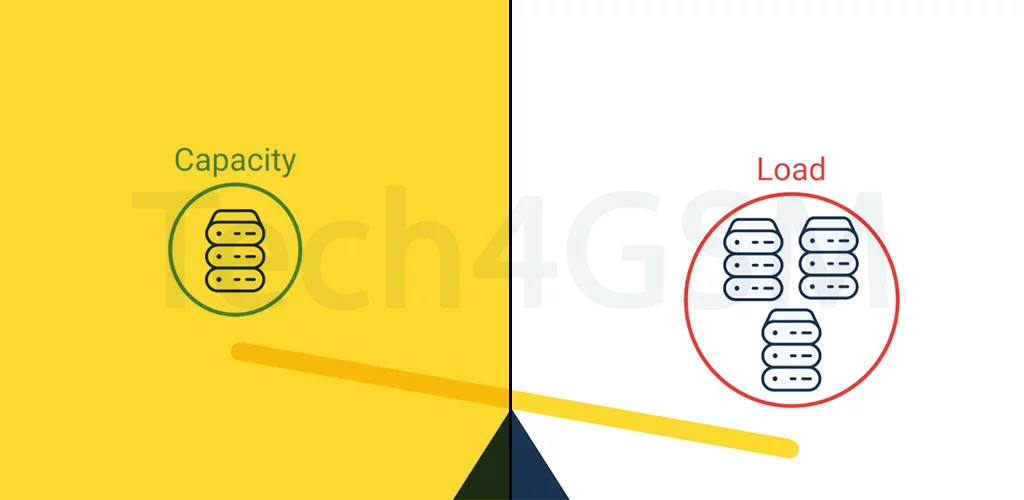
Network capacity is the maximum “load” a network can manage at any moment. Imagine a bridge: if too many cars (data) try to cross at once, traffic jams (slow speeds) happen. Similarly, networks have limits on:
- Simultaneous voice calls: How many people can talk on their phones in one area.
- Data speeds: The fastest rate you can stream, download, or upload.
- Device connections: The number of phones, tablets, or IoT gadgets sharing the network.
2. Why Does Capacity Vary by Location?
Your network isn’t equally strong everywhere. Capacity depends on:
- Spectrum Availability: Like radio channels, networks use airwaves. Crowded cities have more “channels” but also more users.
- Cell Tower Density: Urban areas have more towers close together, boosting capacity. Rural zones? Not so much.
- Technology: 4G vs. 5G networks—5G offers far higher capacity with faster speeds and lower lag.
- Time of Day: More users at 8 PM = slower speeds (think Netflix rush hour!).
3. How Network Capacity Affects You
- Buffering Videos: Too many users → network overload → your movie pauses.
- Dropped Calls: Voice traffic hits capacity → calls disconnect.
- Slow Downloads: High demand → data gets “throttled” to share bandwidth.
- Gaming Lag: Low capacity = delayed actions (and frustrated gamers!).
Fun Fact: A single cell tower can handle thousands of devices—but only if they’re not all streaming 4K at once!
4. How to Check Your Area’s Network Capacity
- Coverage Maps: Carriers like Verizon or AT&T show estimated speeds/capacity zones.
- Speed Test Apps: Tools like Ookla measure real-time download/upload speeds.
- Ask Neighbors: Local Facebook groups often rant about weak spots!
5. How Carriers Boost Network Capacity
To avoid traffic jams, providers use tricks like:
- 5G Upgrades: Newer tech supports 100x more devices per square mile.
- Small Cells: Mini-towers on lampposts or buildings to fill coverage gaps.
- Carrier Aggregation: Combining multiple frequency bands for wider data highways.
- Wi-Fi Offloading: Redirecting traffic to Wi-Fi networks to ease cellular strain.
6. What You Can Do to Avoid Network Congestion
- Use Wi-Fi: Offload data to your home/router network.
- Limit Background Apps: Close unused apps hogging data in the background.
- Download Offline: Save movies/music during off-peak hours.
- Upgrade Your Plan: Some carriers prioritize high-tier users during congestion.
The Future of Network Capacity
With smart cities, self-driving cars, and VR on the rise, demand for capacity will explode. Innovations like:
- AI-Optimized Networks: Predicting traffic patterns to allocate bandwidth smarter.
- Satellite Internet: Starlink-style systems for rural capacity boosts.
- 6G Research: Theorized to deliver terabit speeds (1,000x faster than 5G!).
Final Takeaway: Stay Connected, Stay Smart
Understanding network capacity helps you troubleshoot slow speeds and make smarter choices, like upgrading devices or switching carriers.
Pro Tip: Need faster speeds? Try using your network early morning or late night when fewer users are online! 🕒🚀