Introduction
Imagine someone steals your phone, excited to snoop through your life… only to hit a brick wall: your PIN code. This tiny number combo is the unsung hero keeping your calls, texts, and data safe. Let’s break down why PINs matter and how they work!
What is a PIN Code?
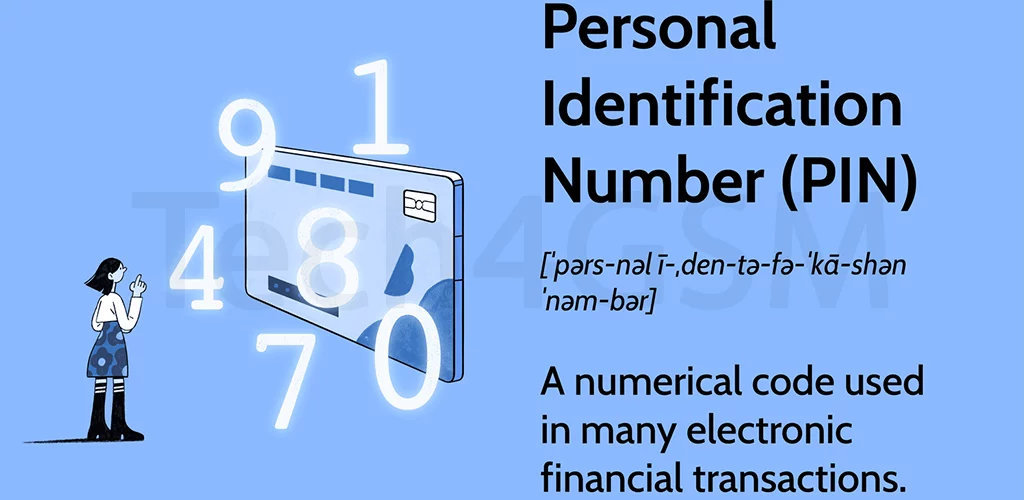
A PIN (Personal Identification Number) is a 4-8 digit numeric password that locks your SIM card. Think of it as a bodyguard for your mobile identity:
- Required at startup: Enter it when you power on your phone (unless disabled).
- SIM-specific: The PIN is tied to your SIM, not the phone itself.
- Operator-issued: Your carrier provides the default PIN (usually 0000 or 1234 – change this ASAP!).
Fun fact: In 2024, over 60% of phone thefts fail because of PIN locks. Take that, hackers!
How PIN Codes Work: A Step-by-Step Drama
- Phone turns on: “Enter PIN” pops up.
- Wrong PIN x3: SIM gets locked. Cue the dramatic music!
- PUK code needed: The only way to unlock it (more on this later).
Pro tip: Always set a PIN – even if your phone has fingerprint unlock. Double protection rocks!
PIN vs. PUK: What’s the Difference?
| PIN Code | PUK Code |
|---|---|
| You create/change it. | Provided by your carrier. |
| Locks after 3 wrong guesses. | Unlocks a blocked SIM. |
| Example: 2580 | Example: 984512367890 (10 digits). |
Warning: Entering the wrong PUK code 10 times bricks your SIM card forever. Handle with care!
Why You Should Never Skip the PIN
- Theft-proof: Thieves can’t reuse your SIM for scams.
- Data safe: Protects messages, contacts, and mobile banking OTPs.
- Carrier shield: Stops someone from racking up bills on your plan.
Real-life example: A locked SIM saved Jane from $2,000 in fraudulent calls last year!
How to Change Your PIN (In 30 Seconds!)
- Go to Settings > Security > SIM lock.
- Tap Change PIN.
- Enter the old PIN, then the new one.
- Celebrate – you’re now a security ninja!
Pro hack: Use a random number, not your birthday or 1234.
What If You Forget Your PIN?
Don’t panic! Here’s your rescue plan:
- Find the PUK code: Check the SIM card’s packaging or carrier account.
- Enter PUK + new PIN: Follow on-screen prompts.
- Still stuck? Call your carrier – they’ll verify your identity and help.
Note: Carriers won’t give PUK codes over email to prevent scams.
PIN Code Myths Busted
- “PINs are outdated.”
Nope! They’re the first layer of defense, even with biometrics. - “I don’t need a PIN if my phone is locked.”
Wrong! Thieves can pop your SIM into another phone. - “All PINs are 4 digits.”
Some carriers let you use 6-8 digits for extra security.
Final Thoughts
Your PIN code is like a secret handshake between you and your SIM card. It’s simple, powerful, and the reason strangers can’t hijack your mobile life. Change the default, memorize it, and sleep easy knowing your data is safe.