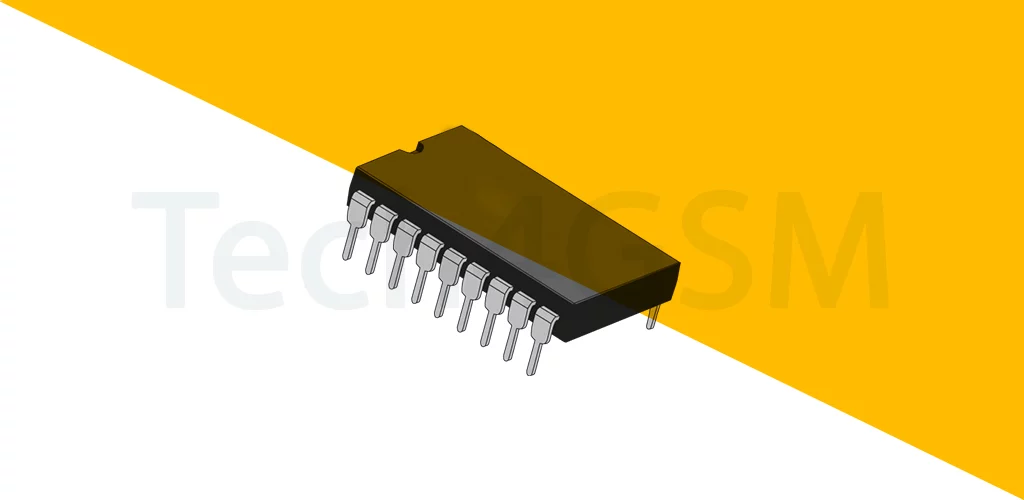
Introduction
ROM (Read-Only Memory) is a type of permanent data storage in your phone, computer, or gadgets. Unlike RAM (which forgets everything when you switch off the device), ROM saves data even without power. Think of it as a bookshelf that holds important instructions your device needs to start up and function.
Why Is ROM Called “Read-Only”?
- Data is Permanent: The info stored here (like device firmware) is pre-written and not easily changed.
- Slow or Rare Updates: Reprogramming ROM is not quick or simple. It’s designed for long-term storage, not daily edits.
- No Random Edits: You can’t tweak individual files freely—updates usually require special tools or processes.
How ROM Works with RAM
- When you turn on your device, ROM loads critical data into RAM (temporary memory) to help the system run.
- Example: Your phone’s startup screen and basic functions rely on ROM, while apps use RAM.
Where Is ROM Used?
✅ Smartphones: Stores the operating system (e.g., Android/iOS).
✅ Game Consoles: Holds game cartridges’ data (like Nintendo Switch games).
✅ Home Appliances: Microwaves, washing machines use ROM for preset programs.
✅ BIOS Chips: Boot up your computer.
Types of ROM
- PROM: Programmed once and unchangeable.
- EPROM: Erasable with UV light (used in older tech).
- EEPROM: Electrically erasable (modern devices).
- Flash ROM: Used in USB drives and SSDs—rewritable but slower than RAM.
ROM vs. RAM: Quick Comparison
- ROM: Non-volatile (saves forever), slower, for permanent data.
- RAM: Volatile (erases when off), faster, for temporary tasks.
Why Should You Care About ROM?
- Device Longevity: Corrupted ROM can brick your gadget.
- Updates Matter: Manufacturers occasionally release ROM updates to fix bugs.
Handling Risks: Never tamper with ROM without expert help—it can break your device!