Introduction
CDs or Compact Discs revolutionized data storage in the 1980s, replacing bulky phonograph records. Made of plastic with a reflective metal coating (usually aluminum), these circular discs evolved into three main types: CD-R, CD-ROM, and CD-RW. Let’s dive into CD-ROM—a game-changer in digital storage.
What is CD-ROM?
CD-ROM (Compact Disc Read-Only Memory) is a non-erasable, non-writable optical disc. Introduced in 1982, it stores binary data as tiny pits read by laser beams. From software to videos, CD-ROMs became a go-to for distributing large files securely.
Key Characteristics of CD-ROM
- Material: Made of clear polycarbonate plastic with a reflective layer and protective lacquer coating.
- Compatibility: Only readable by CD-ROM drives (standard CD players can’t read them).
- Capacity: Holds up to 700MB—equal to 300,000 text pages!
- Versatility: Stores audio, images, videos, games, and software.
History of CD-ROM
- 1958–1975: Pioneers like David Paul Gregg and James Russell laid the groundwork for optical storage.
- 1982: Japanese company Denon introduced the first CD-ROM.
- 1983: Sony and Philips standardized the format in the Yellow Book.
- 1988: Debuted in gaming with TurboGrafx-CD. By the late 1980s, CD-ROM drives became PC staples.
Advantages of CD-ROM
- Random Access: Instantly jump to any data point.
- Cost-Effective: Cheap to mass-produce and distribute.
- Durability: Resists wear, lasts decades if handled well.
- Security: Ideal for read-only, tamper-proof data.
Disadvantages of CD-ROM
- Speed: Slower than modern drives.
- Storage Limits: Max 700MB (tiny vs. today’s terabyte drives).
- Fragility: Scratches can render discs unreadable.
- No Updates: Data can’t be erased or rewritten.
Conclusion
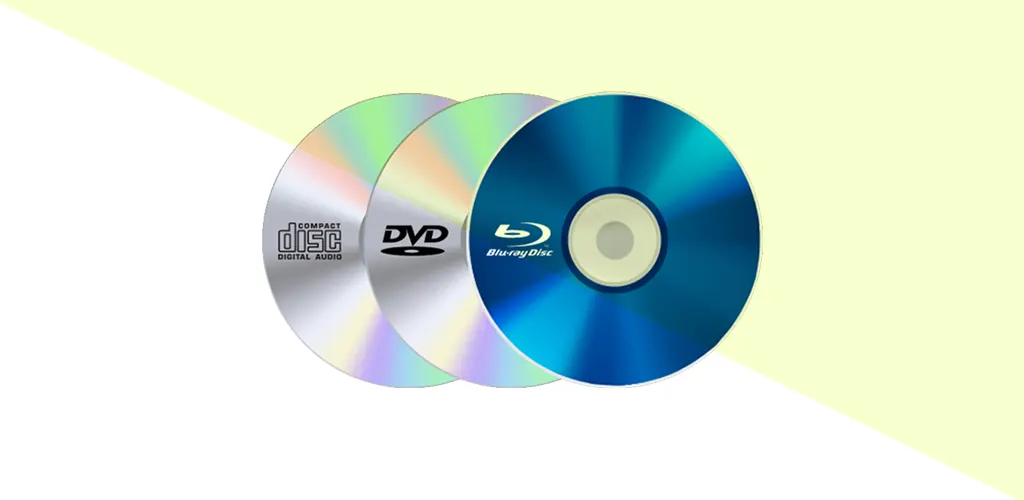
CD-ROMs were pivotal in the digital age, enabling software distribution and multimedia content. By 2025, they’re largely overshadowed by USB drives, cloud storage, and SSDs—yet their legacy lives on in DVDs and Blu-rays. A true tech milestone!
FAQs
1. Can a CD-ROM player read DVDs?
No. CD-ROM drives lack the laser needed to read DVD formats. Use a DVD-ROM drive instead.
2. How are CD-ROMs made?
A master disc is created from a burned CD-R, then stamped in bulk using hydraulic presses.
3. How does a computer read CD-ROMs?
A laser scans microscopic pits on the disc’s surface, converting reflections into binary code for your device.