Introduction
Tired of staring at the same old fonts on your Android device? Want to refresh your phone’s look without diving into complicated rooting processes? You’re in the right place! In 2025, personalizing your Android’s font is easier than ever—no technical expertise required. Let’s explore three simple, root-free methods to transform your device’s typography and give it a fresh vibe.
Why Change Fonts? The Power of Personalization
Before we jump into the how, let’s talk about the why. Fonts are more than just letters—they shape your phone’s personality. A sleek, modern font can make your device feel professional, while a quirky style adds fun to everyday use. Plus, custom fonts improve readability, reduce eye strain, and reflect your unique taste.
Did You Know?
- Over 60% of Android users customize their devices visually.
- Font changes are the #1 quickest way to refresh your phone’s interface.
Rooting vs. Non-Rooting: What’s the Deal in 2025?
Rooting—a process to unlock administrative control over your Android—was once popular for deep customization. But in 2025, it’s riskier than ever:
- Security Risks: Rooting exposes your device to malware.
- Warranty Void: Most manufacturers still void warranties for rooted devices.
- Complexity: New Android updates (like Android 15) make rooting harder.
Good News! You don’t need root access to change fonts anymore. Let’s dive into the three safest methods.
Method 1: Use Launcher Apps (The All-in-One Solution)
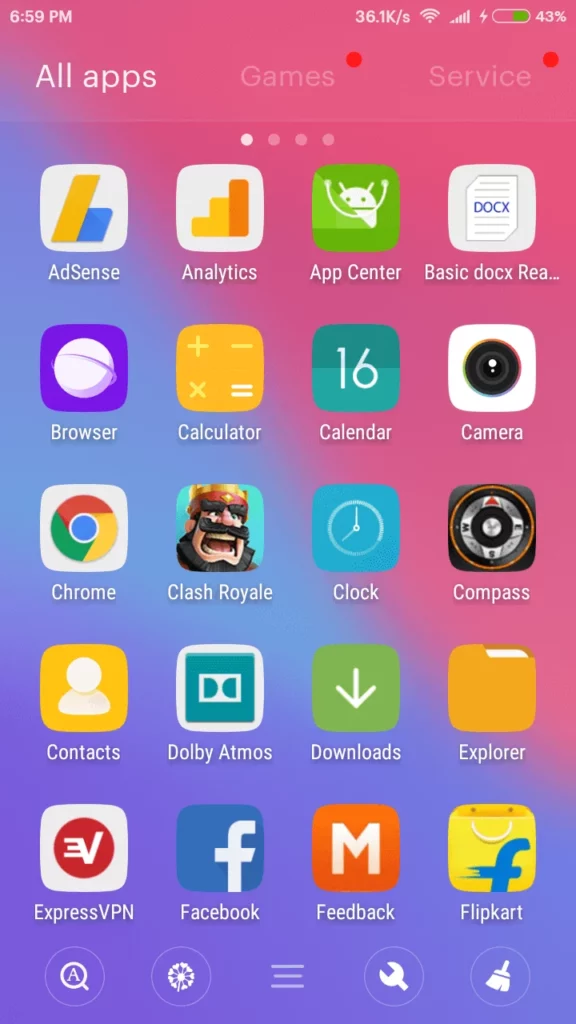
Launcher apps do more than just change fonts—they overhaul your home screen, icons, and widgets. In 2025, these apps are smarter, faster, and loaded with customization options.
Top Launchers for Fonts in 2025
- Nova Launcher Prime
- Why It’s Great: Lightweight, with 1,000+ font styles.
- Bonus: Custom icon packs and gesture controls.
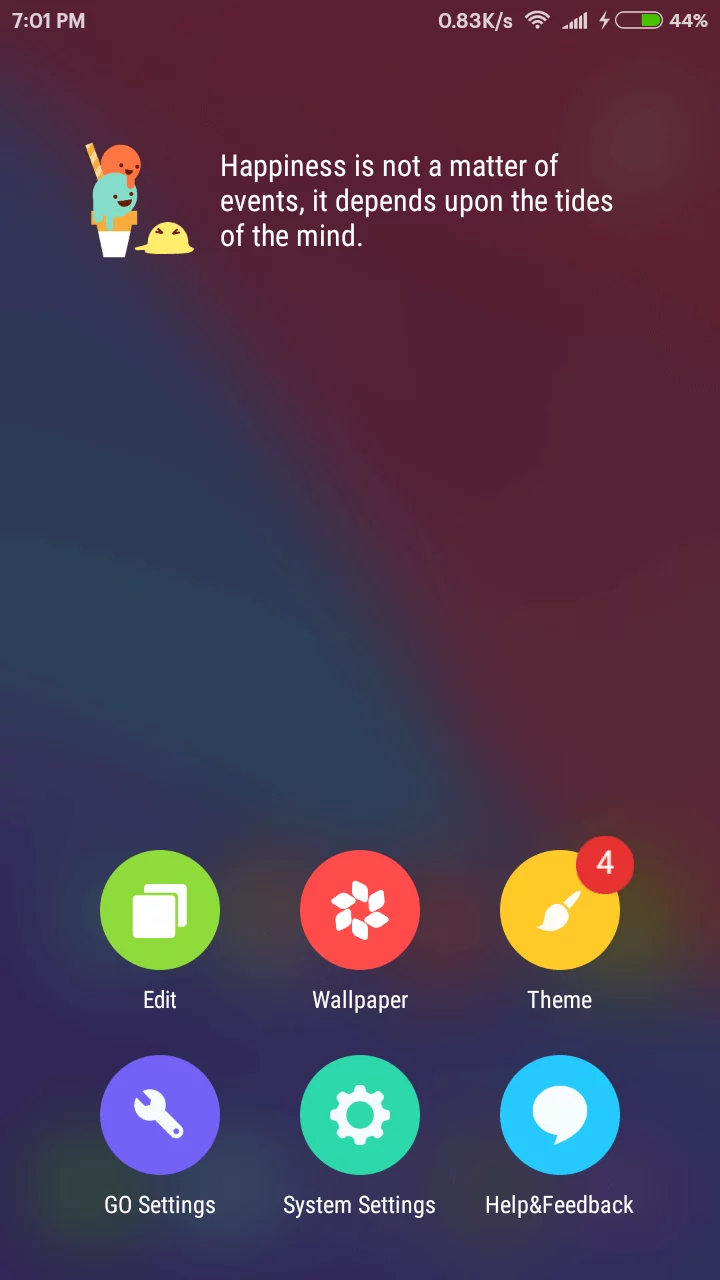
- Smart Launcher 6
- Why It’s Great: AI-driven font suggestions based on your wallpaper.
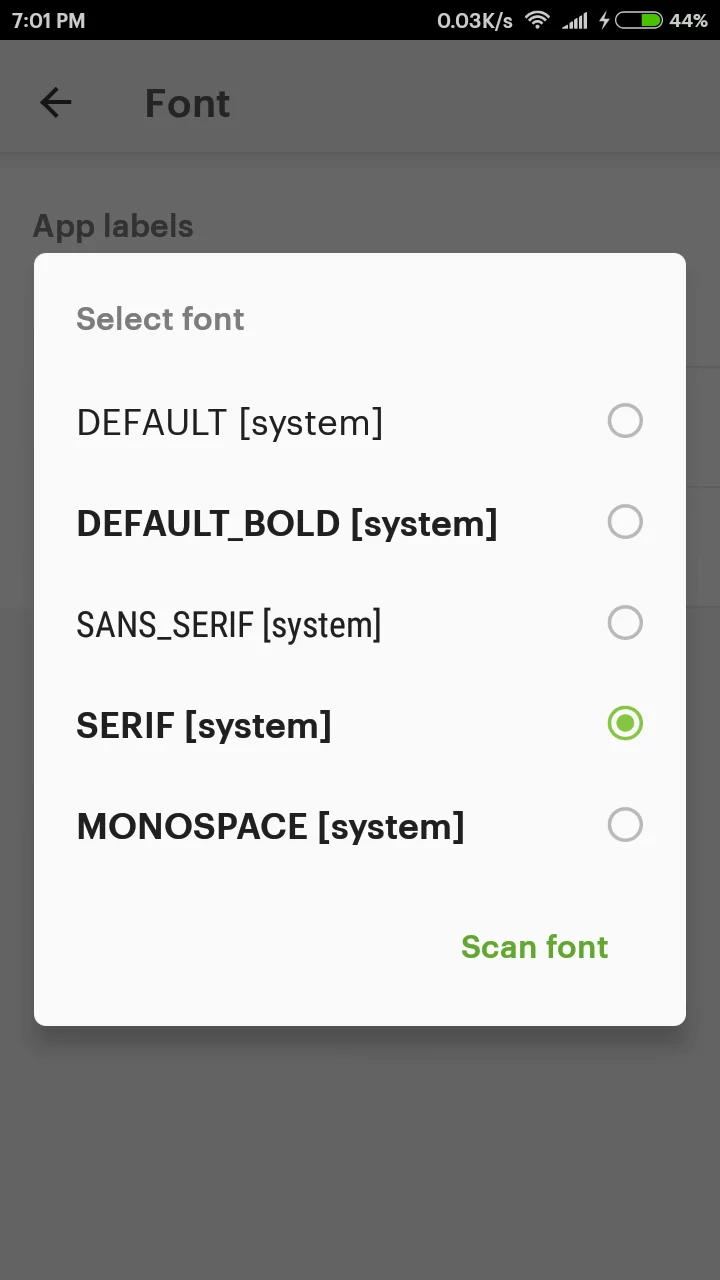
- GO Launcher Z (2025 Edition)
- Why It’s Great: Legacy app revamped with AR previews for fonts.
Step-by-Step Guide: Changing Fonts with GO Launcher Z
- Download GO Launcher Z from the Play Store.
- Open the app > Tap “Themes” > Select “Fonts”.
- Preview fonts using AR (hover your camera to see how they look in real life!).
- Apply your favorite > Restart the launcher.
Pro Tip: Pair your new font with a matching icon pack for a cohesive look.
Method 2: Built-In Font Options (For Samsung, Xiaomi & More)
Many 2025 Android devices come with built-in font libraries. Brands like Samsung, Xiaomi, and OnePlus offer dozens of free and premium fonts.
How to Access Built-In Fonts
- Samsung Galaxy Phones:
- Go to Settings > Display > Font Style.
- Browse fonts like Samsung Sans, Google Sans, or download new ones from the Galaxy Store.
- Xiaomi/Redmi Devices:
- Navigate to Settings > Always-On Display & Lock Screen > Font Settings.
- OnePlus/Oppo:
- Head to Settings > Personalization > Font.
2025 Trend Alert: Dynamic fonts that adjust boldness based on time of day!
Method 3: Font Apps (Quick & No-Fuss)
If launchers feel overwhelming, dedicated font apps are your best bet. These apps work like magic—install, apply, and enjoy!
Top Font Apps of 2025
- Stylish Fonts Pro
- Features: 15,000+ fonts, live previews, and TikTok-inspired trending sections.
- How to Use:
- Download the app > Pick a font > Tap “Apply Now”.
- Grant “Display Over Other Apps” permission (no root needed).
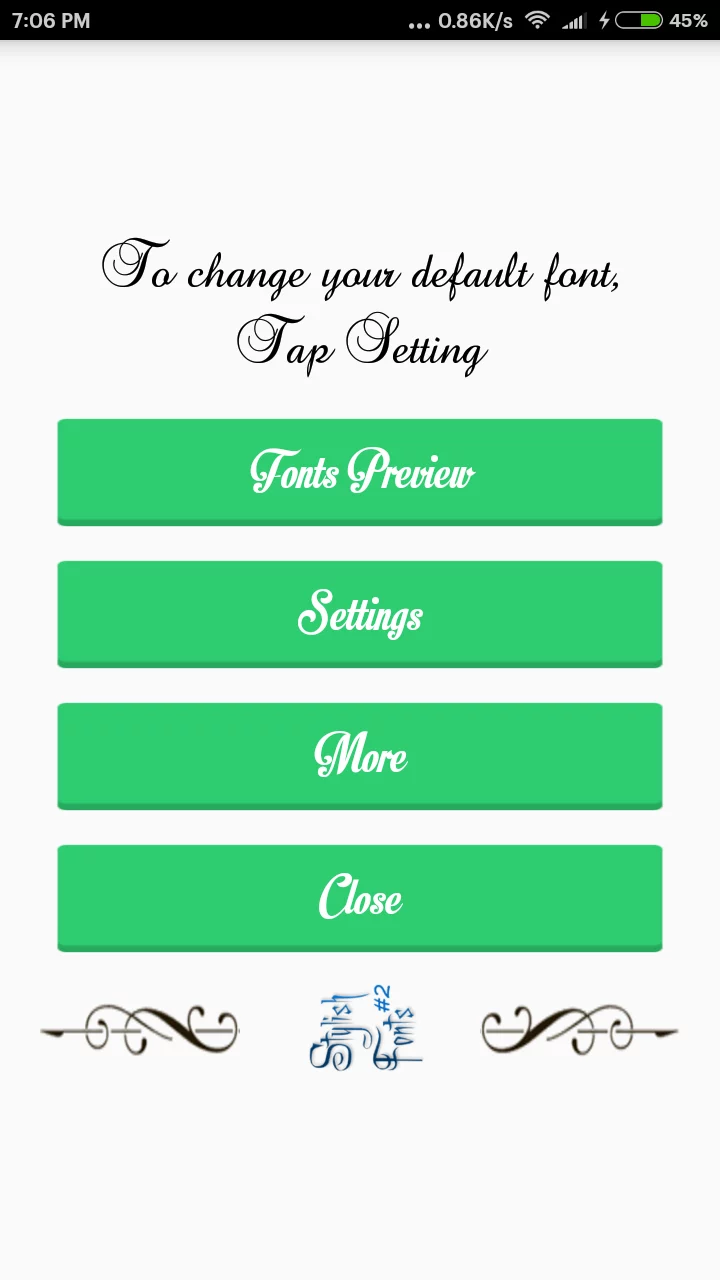
- iFont 2025
- Features: Font pairing suggestions (e.g., “Retro + Neon” combos).
- How to Use:
- Search for a font > Download > Enable it in Settings > Display.
- FontFix AI
- Features: AI scans your apps and suggests the most readable fonts.
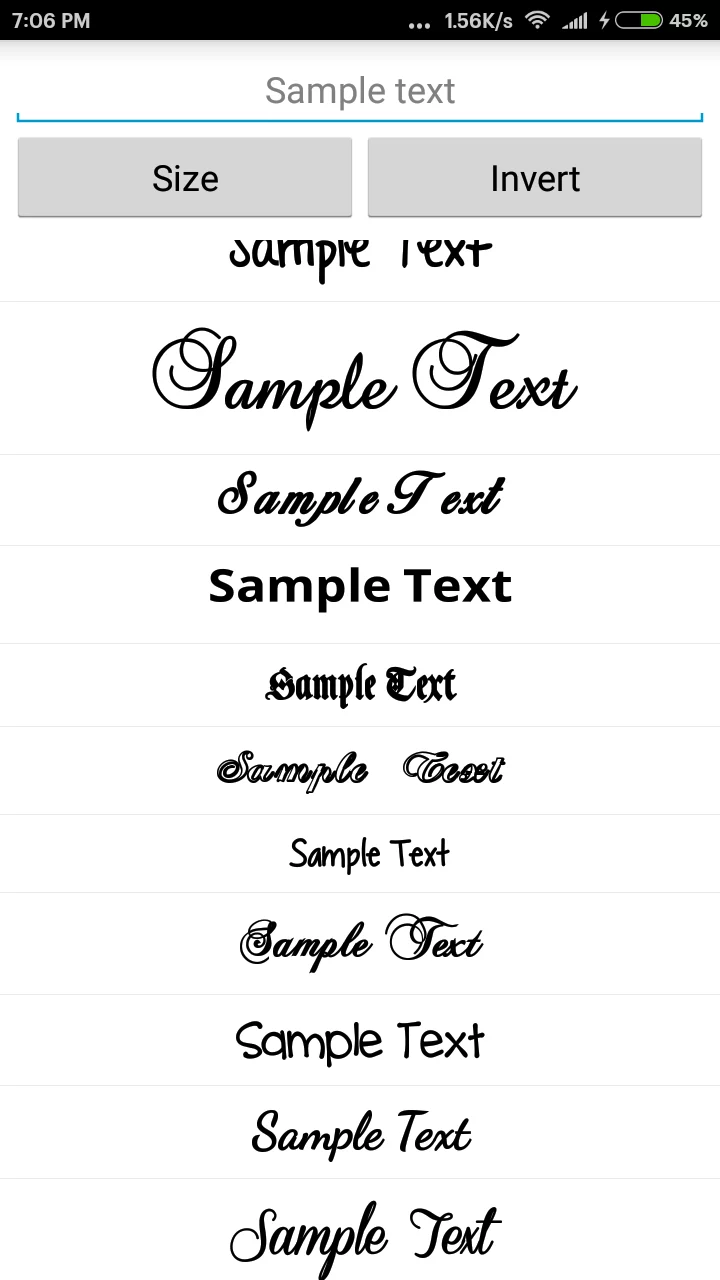
Troubleshooting Tip: If fonts don’t apply, disable “Developer Mode” temporarily.
FAQs: Your Questions, Answered
Q1. Will changing fonts drain my battery?
No. Fonts are lightweight and don’t impact battery life.
Q2. Can I use custom fonts in WhatsApp or Instagram?
Yes! Most 2025 font apps apply system-wide changes, including social media.
Q3. Are there free fonts, or do I need to pay?
Many apps offer free fonts, but premium styles (0.99–3.99) unlock unique designs.
Conclusion: Refresh Your Android in Minutes!
Gone are the days of rooting risks and complex tutorials. In 2025, changing fonts on Android is as easy as downloading an app or tweaking settings. Whether you choose a launcher, built-in options, or a font app, your phone’s new look is just a few taps away.
Final Tip: Experiment with seasonal fonts—try spooky styles for Halloween or elegant scripts for holidays!