Introduction
Remember those bulky old monitors with chunky backs? They likely owed their visuals to VGA—a classic tech term that’s still lurking in the shadows of modern displays. Let’s explore what VGA is, why it’s iconic, and where you might still spot it today!
What is VGA?
VGA stands for Video Graphics Array, a resolution standard introduced by IBM in 1987. It’s like the “grandparent” of modern HD screens, offering a resolution of 640 pixels wide x 480 pixels tall (640×480). Think of it as a grid of tiny dots (pixels) that form images on your screen—just way less dense than today’s ultra-sharp displays.
VGA: A Blast from the Past
- 1980s Glory: VGA was revolutionary for its time, powering early PCs and gaming.
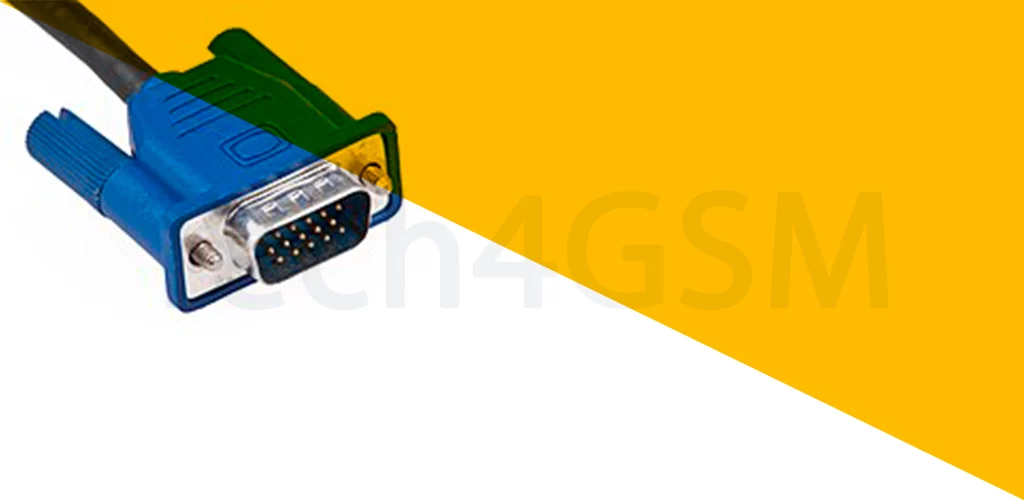
- Analog Signal: Unlike today’s digital HDMI, VGA uses analog signals (those blue-cabled connectors!).
- Legacy Lifespan: Many projectors, older monitors, and industrial devices still use VGA ports.
Why 640×480 Still Matters
Even though VGA is outdated, it’s not extinct! Here’s why:
- Backward Compatibility: Need to connect an old DVD player or PC to a modern screen? VGA adapters save the day!
- Budget-Friendly: Basic devices (e.g., security cameras) still use VGA to cut costs.
- Retro Gaming: Classic games look authentic on VGA-resolution screens!
VGA vs. Modern Resolutions
| VGA (640×480) | HD (1920×1080) | 4K (3840×2160) |
|---|---|---|
| 0.3 megapixels | 2 megapixels | 8.3 megapixels |
| Analog signal | Digital signal | Digital signal |
| Basic color depth | Vibrant colors | Ultra-realistic hues |
Fun Fact: A single 4K pixel is smaller than a grain of sand!
Where You’ll Find VGA Today
- Old Monitors & Projectors: Schools, offices, and garages still use them.
- Industrial Machines: Factories rely on VGA for rugged, simple displays.
- Adapters: Convert VGA to HDMI/USB-C for modern TVs or laptops.
Need help picking the right adapter? Check tech4gsm.com for guides!
VGA’s Limitations
- Blurry Text: Low resolution makes small text hard to read.
- Color Fading: Analog signals lose quality over long cable runs.
- No Audio: VGA only carries video—you’ll need separate speakers.
VGA Pro Tips
- Clean the Port: Dusty VGA ports cause flickering—use compressed air!
- Go Digital: Upgrade to HDMI for sharper images if your device supports it.
- Check Compatibility: Before buying old gear, confirm it has VGA ports.
Wrapping Up
VGA is a nostalgic nod to tech’s humble beginnings. While it’s no match for today’s 4K screens, its simplicity and durability keep it alive in niche uses. Got an old VGA device? Grab an adapter and give it new life!