Introduction
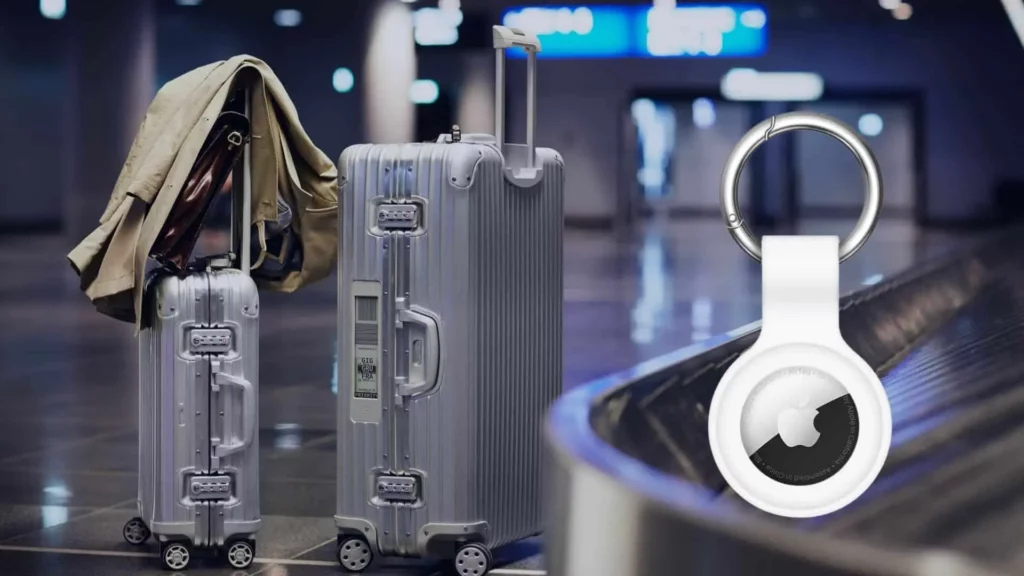
Lost luggage? Never again! With Apple’s iOS 18.2 update, AirTags have transformed from solo trackers to group travel superheroes. Whether you’re jet-setting with family or road-tripping with friends, here’s how to use AirTag sharing like a pro.
1. Why AirTags Are a Travel Must-Have
Keep tabs on your stuff, stress-free!
- Luggage Tracking: Slip an AirTag into your suitcase to see if it made it onto the plane via the Find My app.
- Shared Bags: Heading out with pals? Share an AirTag in a group backpack or cooler for real-time updates.
- Theft Protection: If your bag (or phone!) gets stolen, track its location—even if your device is offline.
Pro Tip: Stash AirTags in checked luggage, camera bags, or kid’s backpacks for extra peace of mind.
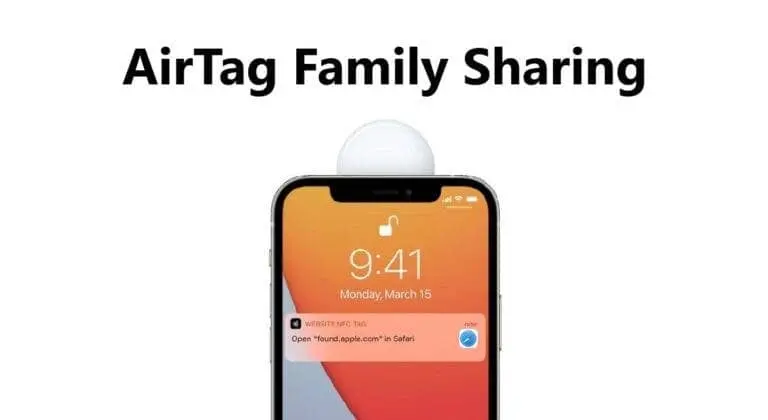
2. The Old AirTag Sharing Hurdles
Before iOS 18.2, sharing was a headache:
- Apple-Only Club: Only iPhone users could join the tracking party—Android folks were left out.
- Family Sharing Required: You had to add travel buddies to your Family Plan, which felt too formal for a weekend trip.
- Limited Access: Shared users couldn’t track items in real-time—only the owner could.
Example: Imagine your Android-using friend couldn’t help find the shared Airbnb keys. Frustrating, right?
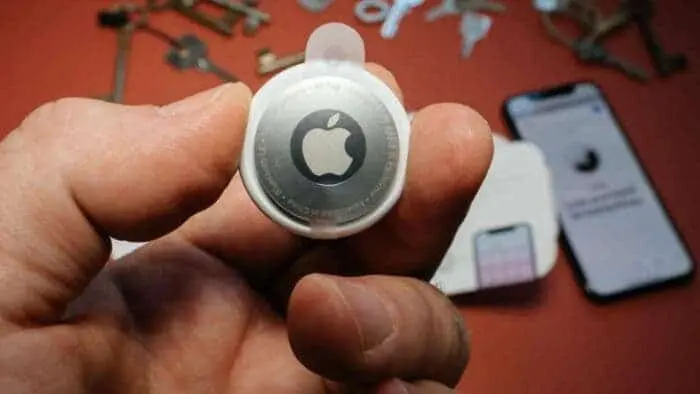
3. iOS 18.2 Fixes Everything! New Sharing Perks
Apple finally made AirTags group-friendly:
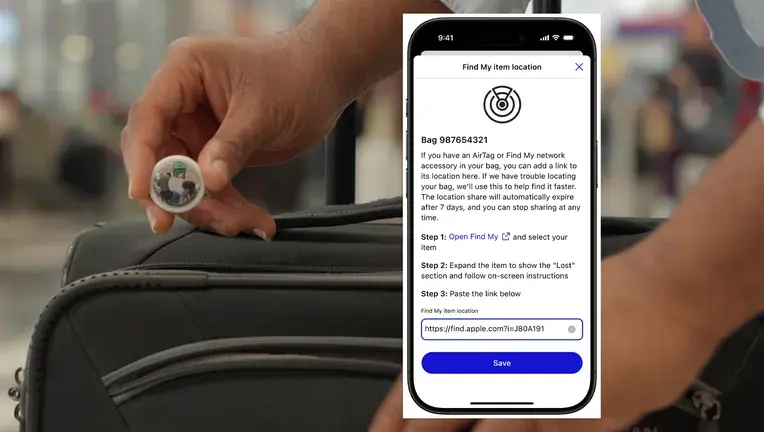
- Share via Link: No Apple ID? No problem! Send a tracking link to anyone—even Android users.
- Temporary Access: Perfect for trips. Share for a day, week, or month—no Family Plan needed.
- Safety First: Shared users only see the AirTag’s location after it’s marked lost (no creepy real-time tracking!).
How to Share:
- Open Find My App > tap the AirTag.
- Select Share This Item > choose duration.
- Send the link via text, email, or WhatsApp.
Game-Changer: Now your Android-toting cousin can help find the lost picnic cooler at the park!
4. AirTag Sharing = Travel Security Boost
Avoid “lost everything” nightmares:
- Phone + Bag Stolen? If your iPhone and backpack vanish, your travel buddy’s device can still track the AirTag.
- Check Luggage Mid-Flight: Open Find My before takeoff to confirm your suitcase is onboard.
- Theft Alerts: Get notified if an AirTag moves away from your location unexpectedly.
Pro Hack: Share AirTags with two people in your group for backup tracking.
5. Group Travel Made Easy
Why this update is a game-changer for squads:
- Track Shared Gear: Beach umbrellas, hiking packs, or ski equipment—everyone stays in the loop.
- No More “Whose Bag Is That?”: Assign AirTags to group luggage and check statuses collectively.
- Android Inclusion: Finally, non-Apple users can pitch in!
Real-Life Win: A shared AirTag in a wedding group’s gift bag saved the day when it was left at the venue.
6. Top AirTag Tips for iOS 18.2 Users
Maximize the new features:
- Label Your AirTags: Name them “Mom’s Carry-On” or “Camping Tent” for quick ID.
- Use Precision Finding: Follow on-screen arrows to locate items in crowded spaces (like airports).
- Low Battery Alerts: Replace AirTag batteries before trips to avoid surprises.
Final Thoughts
With iOS 18.2, AirTags aren’t just for solo adventurers anymore. Share tracking links effortlessly, include Android friends, and turn group trips into smooth, stress-free adventures. Whether it’s luggage, keys, or gear, losing stuff is so 2023.