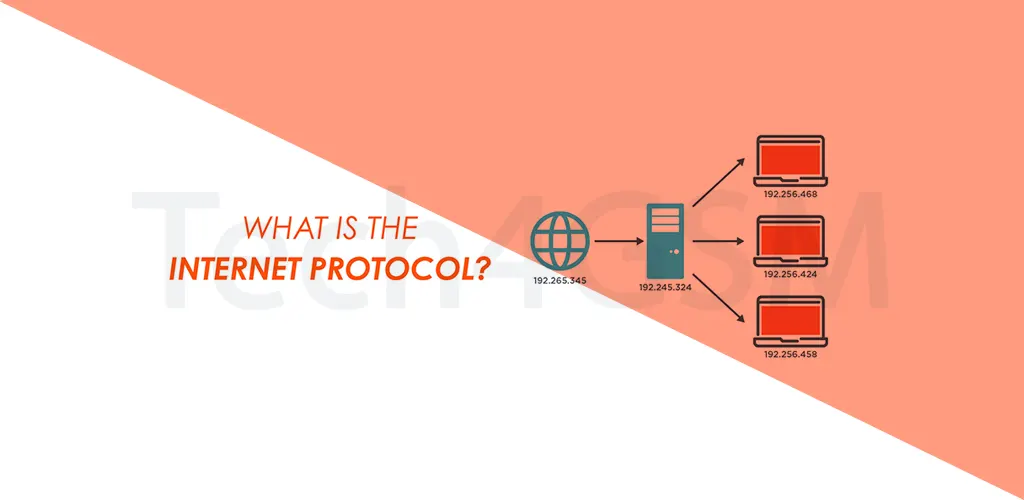
Introduction
Imagine sending a letter without an address. It’d vanish into the void, right? IP (Internet Protocol) is the digital equivalent of that address system—but instead of letters, it delivers your cat videos, emails, and TikTok streams across the globe. Let’s decode how this unsung hero keeps you connected, whether you’re on Wi-Fi or mobile data.
IP Explained: The Internet’s GPS for Data
IP is the rulebook that lets devices (phones, laptops, servers) send and receive data over networks. Think of it as a universal language that every gadget understands. Here’s how it works:
- Data Chunking: Breaks your message (like a photo) into small “packets.”
- Address Tagging: Labels each packet with a source and destination IP address (e.g., 192.168.1.1).
- Routing: Sends packets through the fastest path across routers and networks.
- Reassembly: The receiver’s device puts the packets back together.
Without IP, the internet would be a chaotic mess of lost data and frozen screens!
Why IP Rules Mobile Networks (3G, GPRS, etc.)
You might think mobile data (3G, 4G, GPRS) works differently from Wi-Fi—but surprise! They all rely on IP:
- GPRS/3G: These older mobile networks use IP to connect your phone to websites and apps.
- Packet Switching: Instead of a dedicated line (like old phone calls), IP sends data in bursts, saving bandwidth.
- Seamless Handoff: Walk from a 3G zone to 4G? IP ensures your Netflix binge doesn’t buffer.
In short, IP is the glue between your mobile carrier and the broader internet.
IP Addresses: Your Device’s Digital Home
Every device online has an IP address—a unique ID like a license plate. There are two types:
- IPv4: Classic format (e.g., 192.168.1.1). But we’re running out of these!
- IPv6: Newer, longer format (e.g., 2001:0db8:85a3::8a2e:0370:7334) to handle billions of devices.
Fun Fact: Your phone gets a temporary IP from your mobile carrier whenever you use data. Sneaky, right?
IP’s Best Friends: TCP, UDP, and Mobile Data
IP doesn’t work alone. It teams up with other protocols:
- TCP (Transmission Control Protocol): Ensures packets arrive in order (used for emails, web pages).
- UDP (User Datagram Protocol): Faster but less reliable (used for live streams, video calls).
When you load Instagram on 3G, IP + TCP make sure your feed loads correctly—even on shaky signals.
Why IP Matters for Your Phone
- Global Connectivity: Lets your phone talk to servers halfway across the world.
- App Magic: Enables everything from Google Maps to WhatsApp.
- Carrier Flexibility: Switch from Wi-Fi to mobile data? IP adjusts without dropping your call.
Pro Tip: If your mobile data feels slow, it might be an IP routing hiccup. Restarting your phone often helps!
IP’s Limitations (Yes, It’s Not Perfect)
- No Security: IP doesn’t encrypt data—hackers can snoop. Use VPNs or HTTPS for safety.
- Address Exhaustion: IPv4 addresses are scarce, pushing the shift to IPv6.
- Latency: Routing delays can lag video calls (blame “high ping”).
IP in Action: From Texting to Streaming
- Sending a Text: Your phone breaks it into IP packets → carrier routes them → friend’s phone reassembles them.
- Streaming Music: IP delivers song chunks via UDP for real-time playback.
- Online Gaming: IP + TCP keep your moves in sync with the server (mostly!).
Final Thoughts
IP is the silent workhorse behind every “Send” button tap and every app open. Whether you’re on ancient GPRS or blazing 5G, this protocol keeps your digital life humming. Next time your meme loads instantly, thank IP—and maybe give your router a grateful nod.