Introduction
In the digital age, the Graphical User Interface (GUI) has become the cornerstone of how we interact with technology. From smartphones to supercomputers, GUIs simplify complex processes into visual elements we can click, drag, and tap. This article dives deep into what GUI is, its history, components, pros and cons, and its role in shaping tech innovations as we approach 2025.
What is a Graphical User Interface (GUI)?
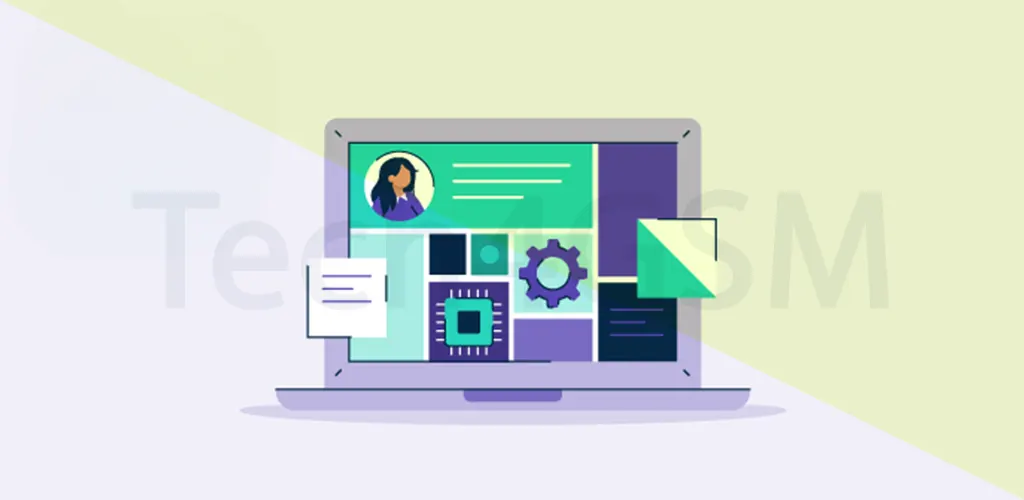
A Graphical User Interface (GUI) is a visual system that lets users interact with electronic devices through icons, buttons, menus, and other graphical elements. Unlike text-based interfaces (e.g., command lines), GUIs are intuitive, making technology accessible to everyone.
- Visual Interaction: Replace typed commands with clicks/taps.
- Universal Use: Found in computers, tablets, smart TVs, and even ATMs.
- User-Centered Design: Prioritizes ease of use over technical complexity.
History of GUI: From Xerox to 2025
The journey of GUI began in 1981 at Xerox PARC, where pioneers like Alan Kay and Douglas Engelbart developed the first GUI-based system. Key milestones include:
- 1983: Apple’s Lisa computer, the first commercial GUI-based PC.
- 1984: Apple Macintosh popularized GUIs with its desktop metaphor.
- 1990s: Microsoft Windows and Linux brought GUIs to the masses.
- 2000s–2025: Touchscreens (iPhone), voice assistants (Siri), and AI-driven interfaces redefine GUIs.
By 2025, GUIs are expected to integrate augmented reality (AR) and gesture controls, blurring the line between physical and digital worlds.
Key Components of GUI
GUIs rely on visual elements to function. Here’s a breakdown:
- Pointers: A cursor (arrow or hand) controlled via mouse, touchpad, or touchscreen.
- Icons: Small images representing files, apps, or actions (e.g., trash bin, folder).
- Windows: Rectangular frames displaying app content. Users can resize/minimize them.
- Menus: Lists of options (File, Edit) for executing commands.
- Buttons: Clickable elements like “Submit” or “Cancel.”
- Desktop: The main screen housing icons and shortcuts.
Must-Know Features of Modern GUIs
- Drag-and-Drop: Move files by clicking and dragging.
- Customization: Change wallpapers, themes, and icon sizes.
- Multitasking: Run multiple apps in separate windows.
- Accessibility: Voice commands, screen readers, and high-contrast modes.
- Animation: Visual feedback (e.g., bouncing icons) for user actions.
Advantages of GUI
- Intuitive Design: No coding knowledge needed.
- Visual Feedback: Instant responses to clicks/taps.
- Multitasking: Easily switch between apps.
- Reduced Errors: Fewer typos compared to command lines.
- Global Adoption: Standardized across devices.
Disadvantages of GUI
- Resource-Heavy: Requires more memory/processing power.
- Limited Advanced Controls: Power users may prefer command lines.
- Learning Curve: New layouts (e.g., VR interfaces) can confuse users.
- Security Risks: More vulnerable to visual phishing attacks.
GUI in 2025: Future Trends
As we approach 2025, GUIs are evolving rapidly:
- AI Integration: Predictive menus that adapt to user habits.
- Voice + Gesture Controls: Combine speech and hand motions.
- Haptic Feedback: Touchscreens that “vibrate” like physical buttons.
- AR Interfaces: Overlay digital controls onto real-world objects.
FAQ: Quick Answers About GUI
Q1: What are examples of GUI operating systems?
- Microsoft Windows, macOS, Android, and iOS are all GUI-based.
Q2: How is UI different from GUI?
- UI (User Interface) covers all interaction methods, while GUI focuses only on visual elements.
Q3: Are all operating systems GUI-based?
- No. Systems like MS-DOS or server-grade Linux use command lines.
Q4: How do users interact with GUI?
- Via mouse, touchscreen, or voice commands.
Q5: Will GUIs become obsolete by 2025?
- No! They’ll evolve with AI and AR, becoming more immersive.
Conclusion
From its humble beginnings at Xerox PARC to the AI-driven interfaces of 2025, GUI remains a pillar of digital interaction. Its blend of simplicity and adaptability ensures it will stay relevant, empowering users to harness technology effortlessly.