How to Extend Your iPhone’s Battery Life
iPhone batteries degrade over time, reducing their ability to hold a charge. But don’t worry—there are practical tips to maximize your iPhone’s battery life and delay the need for replacements.
Understanding Your iPhone’s Battery Health
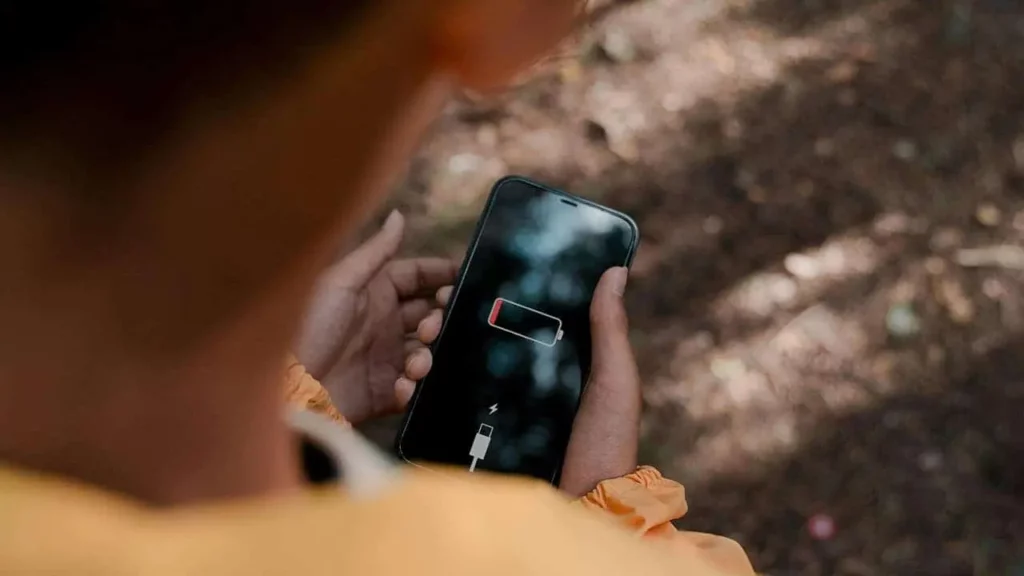
Every iPhone battery has a limited lifespan, measured in charge cycles. A single charge cycle equals discharging your phone from 100% to 0%.
- Newer models (like the iPhone 15 series) can handle 1,000 cycles before significant degradation.
- Older models manage around 500 cycles.
You can check your battery health by navigating to:
Settings > Battery > Battery Health & Charging.
This section displays your battery’s maximum capacity and other essential details.
Pro Tips to Maximize Battery Life
1. Limit Wireless Charging
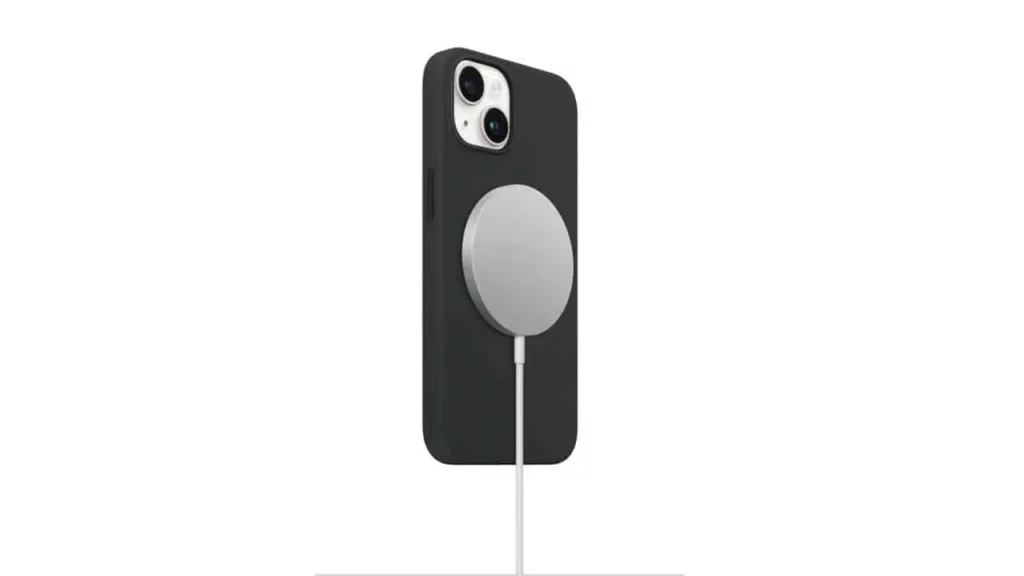
Wireless charging is convenient but generates heat, which degrades the battery. To preserve battery health:
- Use wireless charging sparingly.
- Opt for wired charging whenever possible.
2. Avoid Overusing Fast Chargers
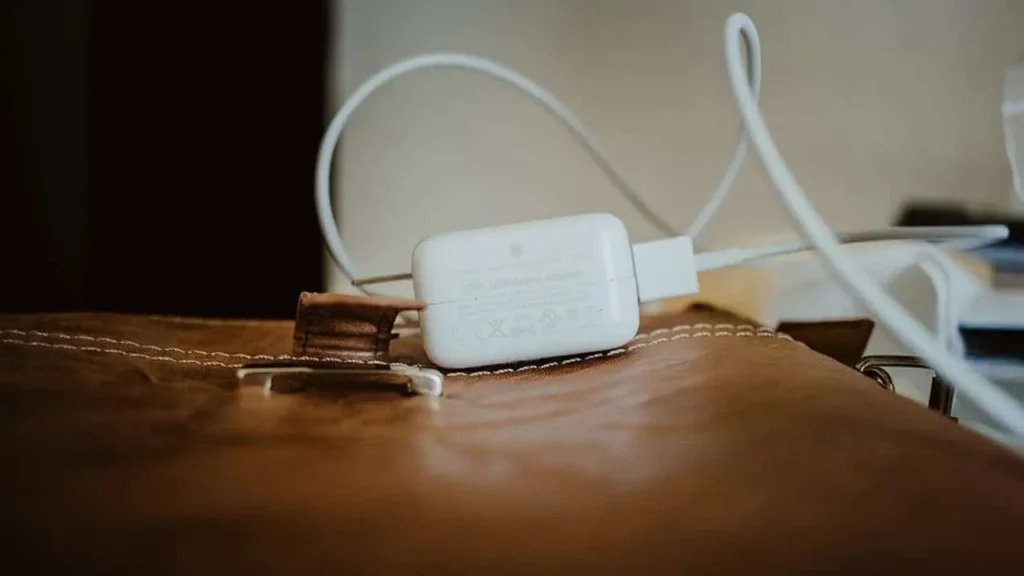
Fast charging is great in emergencies but can generate excess heat and stress your battery. For daily use, stick to standard chargers to slow down wear.
3. Protect Against Extreme Temperatures
Lithium-ion batteries are sensitive to heat and cold.
- Avoid direct sunlight or freezing conditions.
- Keep your device at moderate temperatures to extend its lifespan.
4. Stay in the Optimal Charge Range
Charging your iPhone to 80% is more battery-friendly than going to 100%. Use:
- Optimized Battery Charging: This holds your charge at 80% and tops up later.
- Avoid letting your battery drop below 20% to minimize strain.
5. Dim Your Screen
Lowering screen brightness or using Auto-Brightness helps save battery power.
Extra Tips for Battery Efficiency
- Activate Low Power Mode: Reduces performance and saves battery during low-charge situations.
- Limit Background App Refresh: Disable unnecessary background activity in Settings > General > Background App Refresh.
- Restrict Location Services: Turn off constant location tracking in Settings > Privacy & Security > Location Services.
- Update Your iPhone: Software updates often include battery optimizations.
- Use Dark Mode: On OLED screens, Dark Mode reduces battery usage.
- Reduce Animations: Simplify visuals in Settings > Accessibility > Reduce Motion.
- Manage Notifications: Minimize notifications that light up your screen unnecessarily.
- Prefer Wi-Fi over Cellular Data: Wi-Fi consumes less energy compared to cellular data.
- Check Battery Usage: See which apps drain the most power in Settings > Battery.
Conclusion
By following these tips, you can significantly prolong your iPhone’s battery life and enjoy a better-performing device for longer. Remember, small habits lead to long-term benefits for your phone’s battery!