Introduction
Xiaomi has offered helpful advice on how consumers may prolong the battery life of their devices and conserve Power. Without lugging a juice bank or continuously looking for a power outlet, you can make sure your gadget is a dependable companion throughout the day by following these easy steps.
1. Make use of the battery’s adaptive feature
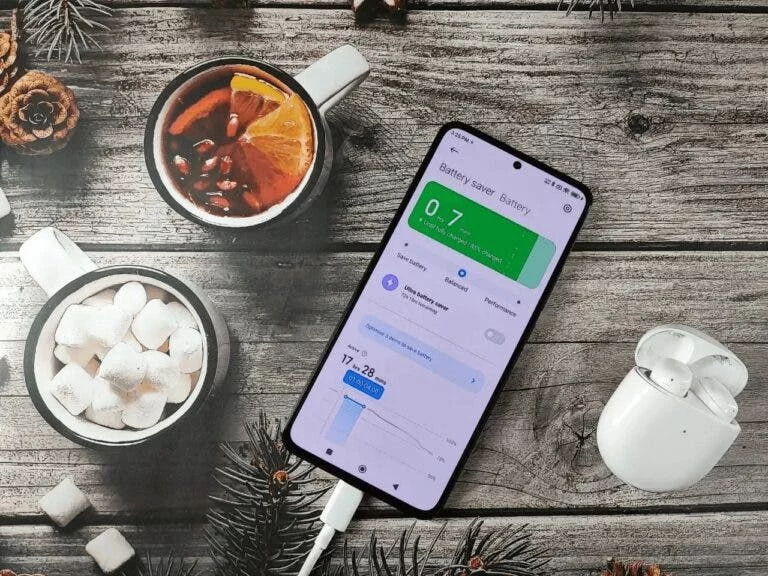
Android’s Adaptive Battery extends battery life by limiting background app activity using machine learning. It recognizes apps that are used regularly and limits energy use for those that are not. Go to Settings > Battery > Adaptive Battery to turn it on. By preventing needless power use, this function results in considerable energy savings.
2. Turn on the battery-saving mode
Battery Saver Mode disables unused functions, limits background activities, and lowers device performance. Navigating to Settings > Battery > Battery Saver will enable it. Generally speaking, this mode limits processor speed, minimizes vibration, cuts down on location services, and minimizes background data use.
3. Adjust Display Preferences
The biggest drain on a smartphone’s battery is frequently the display. If your smartphone has an OLED screen, turn on Dark Mode and adjust the brightness to a comfortable level. This is because OLED screens consume less power to show black pixels. Furthermore, configure the screen timeout for a little period of time (30 seconds to 1 minute). To change these settings, select Settings > Display.
4. Control App Battery Usage
Because of their functionality or excessive background activity, some applications use more energy than others. Navigate to Settings > Battery > Battery Usage to see which apps are consuming the most resource. To save energy, you may limit or turn off background activity for programs you don’t use often.
5. Turn on Battery Charging Optimization
Features like adaptive charging, which modifies charging speed to lessen long-term battery damage, are available on a lot of contemporary Android phones. With this function, the battery is first charged to 80% and then finished charging closer to the moment you’re probably going to remove the device. Battery longevity is increased as a result.
6. Turn Off Inactive Connections
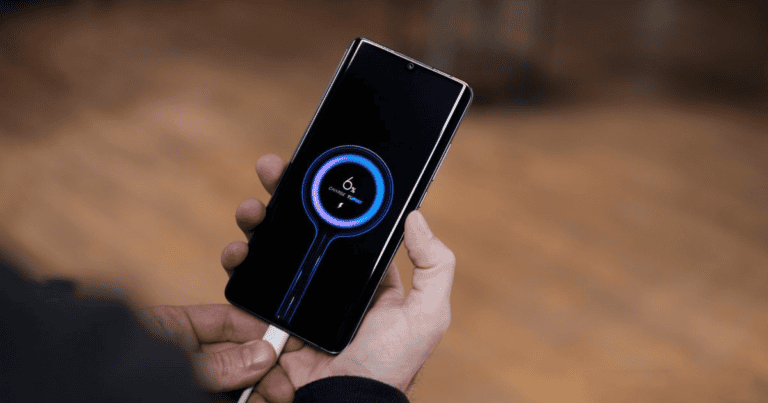
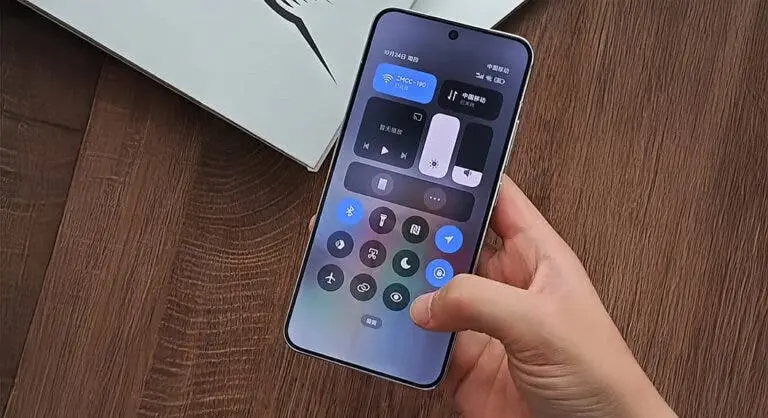
When not in use, Bluetooth, Wi-Fi, and GPS connections might deplete the battery. When not in use, disable them via Settings > Connections or Quick Settings.
7. Reduce Notifications from Apps
Notifications from apps use up battery life and activate the CPU on your phone. You may disable notifications for applications that don’t need updates right away by going to Settings > applications & Notifications > See All Apps.
8. Make Use of App Battery Saver Modes
Numerous applications, including YouTube and Google Maps, have built-in battery-saving features that lower video quality and limit data consumption, respectively. Utilize these options to maximize power usage in particular applications.
9. Maintain Up-to-Date Software
Battery optimizations and fixes are frequently included in new Android versions. To make sure your device is running the most recent software, check for updates by selecting Settings > System > System Update.
10. Integrate Usage Patterns with Smart Settings
A balanced strategy with appropriate settings and conscientious usage practices is needed to maximize battery life. By implementing these techniques, you may drastically cut down on energy usage and prolong the smooth operation of your phone.
Your Xiaomi device’s battery life can be improved by putting these recommendations into practice. Nevertheless, the outcomes could differ based on your phone’s type and usage habits. Upgrade to a newer model with a bigger battery if the battery performance is still subpar.