Introduction
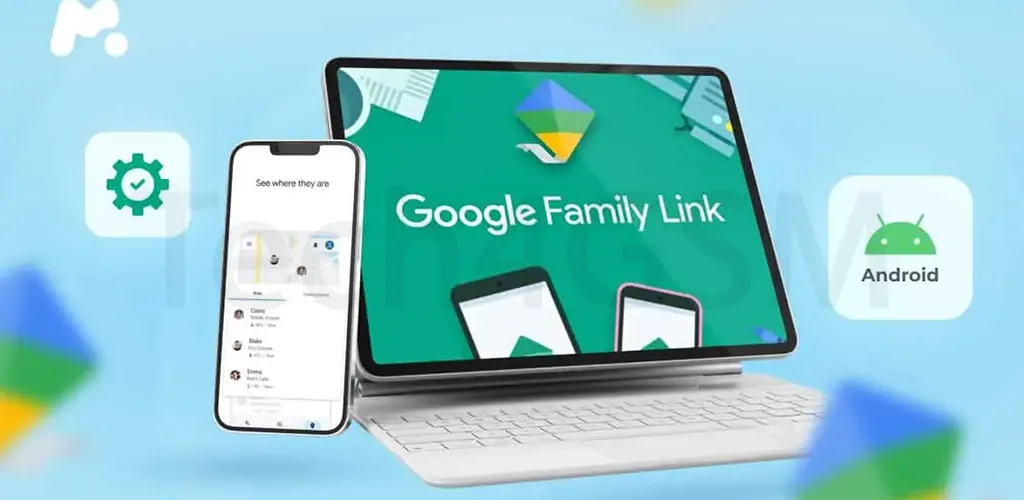
Tired of struggling with clunky parental controls? Google just made life easier for parents with a fresh redesign of its Family Link app! The 2025 update focuses on simplifying screen time management, location tracking, and device controls—all while looking cleaner than ever. Let’s break down what’s new!
Why the Redesign Matters
Parenting in the digital age is tough. Between screen time battles and online safety worries, Google’s Family Link redesign puts key tools front-and-center, helping parents:
- Monitor device usage faster.
- Set app limits in seconds.
- Track locations with ease.
- Manage multiple kids without confusion.
No more digging through menus—everything you need is now just a tap away!
1. New “Screen Time” Tab: Your Daily Dashboard
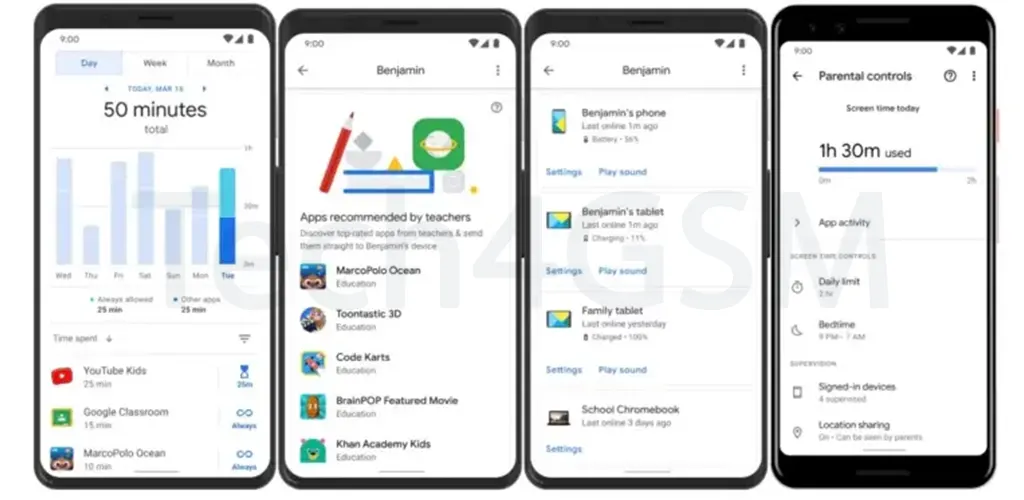
The first tab you’ll see is now called Screen Time (previously “Highlights”). This hub gives a snapshot of your child’s device activity:
- Daily Usage: Total time spent on the device.
- Top Apps: Which apps your kid used most.
- Quick Actions: Instantly lock the device or adjust schedules.
Dive deeper by tapping the tab to see:
- Hour-by-hour app usage breakdowns.
- Device status (locked/unlocked).
- Custom time limits for specific apps.
Pro Tip: Use the “Lock” shortcut to pause device access during homework or family time!
2. Updated “Controls” Tab: All Settings in One Place
The middle tab, Controls, now sports Google’s sleek Material You design. Here, you’ll find quick access to essential services:
- Google Account (manage passwords & security).
- Google Play (block apps or enable approvals).
- YouTube (restrict content or set watch limits).
- Chrome & Web (filter inappropriate sites).
- Google Search (enable SafeSearch).
- Google Photos (review shared images).
- Location (track your child’s device).
- Signed-in Devices (remove lost or old devices).
Why It Matters: No more jumping between apps—control everything from one spot!
3. Improved “Location” Tab: Smarter Tracking
The Location section now features a modern, full-screen map for real-time tracking. Parents can:
- Pinpoint their child’s device instantly.
- View location history (if enabled).
- Set up safe zones (like school or home).
Bonus: The map loads faster and works smoothly, even with weak signals.
4. Switch Between Kids Effortlessly
Managing siblings’ devices? A new pill-shaped button (top-left corner) lets you toggle between children’s profiles in seconds. Perfect for families with:
- Multiple Android devices.
- Different rules for each kid (e.g., teens vs. toddlers).
When Will You Get the Update?
The redesign is rolling out now with Family Link v2.47 on Android. Sadly, iOS users must wait a bit longer—Google hasn’t confirmed an iPhone release date yet.
Google Wallet for Kids: A Perfect Companion
Alongside the Family Link update, Google launched Wallet for Kids—a secure way for children to carry digital passes (like transit cards or school IDs) on phones or Wear OS watches. Parents can:
- Approve or block purchases.
- Monitor spending habits.
- Set limits for in-app purchases.
Available in select countries, this feature adds another layer of control for tech-savvy families.
Final Thoughts: Smarter Parenting, Less Stress
Google’s Family Link redesign shows the company is serious about empowering parents. With simpler controls, clearer insights, and a focus on usability, managing your child’s digital life just got a whole lot easier.
Ready to try it? Update the Family Link app on your Android device and explore the new features. For iOS parents, hang tight—we’ll update you as soon as the redesign arrives!
What do you think? Will these changes help your family? Share your thoughts, and stay tuned for more tech updates! 🌟