
Introduction
You may gain access to geo-restricted material and safeguard your privacy by spoofing your location on an Android device. Although there isn’t a function that allows you to change your location, you may do it by using location-spoofing or VPN applications. This is a detailed tutorial on how to fake your location on an Android device.
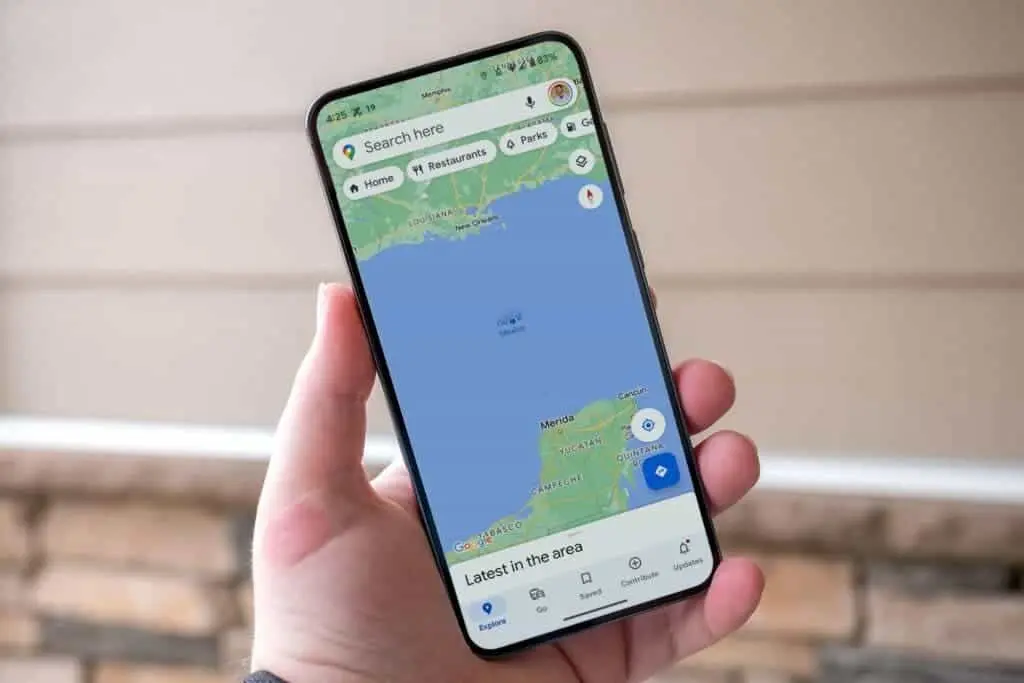
Ways to Hide Your Android Location
Using a VPN software or a location-faking app are the two primary methods for spoofing your location on an Android smartphone.
1. Making Use of a VPN App
Virtual Private Networks, or VPNs, provide a safe, encrypted connection between your device and a server located elsewhere. This hides your IP address and actual location. To use a VPN to fake your location, take these steps:
- Get a trustworthy VPN program from the Google Play Store and install it. Surfshark, NordVPN, and ExpressVPN are a few examples.
- Choose a server in the area you wish to appear from after launching the VPN program.
- Establish a connection with the server. The selected region will now be used to fake your location.
- VPN programs improve your privacy by encrypting your internet traffic in addition to spoofing your location. However, you may see a little decrease in internet speed when utilizing a VPN.
2. Employing an App That Spoofs Location
A location-spoofing app is an alternative to a VPN if you choose not to use one. Here’s how:
- Get a location-spoofing app, such GPS Emulator or Fake GPS Location, from the Google Play Store.
- Go to Settings > About phone, then touch the Build number seven times to activate Developer Options on your handset.
- Locate the Select simulated location app setting by going to Settings > System > Developer Options.
- Select the downloaded location-spoofing app.
- Launch the location-spoofing application and enter the required fictitious address.
This method doesn’t encrypt your internet traffic but effectively changes your location for apps and services that use GPS data.
Stopping Location Spoofing
To stop spoofing your location:
- To utilize a VPN, launch the app and unplug.
- For users of location-spoofing apps: To halt the location spoofing, open the Notification Center and select Stop.
Motives for Android Location Spoofing
You may wish to fake your location for a number of reasons:
- Security and privacy: By spoofing your location, you can stop hackers, websites, and even your internet service provider from tracking your actual position.
- Geo-Restricted Content Access: Certain websites and streaming services are only accessible in specific geographical areas. To use these services, you must fake your location.
- Development Testing: By altering their location, developers may test applications that have features unique to a given region.
FAQ
Does my internet speed change when I move?
Because a VPN encrypts data and routes it across many servers, it may cause a tiny decrease in internet speed. Apps that fake your location have no effect on your speed.
Is spoofing your location against the law?
The laws of your nation will determine this. VPNs and spoofing applications are prohibited in several countries. Verify local laws at all times.
When I fake my location, why do certain applications not function?
Access to specific locations is restricted by various applications and services. The applications may not work properly if you fake your location to these areas.
Enhancing Android’s Privacy
On Android, changing your IP address or location is a simple procedure that may greatly improve your privacy. It is advised to use a VPN program for a private and secure connection. For more privacy protection, think about disabling Google location tracking.