
Introduction
Smartphones have become essential in our daily lives. They help us stay connected, capture memories, and accomplish tasks efficiently. However, as time goes by, even the best smartphones can start to lag, their batteries may weaken, and their exteriors might show signs of wear. Instead of rushing to buy a new device, you can take steps to keep your phone working like new for longer.
By following simple yet effective practices, you can extend the life of your smartphone, save money, and reduce electronic waste. Let’s explore proven techniques to maintain your phone’s performance and appearance.
1. Keep Your Smartphone Updated to Maintain Performance
Regular software updates are crucial for your phone’s smooth functioning. Many users tend to ignore update notifications, but doing so can be a missed opportunity to improve your device.
Why Software Updates Matter:
- Fix Bugs and Improve Performance: Updates address software glitches that might slow your phone down.
- Enhance Security: Updates include patches to protect your data from cyber threats.
- Introduce New Features: Stay ahead with innovative functionalities and tools.
Action Plan:
- Enable automatic updates in your phone settings.
- Ensure your device is connected to Wi-Fi and has enough storage for updates.
- Don’t postpone update installations—they help your phone perform at its best.
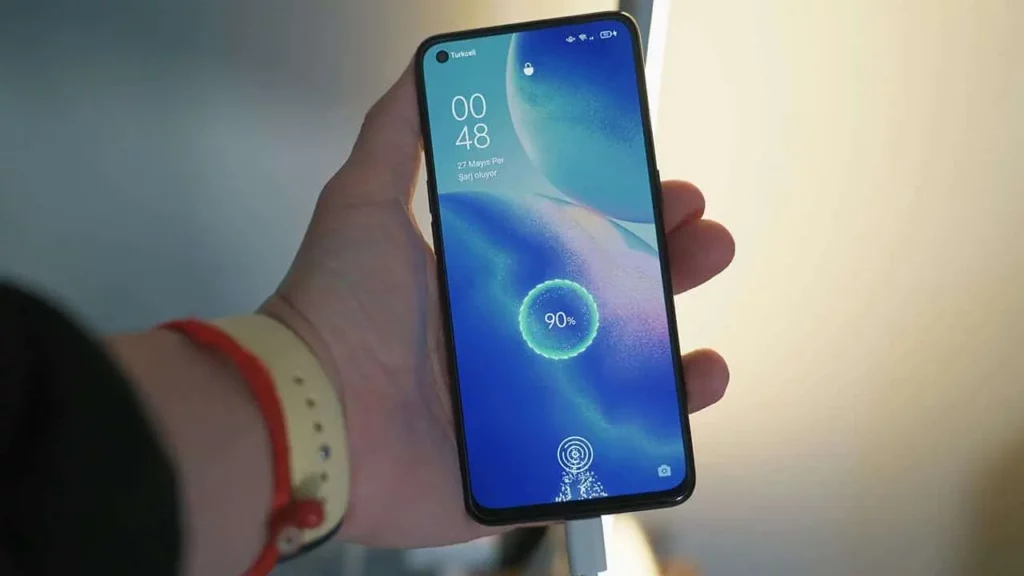
2. Monitor Battery Health for Optimal Performance
The battery is the heart of your smartphone. Taking care of it ensures your phone lasts longer between charges and retains its capacity over time.
Battery Care Tips:
- Charge Smartly: Avoid charging your battery to 100% all the time. Aim to keep it between 20% and 80% for the best longevity.
- Avoid Overcharging: Unplug your phone once it’s fully charged to prevent unnecessary strain.
- Adjust Settings:
- Reduce screen brightness.
- Use battery saver modes when needed.
- Turn off Bluetooth, GPS, and Wi-Fi when not in use.
Long-Term Solution:
If your battery doesn’t hold a charge despite careful use, consider replacing it instead of buying a new phone. This is often more cost-effective and environmentally friendly.
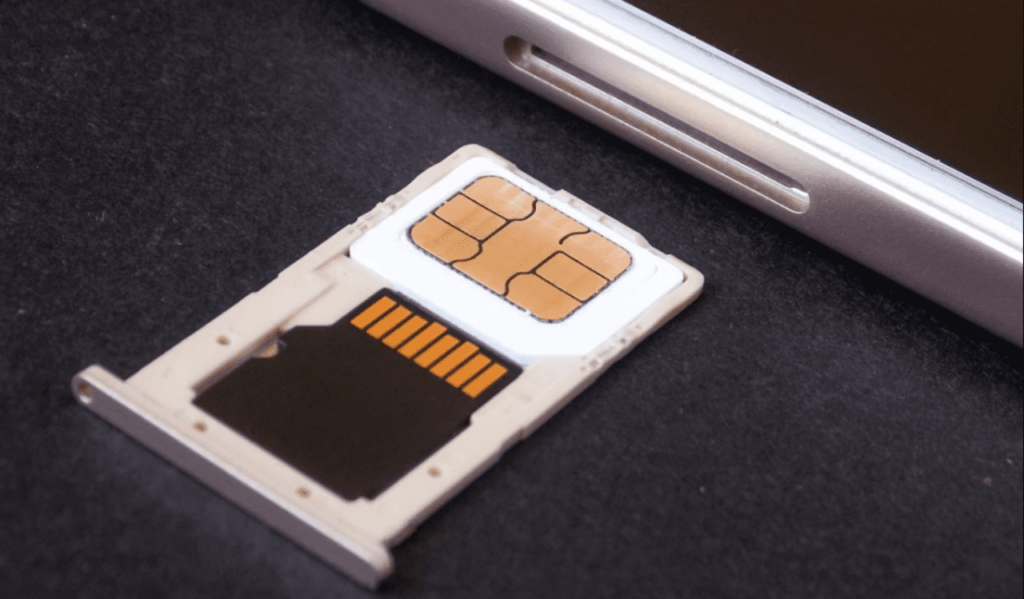
3. Ensure Your Phone Storage Stays Clean
Clogged storage is one of the biggest culprits behind a sluggish phone. Over time, apps, photos, and unnecessary files can pile up and consume valuable space.
Tips to Manage Storage:
- Declutter Apps:
- Uninstall apps you no longer use.
- Clear cached data regularly to free up space.
- Organize Photos and Videos:
- Delete duplicates, blurry images, and irrelevant videos.
- Back up your files to cloud storage options like Google Drive or iCloud.
- Use Storage-Optimizing Tools:
- Use built-in phone features to detect and remove unnecessary files.
- Invest in an SD card if your phone supports expandable storage.
By keeping your storage tidy, you’ll improve your phone’s speed and functionality.
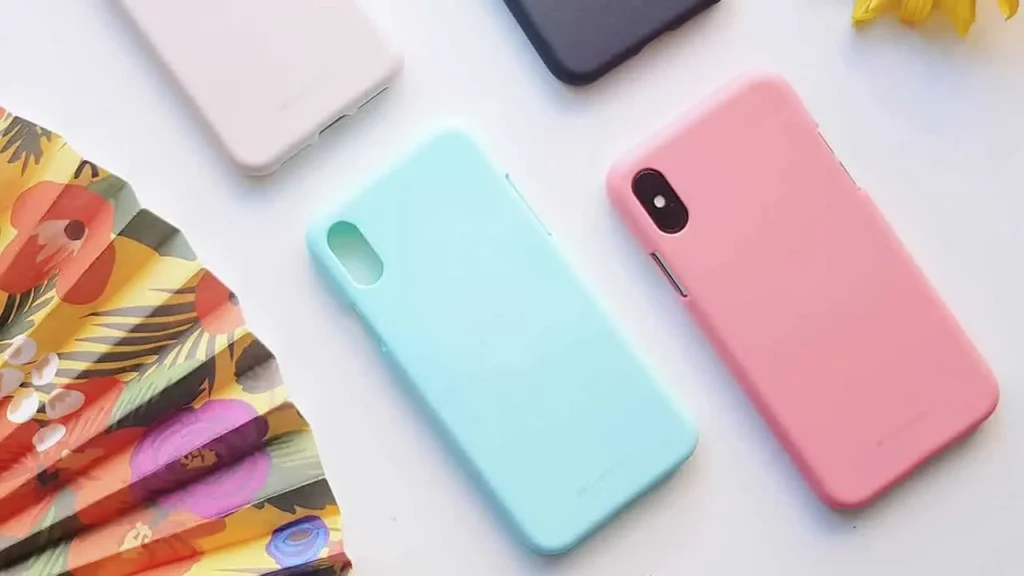
4. Protect Your Phone Physically with Cases and Screen Protectors
Physical damage is one of the leading causes of smartphone issues. A single drop can result in costly repairs or a ruined device.
Why You Need a Case and Screen Protector:
- Protect against scratches, cracks, and impact damage.
- Keep your phone looking new and functioning properly.
How to Choose the Best Protection:
- Use a durable case that fits your phone snugly. Opt for shock-absorbing materials like silicone or TPU.
- Invest in a tempered glass screen protector for added strength against falls.
- Clean your phone and its case periodically to prevent dirt and debris build-up.

5. Avoid Extreme Temperatures to Maintain Longevity
Your phone’s performance and lifespan can be significantly affected by temperature extremes. Both heat and cold can damage internal components and drain your battery.
Tips to Protect Your Phone from Temperature Damage:
- Avoid Direct Sunlight: Keep your phone out of the sun, especially on hot days.
- Prevent Overheating While Charging: Remove the case during charging to allow better heat dissipation.
- Handle Cold Weather Carefully: Avoid using your phone in freezing temperatures. If it gets too cold, let it warm up gradually before turning it on.
By keeping your phone in a comfortable temperature range, you can prevent unnecessary wear and tear.
6. Regularly Clean Your Smartphone
A clean phone is not just aesthetically pleasing but also functional. Dust and grime can interfere with the performance of buttons, ports, and the screen.
Cleaning Tips:
- Use a microfiber cloth to wipe your screen and body regularly.
- Clean charging ports and speakers gently with a toothpick or compressed air.
- Avoid harsh chemicals; opt for phone-friendly cleaning solutions.
7. Manage Background Apps and Processes
Running too many apps in the background can slow your phone down and drain the battery.
How to Optimize Performance:
- Regularly close unused apps running in the background.
- Disable auto-refresh for apps you don’t need constant updates from.
- Use your phone’s built-in performance optimizer to identify and fix issues.
8. Reboot Your Phone Periodically
Sometimes, the simplest solution is the most effective. Restarting your phone clears temporary data and resets processes that might be causing issues.
When to Restart Your Phone:
- At least once a week for optimal performance.
- After installing major updates or experiencing glitches.
9. Optimize Charging Habits with the Right Accessories
Using substandard chargers can damage your phone’s battery over time.
Charging Best Practices:
- Use only certified chargers and cables compatible with your device.
- Avoid using your phone while it’s charging to prevent overheating.
10. Handle Your Smartphone with Care
Treat your phone like a valuable asset. Simple habits can prevent unnecessary damage.
Dos and Don’ts:
- Do: Place your phone on flat surfaces when not in use.
- Don’t: Keep it in your back pocket where it might bend or fall out.
Final Thoughts
Your smartphone is an investment, and with proper care, it can serve you well for years. By updating your software, managing your battery and storage, and taking care of physical and thermal factors, you can keep your device running like new.