Introduction
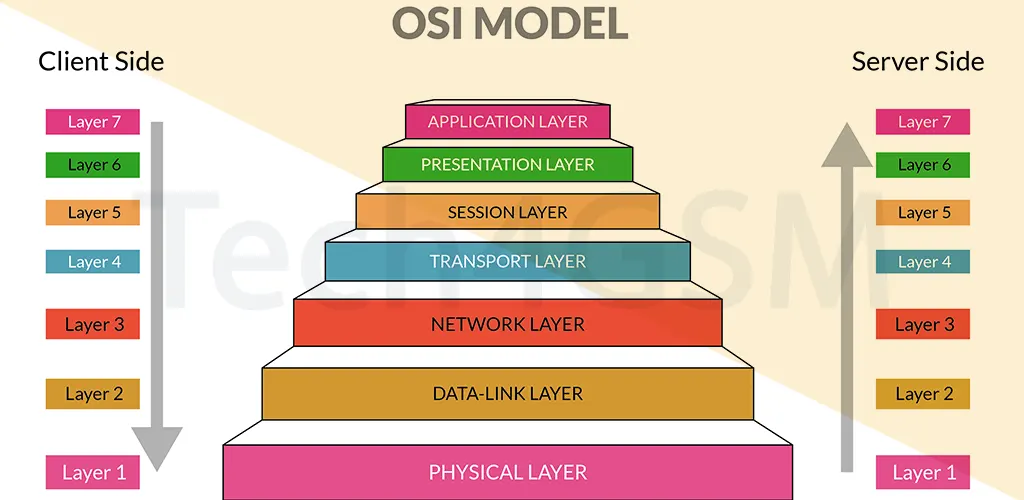
The OSI (Open Systems Interconnection) Model is like a rulebook for how computers talk to each other over networks. Created by the International Organization for Standardization (ISO), it breaks down communication into 7 layers, each with unique tasks. This layered approach simplifies troubleshooting, boosts compatibility, and ensures smooth data flow. Let’s explore each layer in plain language!
What is the OSI Model?
The OSI Model is a 7-layer framework that standardizes network communication. It acts as a roadmap for data traveling from apps (like your browser) to physical cables. Each layer handles specific tasks, making it easier to fix issues. For example, if your Wi-Fi drops, the problem could be in the Physical Layer—not the app itself!
Why it matters in 2025: Even with modern protocols like TCP/IP, the OSI Model remains vital for diagnosing network issues. Learn more about network troubleshooting at tech4gsm.com.
The 7 Layers of the OSI Model
1. Physical Layer (Layer 1)
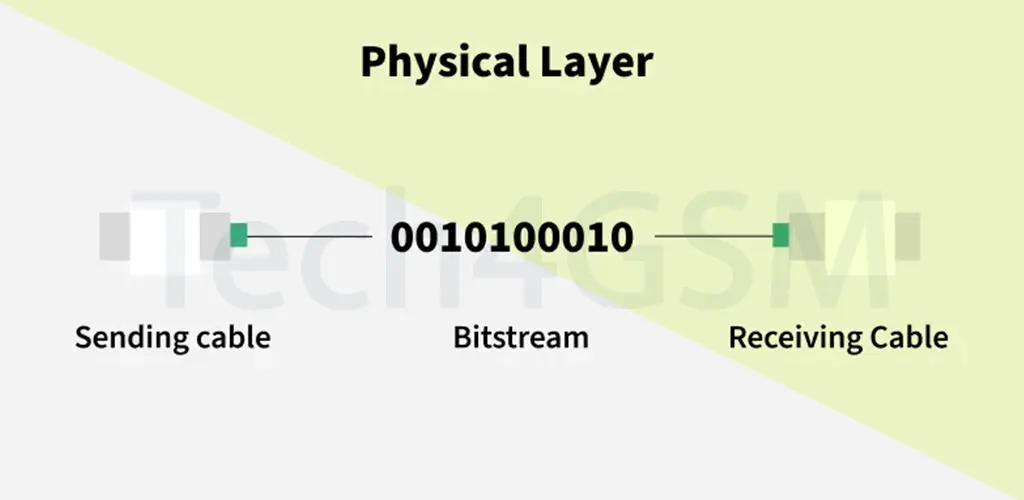
- Role: Manages physical connections (cables, Wi-Fi signals).
- Key Functions:
- Devices: Hubs, modems, cables.
2. Data Link Layer (Layer 2)
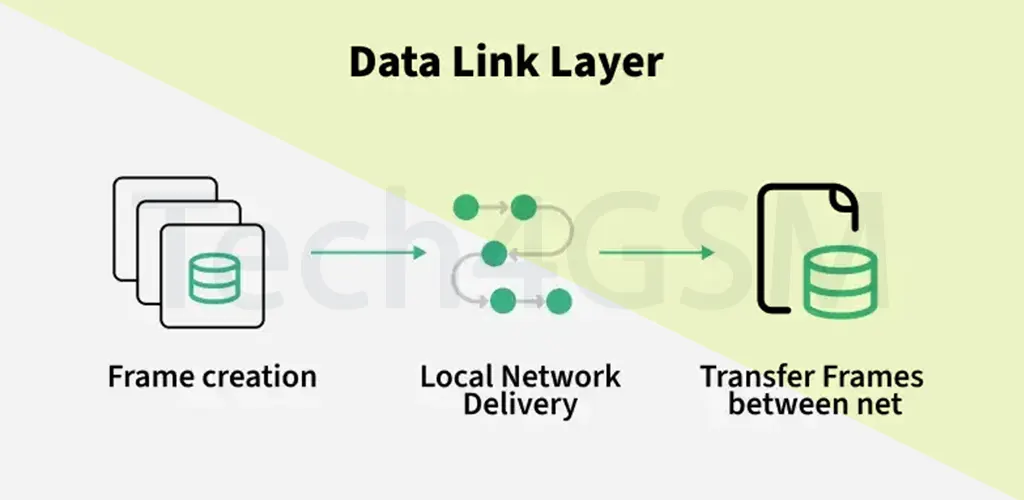
- Role: Ensures error-free data transfer between devices on the same network.
- Key Functions:
- Adds MAC addresses to frames.
- Detects/corrects errors using checksums.
- Controls data flow to prevent overload.
- Sublayers:
- Logical Link Control (LLC): Manages flow/errors.
- Media Access Control (MAC): Handles device addressing.
- Devices: Switches, bridges.
3. Network Layer (Layer 3)
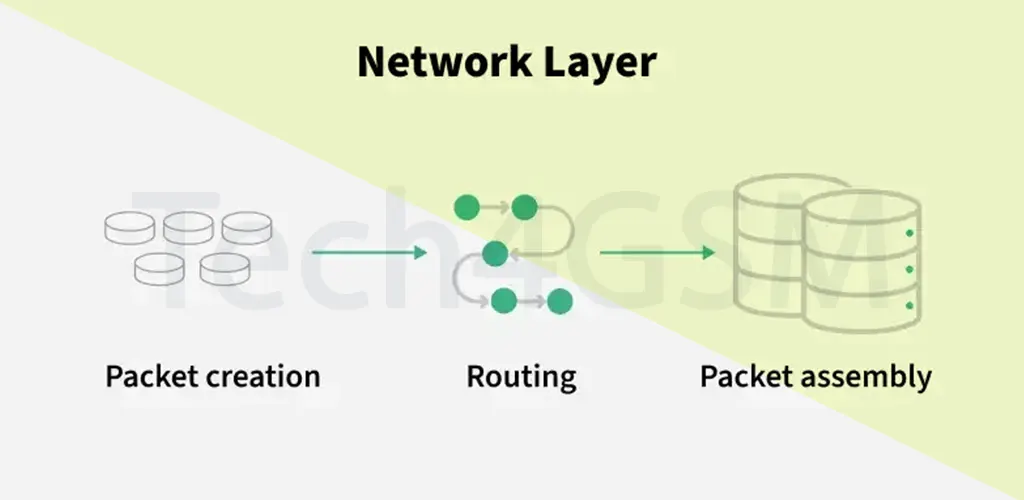
- Role: Routes data across different networks (e.g., from your home to a server).
- Key Functions:
- Uses IP addresses to find the best path.
- Breaks data into packets.
- Devices: Routers.
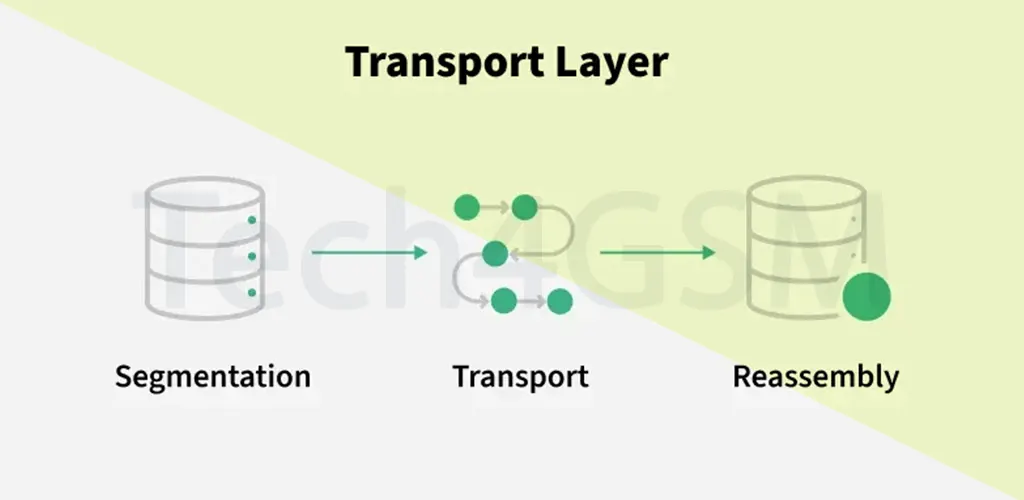
4. Transport Layer (Layer 4)
- Role: Ensures reliable end-to-end delivery.
- Key Functions:
- Splits data into segments.
- Uses TCP (reliable) or UDP (fast) protocols.
- Manages flow control and error recovery.
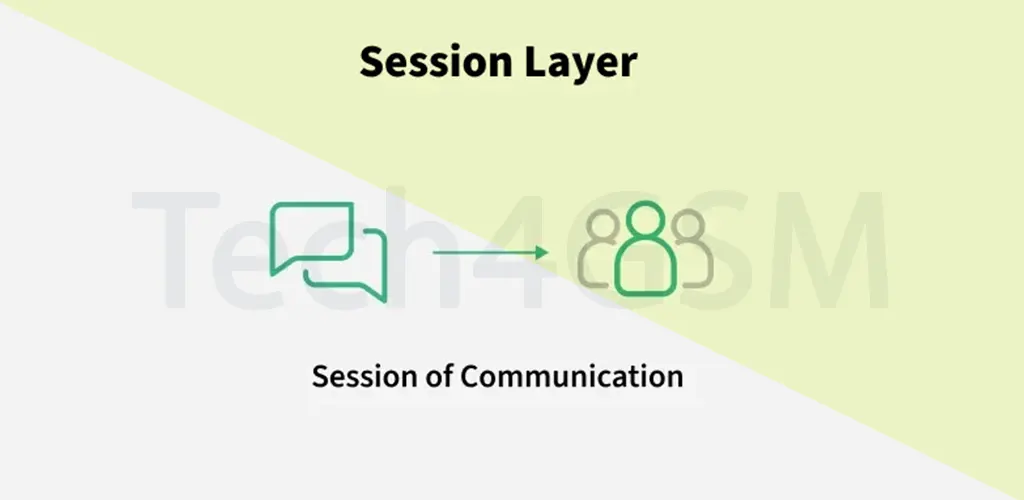
5. Session Layer (Layer 5)
- Role: Manages connections between devices.
- Key Functions:
- Establishes, maintains, and ends sessions.
- Adds checkpoints to resume failed transfers.
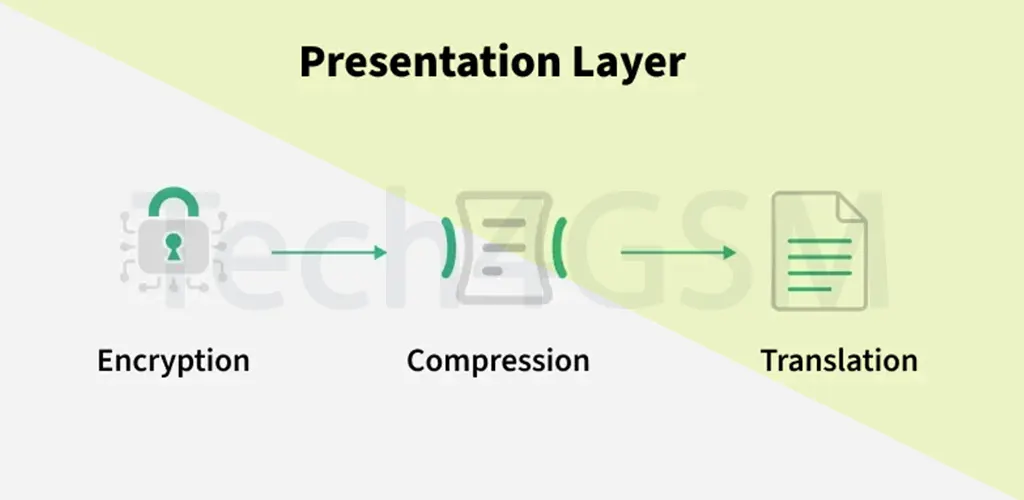
6. Presentation Layer (Layer 6)
- Role: Translates data into usable formats.
- Key Functions:
- Encrypts/decrypts data (e.g., SSL).
- Compresses files (JPEG, MPEG).
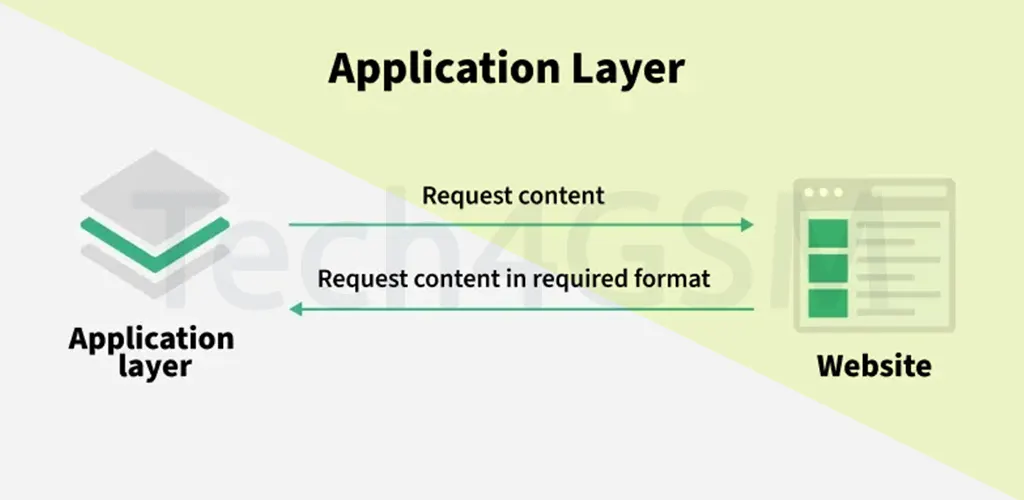
7. Application Layer (Layer 7)
- Role: The interface users interact with (e.g., email, browsers).
- Key Functions:
- Uses protocols like HTTP, FTP, DNS.
- Converts user inputs into network-ready data.
How Data Flows Through the OSI Model
Imagine sending an email:
- Layer 7: You type the email in Gmail.
- Layer 6: Email is encrypted.
- Layer 5: A session starts with the server.
- Layer 4: Data splits into segments.
- Layer 3: Adds IP addresses for routing.
- Layer 2: Frames with MAC addresses are created.
- Layer 1: Sent as bits via Wi-Fi/cable.
On arrival, the process reverses!
Protocols in the OSI Model: A Layer-by-Layer Guide
Understanding the protocols used in each layer of the OSI Model helps demystify how data travels across networks. Below is a simple breakdown of the key protocols, their roles, and the data units they handle:
Protocols & Their OSI Layers
| Layer | Working | Protocol Data Unit (PDU) | Key Protocols |
|---|---|---|---|
| 1. Physical Layer | Manages physical connections (cables, signals). | Bits | USB, SONET/SDH, Ethernet cables, Wi-Fi (802.11) |
| 2. Data Link Layer | Ensures error-free node-to-node data transfer. | Frames | Ethernet, PPP (Point-to-Point Protocol), VLANs |
| 3. Network Layer | Routes data across networks using logical addresses (IPs). | Packets | IP, ICMP, OSPF, IGMP, BGP |
| 4. Transport Layer | Guarantees reliable or fast end-to-end delivery. | Segments (TCP) / Datagrams (UDP) | TCP, UDP, SCTP, QUIC |
| 5. Session Layer | Establishes, maintains, and terminates connections. | Data | NetBIOS, RPC (Remote Procedure Call), PPTP |
| 6. Presentation Layer | Translates, encrypts, or compresses data for compatibility. | Data | TLS/SSL, JPEG, MPEG, ASCII, MIME, PNG |
| 7. Application Layer | Interfaces with user apps and initiates communication. | Data | HTTP, FTP, SMTP, DNS, DHCP, SNMP, Telnet |
Key Takeaways
- Physical Layer: Deals with raw bit transmission (e.g., USB cables).
- Data Link Layer: Uses MAC addresses (e.g., Ethernet switches).
- Network Layer: Routes packets via IP addresses (e.g., routers).
- Transport Layer: Manages data flow (e.g., TCP for websites).
- Session Layer: Maintains connections (e.g., VPNs use PPTP).
- Presentation Layer: Secures data (e.g., HTTPS uses SSL/TLS).
- Application Layer: User-facing apps (e.g., browsers use HTTP).
Why This Matters
- Troubleshooting: If a website isn’t loading, check DNS (Layer 7) or cables (Layer 1).
- Security: Encryption (Layer 6) protects sensitive data.
- Efficiency: Protocols like TCP (Layer 4) ensure no data is lost.
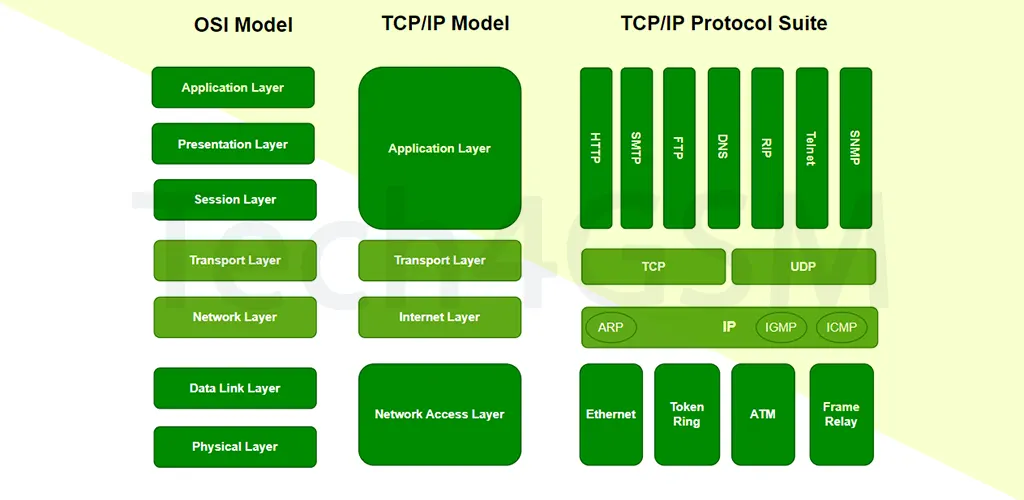
OSI vs. TCP/IP Model: Key Differences Simplified
The OSI Model and TCP/IP Model are both frameworks for network communication, but they differ in structure, practicality, and approach. Here’s a clear breakdown of their differences:
Comparison Table
| Aspect | OSI Model | TCP/IP Model |
|---|---|---|
| Full Name | Open Systems Interconnection | Transmission Control Protocol/Internet Protocol |
| Layers | 7 Layers | 4 Layers |
| Layer Names | Physical, Data Link, Network, Transport, Session, Presentation, Application | Network Access, Internet, Transport, Application |
| Package Delivery | Guaranteed (theoretically) | Not guaranteed (depends on protocols like UDP) |
| Layer Dependency | Each layer operates independently. | Layers are tightly integrated. |
| Practical Use | Primarily conceptual (used for education) | Widely implemented (powers the internet) |
| Focus | Strictly defines roles for each layer. | Prioritizes functionality over rigid structure. |
Key Differences Explained
1. Number of Layers
- OSI Model: 7 layers (Physical, Data Link, Network, Transport, Session, Presentation, Application).
- TCP/IP Model: 4 layers (combines OSI’s top 3 layers into a single Application Layer).
2. Real-World Application
- OSI: Rarely used in practice but essential for troubleshooting and understanding networks.
- TCP/IP: Drives the modern internet (e.g., HTTP, FTP, and IP work under this model).
3. Data Delivery Guarantee
- OSI: Theoretically ensures reliable delivery across all layers.
- TCP/IP: Reliability depends on protocols (e.g., TCP guarantees delivery, UDP does not).
4. Layer Independence
- OSI: Protocols in one layer don’t rely on other layers.
- TCP/IP: Layers are interdependent (e.g., Transport Layer requires the Internet Layer).
Why Do These Differences Matter?
- Education: OSI’s 7-layer structure helps learners grasp networking concepts.
- Real-World Use: TCP/IP is the backbone of the internet (think websites, emails, and apps).
- Troubleshooting: OSI helps isolate issues (e.g., a dropped call could be a Layer 1 cable problem).
Visual Comparison
OSI Model                 vs.    TCP/IP Model
7 Layers                         4 Layers
[Physical]                       [Network Access]
[Data Link]                      [Internet]
[Network]                        [Transport]
[Transport]                      [Application]
[Session]
[Presentation]
[Application]
Why Use the OSI Model in 2025?
- Troubleshooting: Pinpoint issues layer-by-layer (e.g., is it a cable or a software bug?).
- Compatibility: Helps devices from different brands work together.
- Education: Simplifies learning complex networks.
FAQs
1. Can one OSI layer work alone?
No! Layers depend on each other. For example, the Transport Layer needs the Network Layer to route data.
2. How does DNS fit into the OSI Model?
DNS works at Layer 7 (Application), turning domain names (like tech4gsm.com) into IP addresses.
3. What if a layer fails?
Data transmission stops. Fix it by checking each layer—start with Physical (cables) and move up!
Final Thoughts
The OSI Model is the backbone of network communication. While newer models like TCP/IP dominate, understanding these 7 layers helps solve problems faster.