Introduction
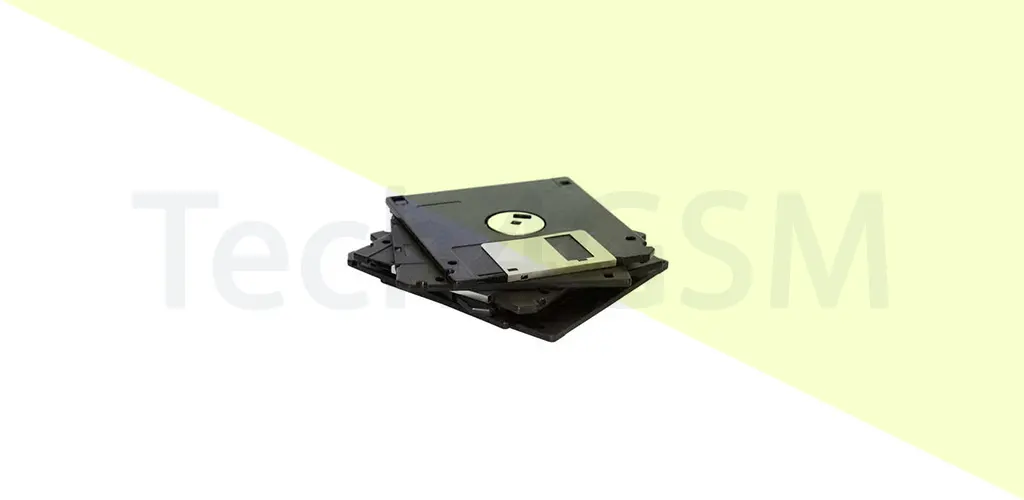
A floppy disk is a portable, flexible magnetic storage device designed to store electronic data. Invented in the late 1960s, it became a cornerstone of early computing. Unlike modern USB drives or CDs, the original floppy disk was 8 inches wide, encased in a square plastic shell with a fabric lining for durability. Users could only read data from early versions, but later models allowed both reading and writing.
- Magnetic Storage: Data is stored via magnetic polarization.
- Removable Design: Easily transferable between devices.
- Low Capacity: Early versions held 80KB, while later 3.5” disks stored up to 1.44MB.
By 2025, floppy disks have become obsolete, replaced by cloud storage, USBs, and SSDs. However, their legacy lives on in tech history.
How Did Floppy Disks Work?
Floppy disks relied on magnetic encoding:
- A circular, flexible disk (platter) spun inside its casing.
- A read/write head in the floppy drive moved across the platter, detecting or altering magnetic charges.
- These charges translated to binary code (0s and 1s), which computers processed into text, images, or programs.
Why Magnetic?
- Non-volatile Memory: Data remained intact even without power.
- Rewritable: Unlike CDs, floppies could be erased and reused.
Types of Floppy Disks
Over time, floppy disks evolved into four main types:
1. 8-Inch Floppy (1970s)
- Size: 8” in diameter.
- Capacity: 80KB (read-only) to 1.2MB.
- Usage: Mainframes and early PCs.
- Fun Fact: Nicknamed the “memory disk,” its flexibility led to the term “floppy.”
2. 5.25-Inch Floppy (1976)
- Size: 5.25” (resembling a vinyl record sleeve).
- Capacity: 360KB to 1.2MB.
- Popularity: Dominated the 1980s for home computers like the IBM PC.
3. 3.5-Inch Floppy (1982)
- Size: 3.5” (sturdy plastic case).
- Capacity: 720KB to 1.44MB.
- Legacy: Became a 1990s icon for saving school projects and office files.
4. Zip Drive (1994)
- Capacity: 100MB to 750MB.
- Downfall: Expensive and overshadowed by CDs/DVDs.
Why Were Floppy Disks Used?
Before USB drives and cloud storage, floppies were essential for:
- Software Installation: Programs like Windows 95 shipped on multiple floppies.
- Data Backup: Users saved documents, spreadsheets, and images.
- File Transfer: Sharing files between PCs without networks.
- Boot Disks: Repairing operating systems by booting from a floppy.
Example: A writer in the 1990s might save chapters on separate disks to avoid losing work.
Advantages of Floppy Disks
- Portability: Lightweight and pocket-sized.
- Affordability: Cheaper than hard drives.
- Write Protection: A sliding tab prevented accidental deletion.
- Universality: Compatible with almost every PC.
Disadvantages of Floppy Disks
- Low Storage: 1.44MB couldn’t hold MP3s or high-res images.
- Fragility: Easily damaged by heat, magnets, or bending.
- Slow Speed: Transferring large files took hours.
- Obsolescence: By the 2000s, CDs/USBs offered better performance.
Floppy Disk vs. Compact Disk (CD)
| Feature | Floppy Disk | Compact Disk (CD) |
|---|---|---|
| Storage | 1.44MB max | 700MB average |
| Durability | Prone to damage | Scratch-resistant |
| Data Security | Vulnerable to magnets | Encrypted options available |
| Cost | Cheap | Slightly costlier |
| Usage Era | 1970s–1990s | 1990s–2010s |
The Decline of Floppy Disks
By 2025, floppy disks are relics. Their downfall began due to:
- Rising Data Needs: Modern apps/games require gigabytes of space.
- Faster Alternatives: USB 3.0 offers speeds up to 5Gbps.
- Cloud Storage: Access files anywhere without physical media.
Did You Know? Some industries, like aviation, used floppies until the 2010s for legacy systems!
How to Access Old Floppy Disks Today
If you’ve found a dusty floppy, here’s how to retrieve its data:
- USB Floppy Drives: Purchase an external drive.
- Data Recovery Services: Experts can rescue corrupted files.
- Emulators: Software like “WinImage” mimics floppy drives on modern PCs.
Warning: Old disks may have degraded—handle with care!
Frequently Asked Questions (FAQ)
Q1: Why did computers use floppy drives?
They were the only way to install software, transfer files, or back up data before USBs.
Q2: Are floppy disks still manufactured?
No, production ceased in the early 2010s.
Q4: How long do floppy disks last?
Data lasts 5–10 years, but proper storage (cool, dry places) can extend this.
Q5: What replaced floppy disks?
CDs, USBs, and cloud storage took over by the 2000s.
Conclusion
The floppy disk revolutionized personal computing, enabling the digital age’s infancy. While obsolete by 2025, its impact is undeniable—from saving school projects to booting early operating systems.